

General settings: Mail server
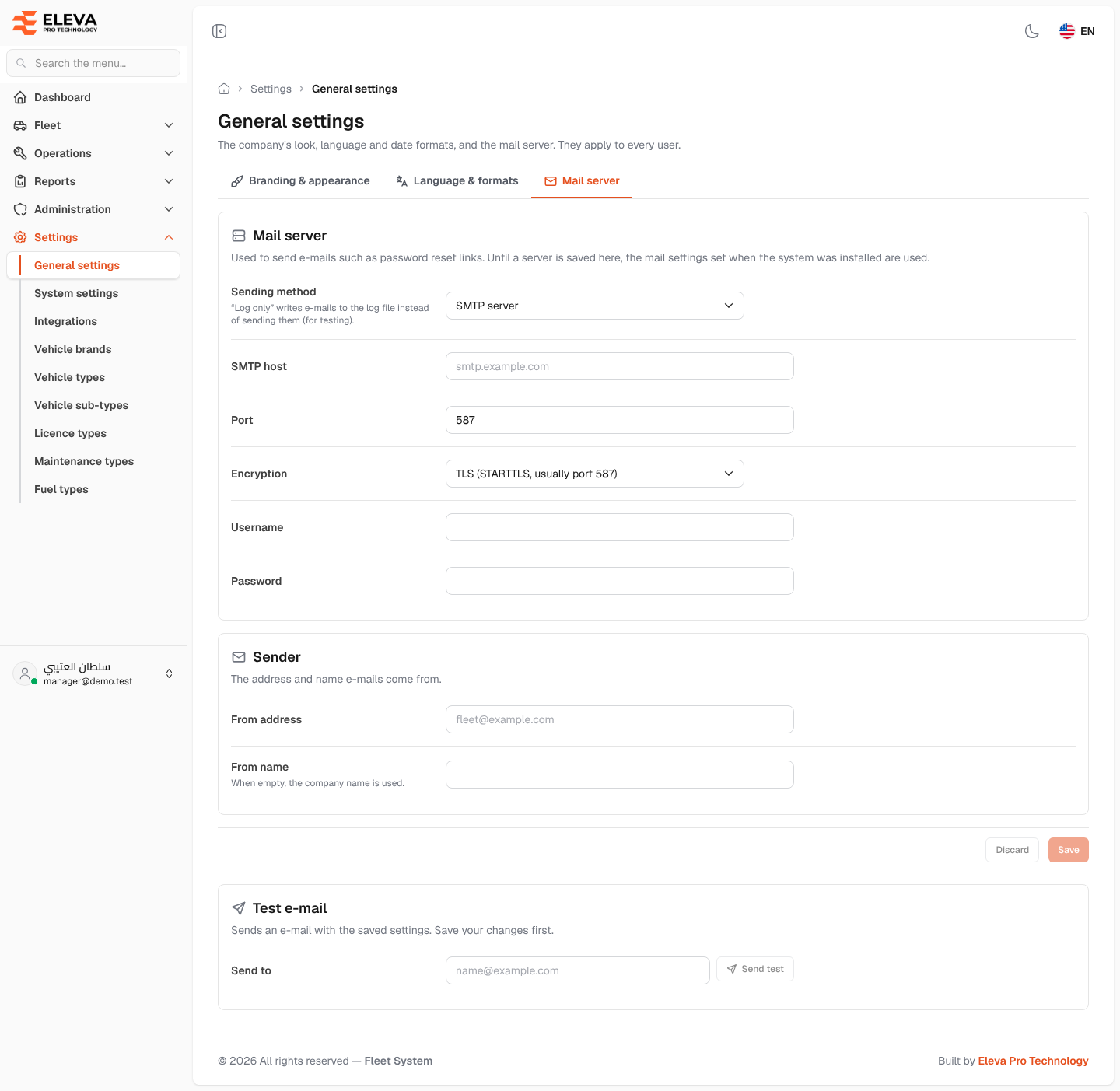
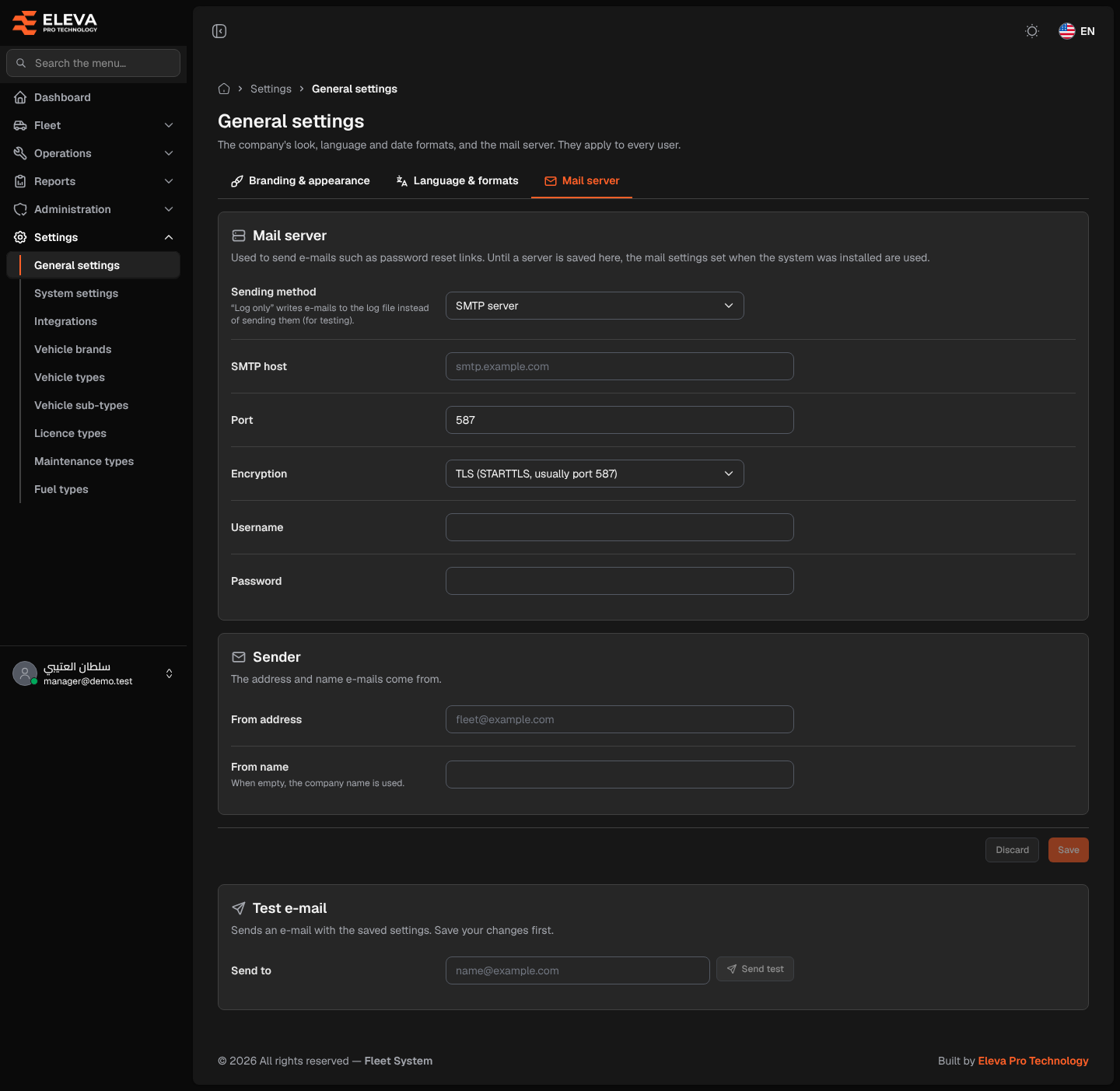
The Mail server tab of General settings sets the outgoing mail server the system uses to send e-mails such as password reset links, and the sender those e-mails come from. You can send a test e-mail to check the settings.
Until a server is saved here, the mail settings set when the system was installed are used. Only a super-admin can open this screen.
How to open this tab
Section titled “How to open this tab”- From the side menu, open Settings, then click General settings.
- Click the Mail server tab.
What’s on this screen
Section titled “What’s on this screen”- Mail server: Sending method, then, for SMTP server, SMTP host, Port, Encryption, Username and Password.
- Sender: “The address and name e-mails come from.”, with From address and From name.
- Test e-mail: “Sends an e-mail with the saved settings. Save your changes first.”, with the Send to field and the Send test button.
- The save bar at the bottom (it stays visible while scrolling): one Save button for the whole tab, active only after you change something, with “You have unsaved changes.” and a Discard button that puts back the saved values.
How to set up the mail server
Section titled “How to set up the mail server”- In Sending method, choose SMTP server.
- Fill in SMTP host, Port and Encryption as given by your e-mail provider, and the Username and Password of the mailbox.
- In Sender, fill in From address and, if you like, From name.
- Click Save. The message “Settings saved.” appears.
How to send a test e-mail
Section titled “How to send a test e-mail”- Save your changes first: the test uses the saved settings.
- In Send to, type an e-mail address.
- Click Send test. The message “A test e-mail was sent to …” appears, or “The test e-mail could not be sent: …” followed by the server’s error.
Fields
Section titled “Fields”- Sending method (required): SMTP server, or Log only (do not send), which writes e-mails to the log file instead of sending them (for testing). With Log only the server fields are hidden.
- SMTP host (required for SMTP): the server’s address, for example smtp.example.com.
- Port (required for SMTP): a number from 1 to 65535, usually 587 for TLS or 465 for SSL.
- Encryption (required): TLS (STARTTLS, usually port 587), SSL (usually port 465) or None.
- Username and Password: the mailbox account, if the server asks for one.
- From address (required for SMTP): a valid e-mail address.
- From name: up to 100 characters. When empty, the company name from the Branding & appearance tab is used.
- Send to: a valid e-mail address.