

Integrations
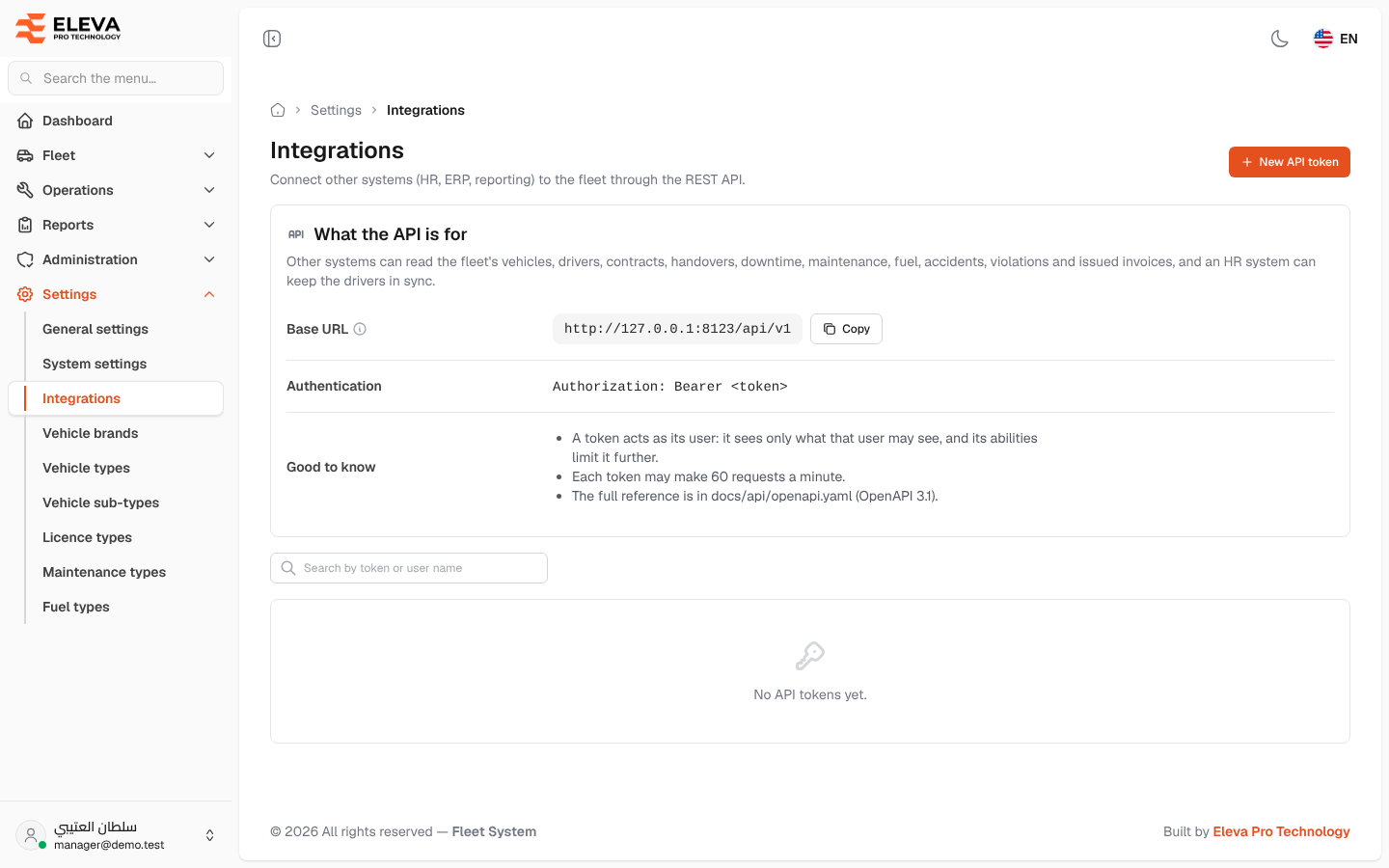
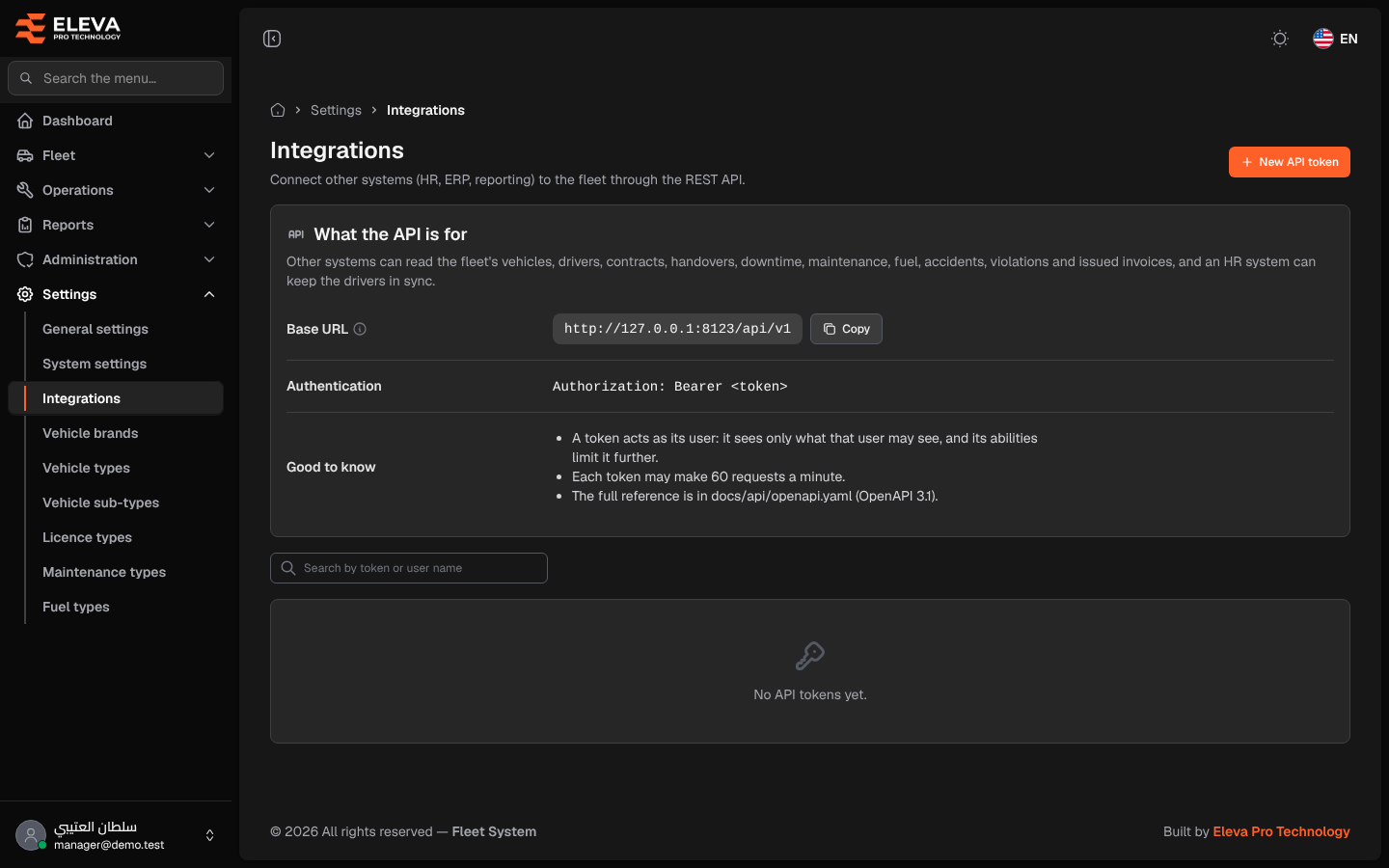
Integrations connects other systems, such as an HR, planning (ERP) or reporting system, to the fleet through the REST API. Each system gets its own API token. With it, the system can read the fleet’s vehicles, drivers, contracts, handovers, downtime, maintenance, fuel, accidents, violations and issued invoices, and an HR system can keep the drivers in sync.
Only a super-admin can open this screen. It is not a permission in the role editor.
How to open integrations
Section titled “How to open integrations”- From the side menu, open Settings.
- Click Integrations.
What’s on this screen
Section titled “What’s on this screen”- The New API token button at the top.
- What the API is for, with:
- Base URL: the address every API request starts with, with a Copy button.
- Authentication: how a system sends its token,
Authorization: Bearer <token>. - Good to know: a token acts as its user and sees only what that user may see; each token may make 60 requests a minute; where the full reference is.
- The search box Search by token or user name.
- The list of tokens, or “No API tokens yet.” when there are none. Each row shows Token name, User (name and e-mail), Abilities, Status (Active or Expired), Last used (or Never), Expires (or No expiry), Created, and a bin icon to revoke the token.
How to find a token
Section titled “How to find a token”- Type part of the token name, or of its user’s name or e-mail, in the search box.
- The list shows only the matching tokens, newest first.
How to revoke a token
Section titled “How to revoke a token”- Click the bin icon at the end of the token’s row.
- In Revoke API token, check the token and user named in the message, then click Revoke. The message “API token revoked.” appears.
How to create a token
Section titled “How to create a token”Click New API token. See Creating an API token.