

Vehicle maintenance
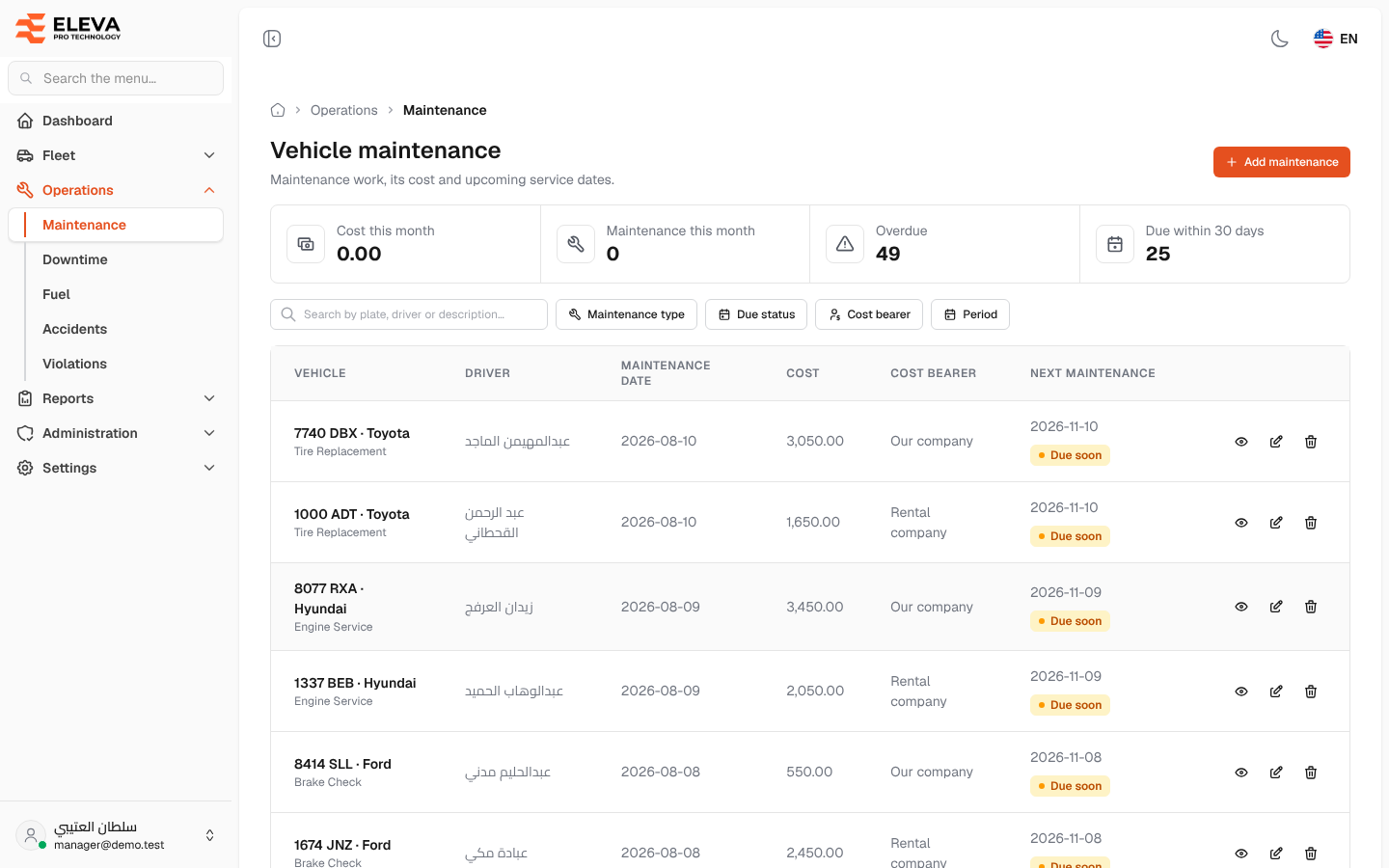
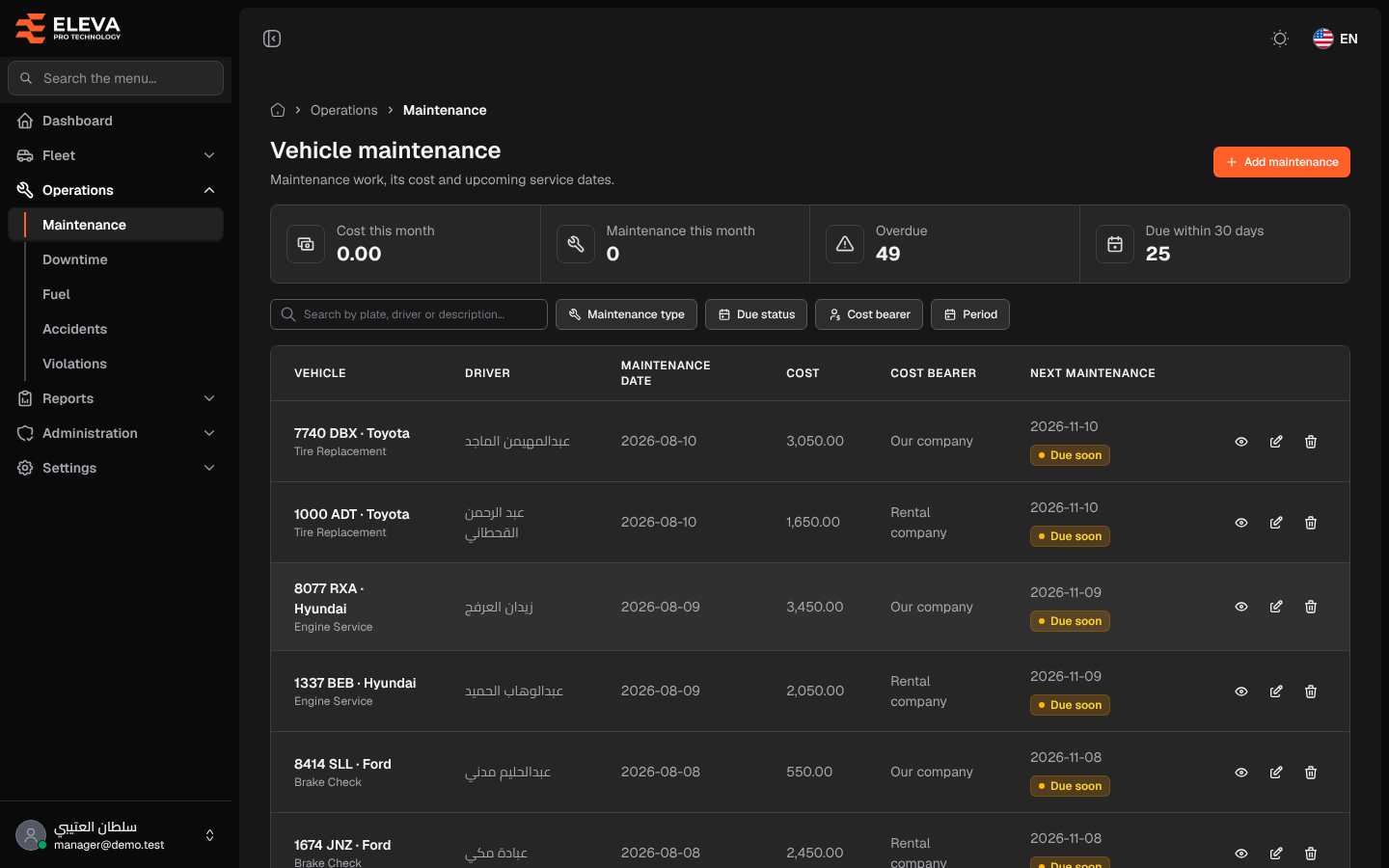
The Vehicle maintenance screen lists the maintenance work done on your vehicles, what it cost, who bore the cost, and when the next service is due.
Use it to track spending, spot overdue services, and add, edit or delete maintenance records.
What’s on this screen
Section titled “What’s on this screen”- Summary cards: Cost this month, Maintenance this month, Overdue and Due within 30 days.
- Search box Search by plate, driver or description….
- Maintenance type filter.
- Due status filter — Overdue, Due soon, Scheduled or Done since.
- Cost bearer filter — Rental company, Our company or Driver.
- Period filter on the maintenance date — This month, Last month, Last 90 days or This year.
- Add maintenance button.
- Table columns: Vehicle (plate, brand and maintenance type), Driver, Maintenance date, Cost, Cost bearer and Next maintenance with its due status.
- Row icons: view, edit and delete.
Due status
Section titled “Due status”The tag under Next maintenance shows where the next service stands:
- Overdue — the next maintenance date has passed.
- Due soon — the date is today or within the next 30 days.
- Scheduled — the date is more than 30 days away.
- Done since — a later maintenance of the same type was recorded for the same vehicle, so this date no longer counts.
Records without a next maintenance date show no tag.
How to open the maintenance list
Section titled “How to open the maintenance list”- From the side menu, open Operations.
- Click Maintenance.
How to work with a maintenance record
Section titled “How to work with a maintenance record”- Click a row, or the eye icon, to open its details and attached file.
- Click the pencil icon to edit it.
- Click the trash icon, then confirm in the Delete maintenance record dialog. The record and its file are deleted.