

Add contract
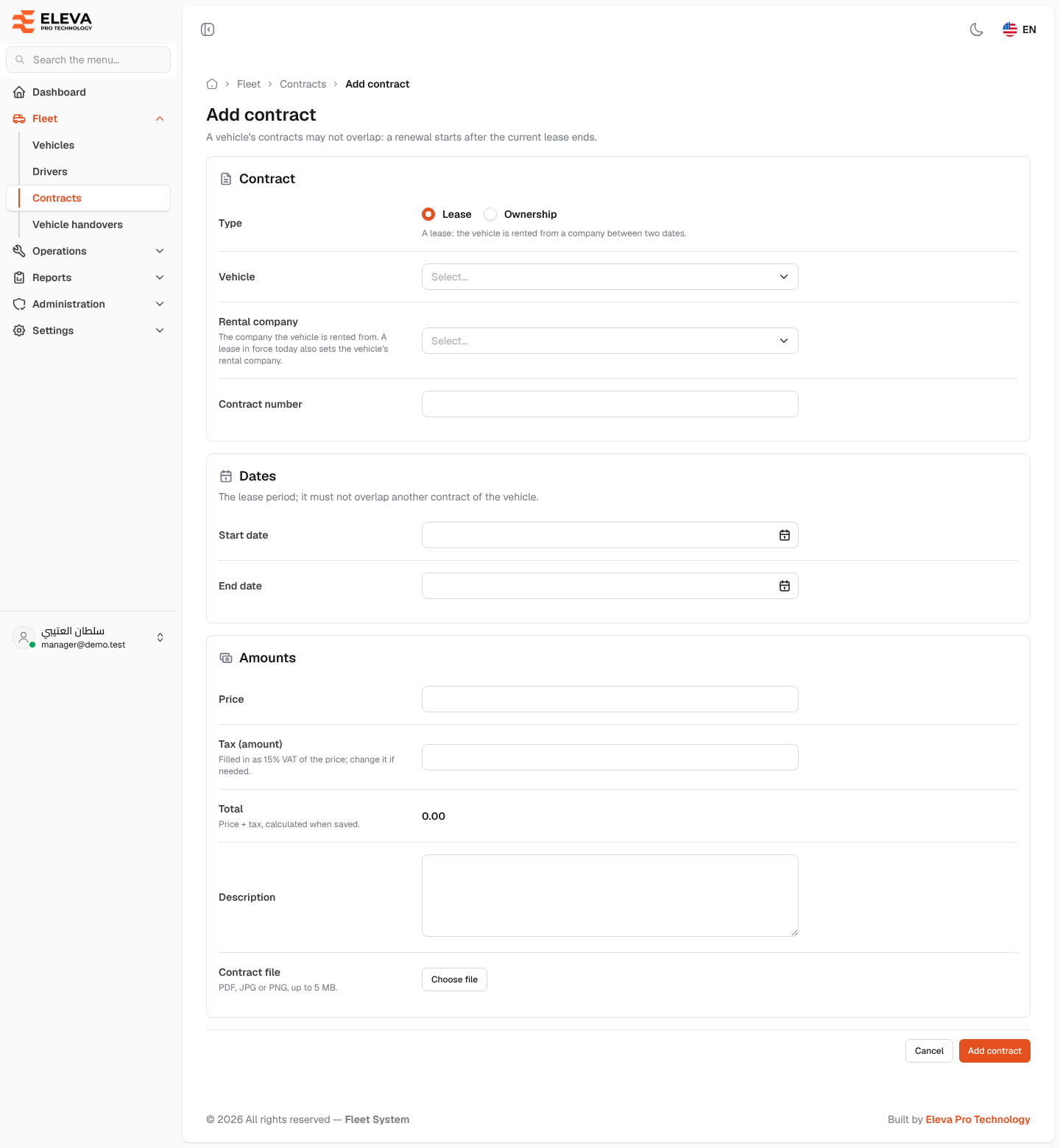
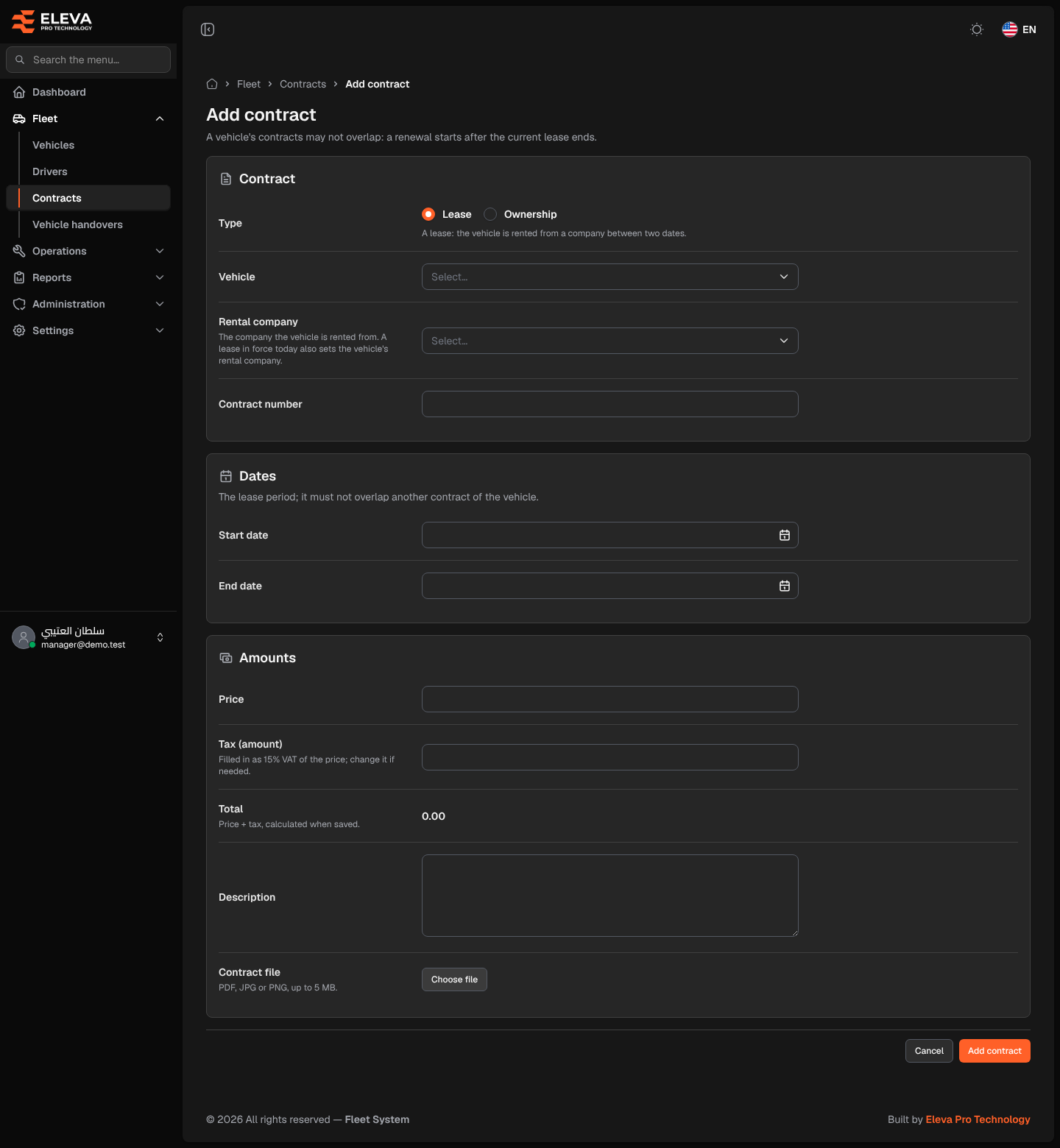
Add a contract to an existing vehicle, for example a lease renewal after the current lease ends, or an ownership contract when a leased vehicle is bought. A vehicle’s first contract is usually entered with the vehicle itself on the Add vehicle form.
What’s on this screen
Section titled “What’s on this screen”- Contract section — Type, Vehicle, Rental company (lease only) and Contract number.
- Dates section — Start date and End date for a lease, or Contract date for ownership.
- Amounts section — Price, Tax (amount), Total, Description and Contract file.
- Cancel and Add contract buttons at the bottom.
How to add a contract
Section titled “How to add a contract”- In the side menu, open Fleet, click Contracts, then click Add contract. You can also click Add contract on the Contracts tab of a vehicle’s page; the vehicle is then already selected.
- Choose the Type: Lease or Ownership. The fields change with the type.
- Choose the Vehicle, then the Rental company for a lease, and enter the Contract number.
- Enter the dates.
- Enter the Price; Tax (amount) is filled in and the Total is shown.
- Attach the Contract file if you have it, then click Add contract, or Cancel to discard.
Fields
Section titled “Fields”- Type (required) — Lease: the vehicle is rented from a company between two dates. Ownership: the vehicle was bought on the contract date; no company and no end date.
- Vehicle (required) — only vehicles you are allowed to see are listed.
- Rental company (required for a lease) — the company the vehicle is rented from. A lease in force today also sets the vehicle’s rental company.
- Contract number (required) — must be unique among contracts.
- Start date and End date (required for a lease) — the end date must be after the start date.
- Contract date (required for ownership) — the day ownership began.
- Price (required) — the contract amount.
- Tax (amount) — filled in as 15% VAT of the price; change it if needed. It is an amount, not a percentage.
- Total — price + tax, calculated when saved.
- Description — up to 255 characters.
- Contract file — PDF, JPG or PNG, up to 5 MB.