

Sign in
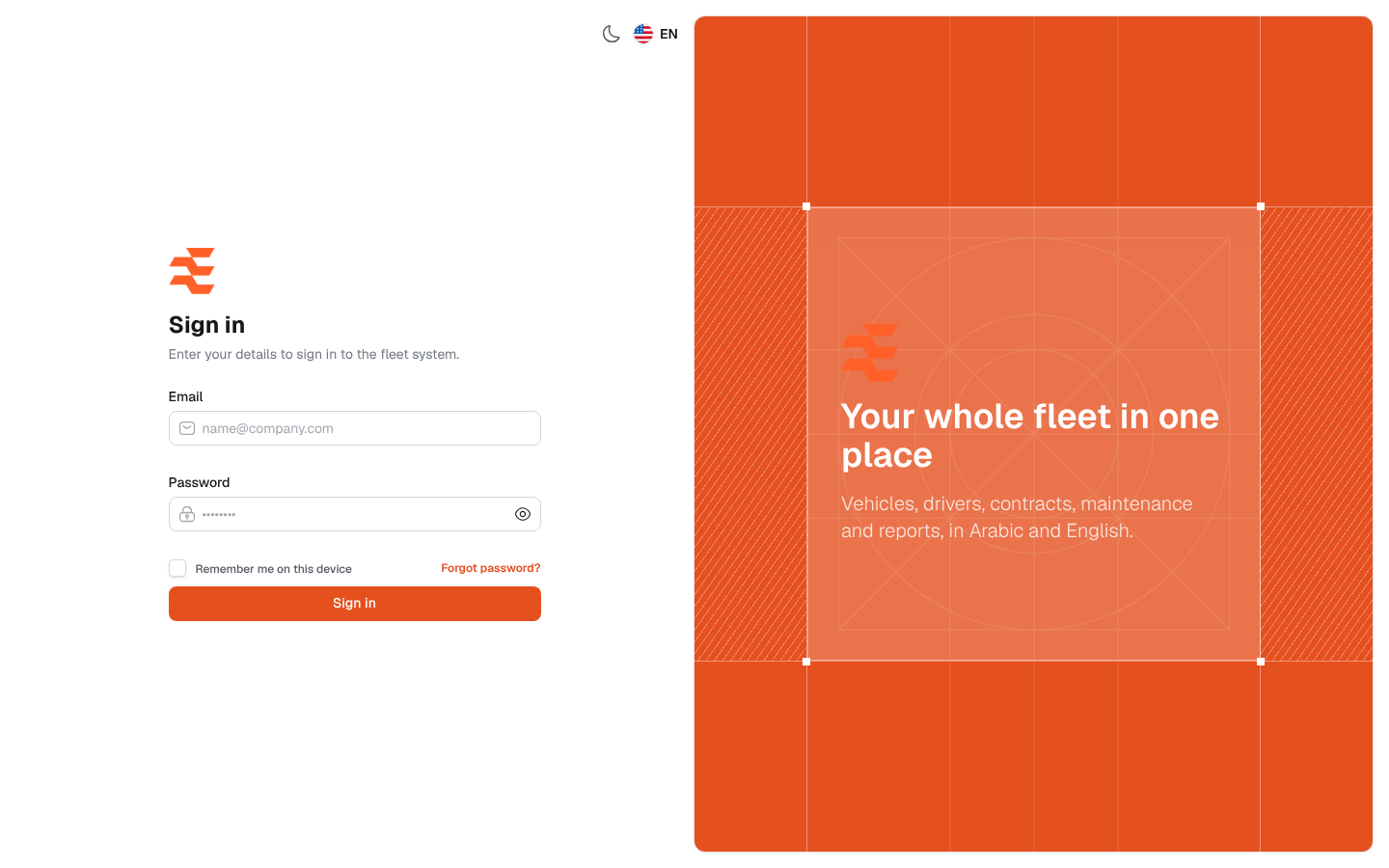
The sign-in screen is the way into the Fleet Management System. You use it every time you start work, or after you sign out or your session ends. Once you are signed in, you land on the Dashboard.
What’s on this screen
Section titled “What’s on this screen”- Email: the e-mail address of your account, such as [email protected].
- Password: your password, with an eye icon that shows or hides what you typed.
- Remember me on this device: keeps you signed in on this device after you close the browser.
- Forgot password?: opens the password reset screen.
- Sign in: sends your details. It reads Checking… while the system checks them.
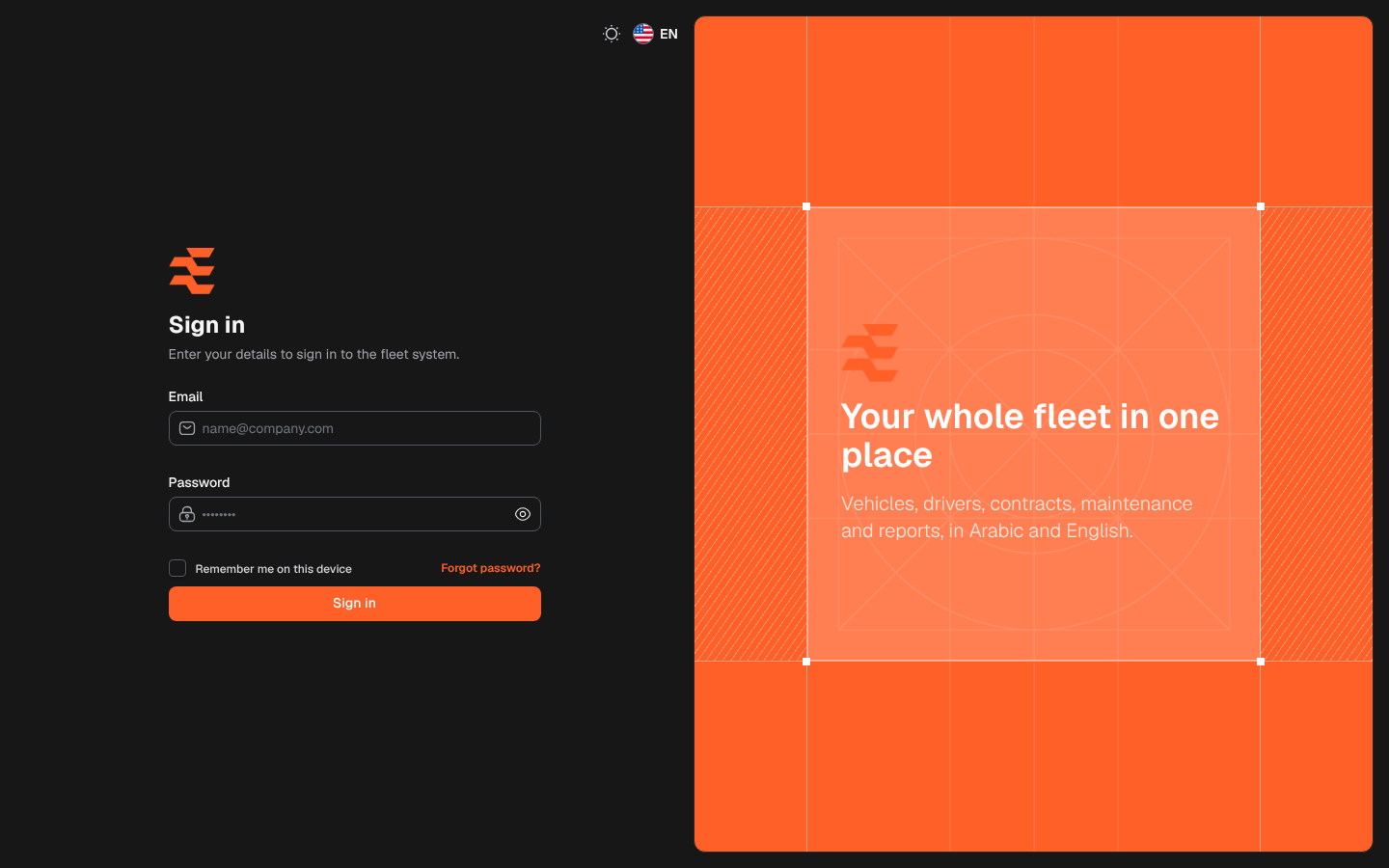
- At the top: the language switch (Arabic or English) and the dark mode switch.
How to sign in
Section titled “How to sign in”- In Email, type your e-mail address.
- In Password, type your password. Click the eye icon to check what you typed.
- On your own device only, tick Remember me on this device.
- Click Sign in.
If you cannot sign in
Section titled “If you cannot sign in”- If you see “These credentials do not match our records.”, check the e-mail address, the keyboard language and Caps Lock. The password field is cleared after each failed attempt.
- If you forgot your password, click Forgot password?.
- There is no self sign-up. An administrator creates accounts on the Users screen.