

Hand over a vehicle
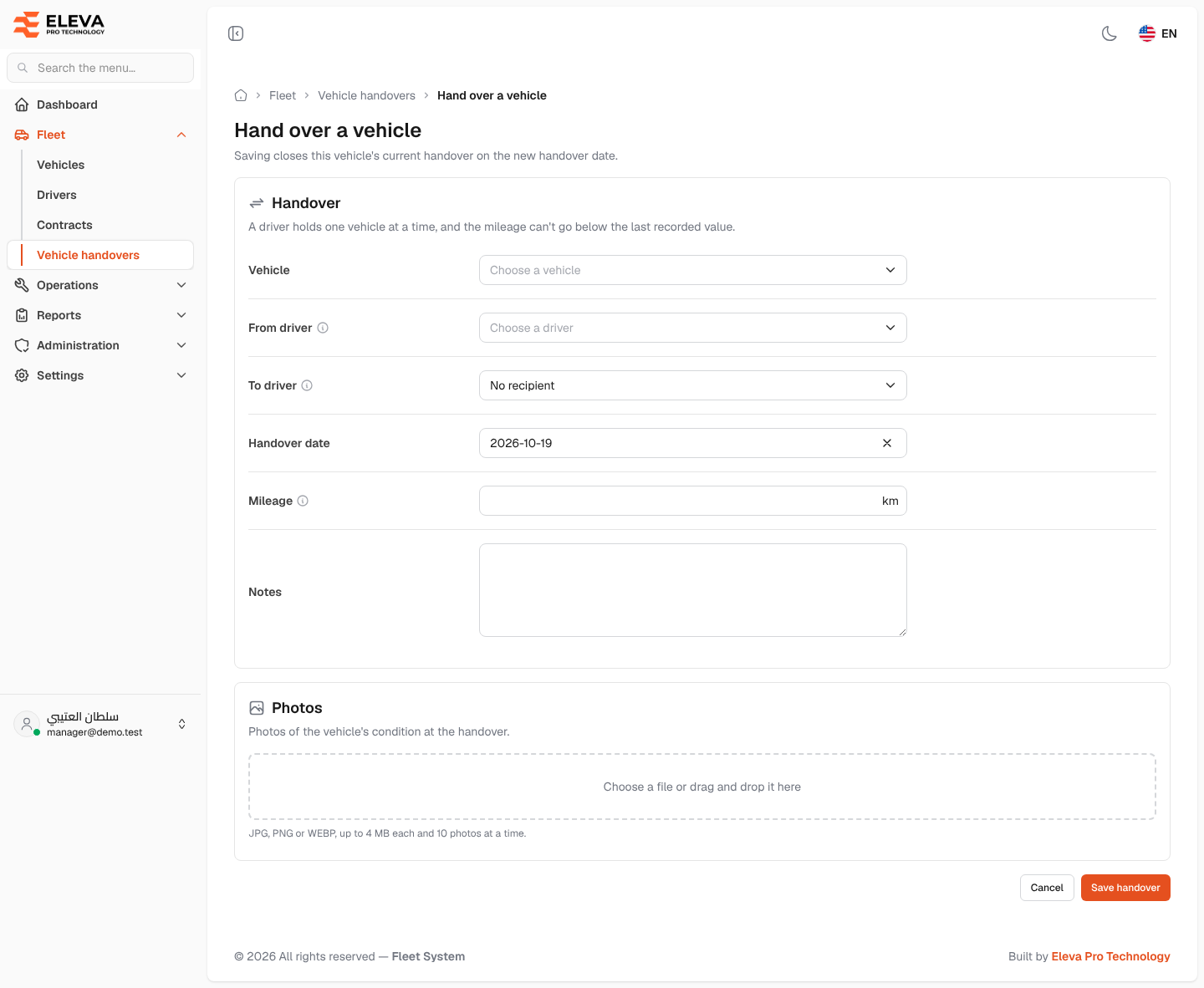
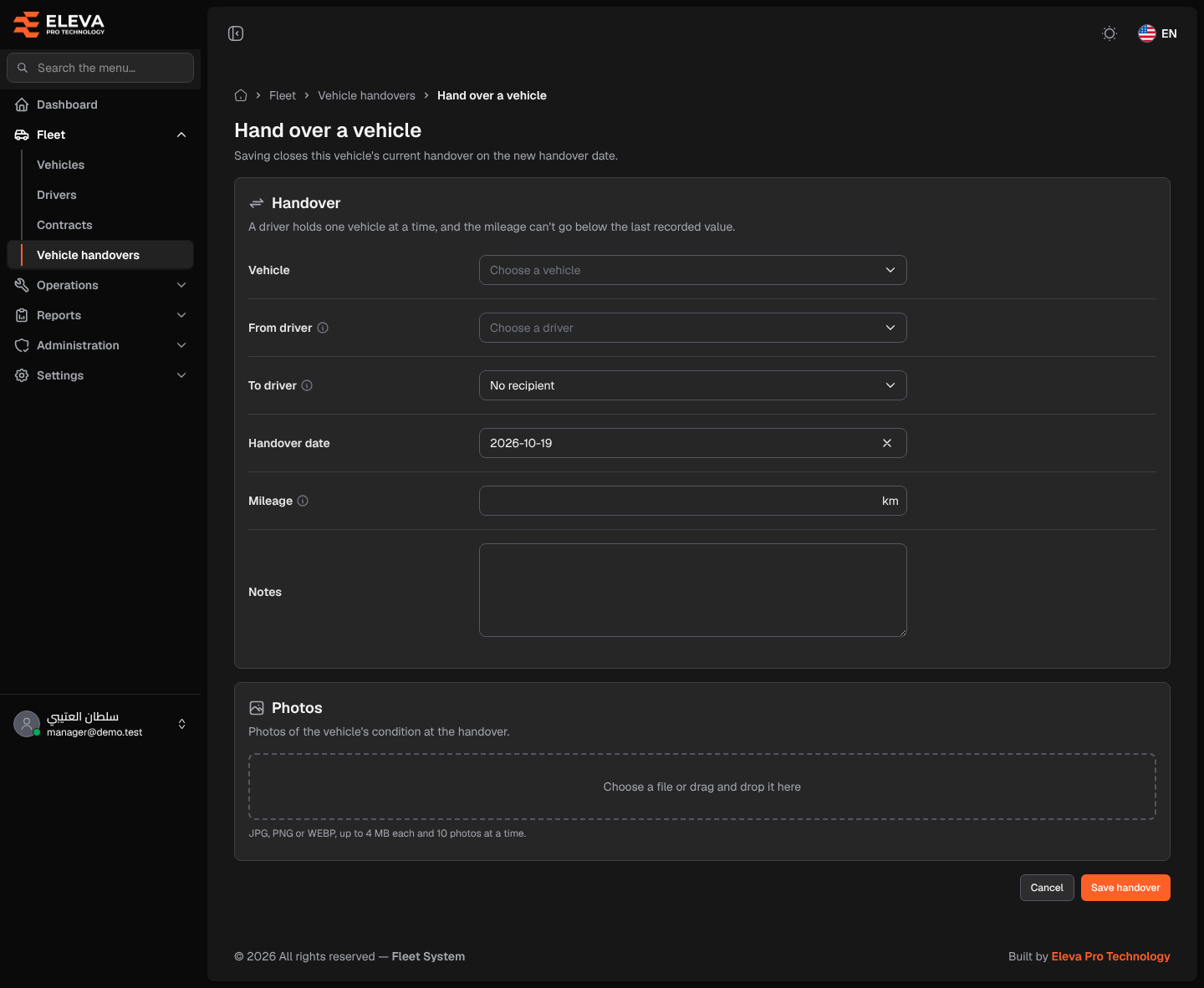
Record a handover whenever a vehicle passes from one driver to another, or when a vehicle is assigned to a driver for the first time. Saving closes this vehicle’s current handover on the new handover date, and the receiving driver becomes the vehicle’s current driver.
What’s on this screen
Section titled “What’s on this screen”- Handover section — Vehicle, From driver, To driver, Handover date, Mileage and Notes.
- Photos section — an area to upload photos of the vehicle’s condition at the handover.
- Cancel and Save handover buttons at the bottom.
How to hand over a vehicle
Section titled “How to hand over a vehicle”- In the side menu, open Fleet and click Vehicle handovers.
- Click Hand over a vehicle.
- Choose the Vehicle. Its current driver (or “This vehicle has no current driver”) and last mileage appear below it, and the current driver is suggested in From driver.
- Check From driver, and choose the recipient in To driver.
- Enter the Handover date and Mileage, and add Notes if needed.
- Add photos of the vehicle’s condition, then click Save handover, or Cancel to discard.
Fields
Section titled “Fields”- Vehicle (required) — only vehicles you are allowed to see are listed.
- From driver (required) — the driver handing the vehicle over.
- To driver — the driver receiving the vehicle; it can’t be the same as From driver. Leave it on No recipient when first assigning the vehicle to the driver above.
- Handover date (required) — today by default.
- Mileage (required) — the odometer reading in km on the handover day.
- Notes — up to 2000 characters.
- Photos — JPG, PNG or WEBP, up to 4 MB each and 10 photos at a time. Photos are private: only users with the View or Edit handovers permission can open them, so a copied link does not work for anyone else.
Handover rules
Section titled “Handover rules”The system refuses to save, and shows the reason on the field concerned, when a handover breaks any of these rules:
- Only the driver who currently holds the vehicle can hand it over: From driver must be the holder from the vehicle’s previous handover. For a vehicle’s first assignment any driver can be chosen.
- The receiving driver must be active, not Inactive.
- A driver holds one vehicle at a time: the handover is refused if the recipient holds another vehicle during the same period. Receiving on the same day they hand their other vehicle on is allowed.
- The Handover date can’t be before this vehicle’s previous handover.
- The Mileage can’t be lower than this vehicle’s last recorded mileage.