

Drivers
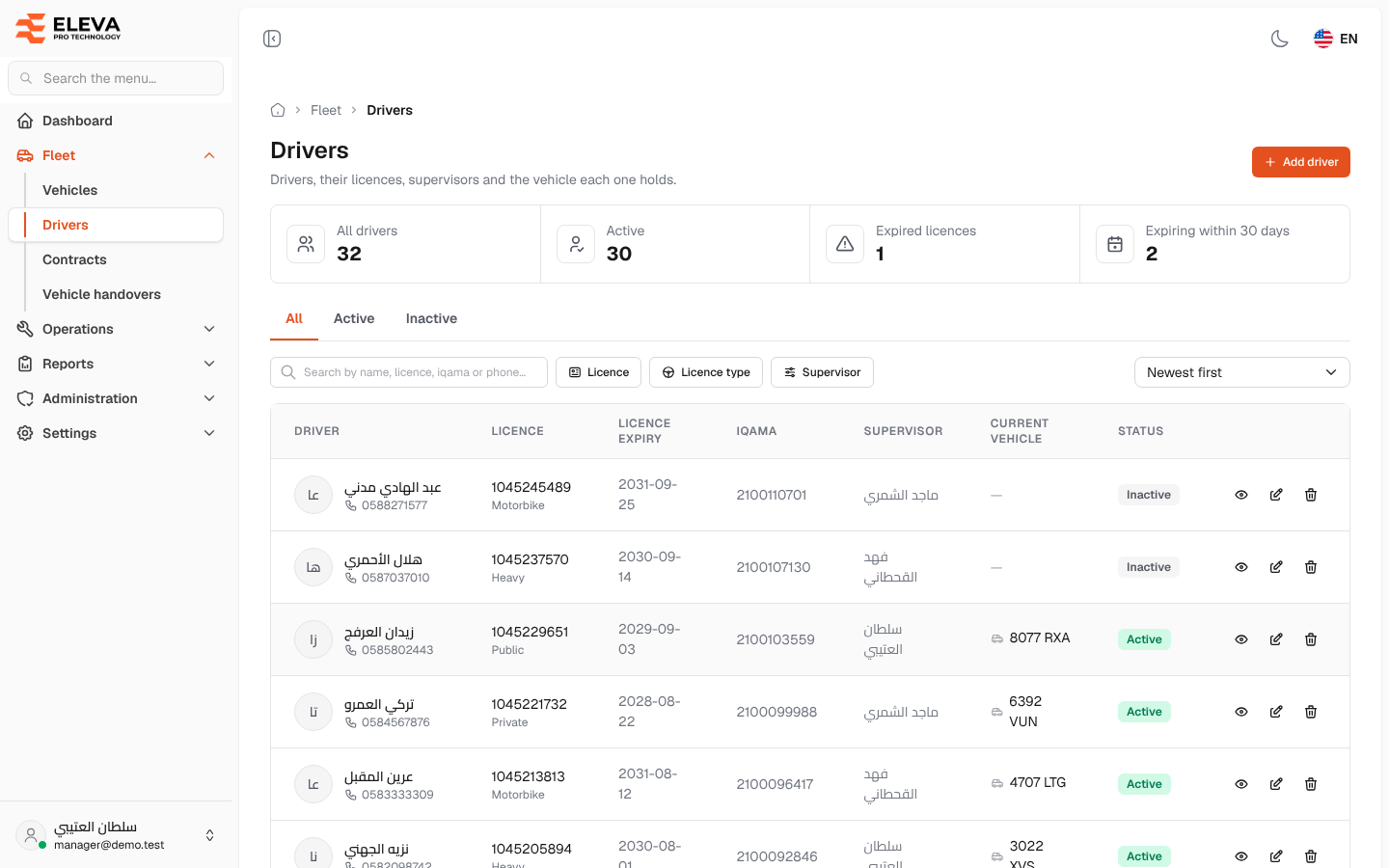
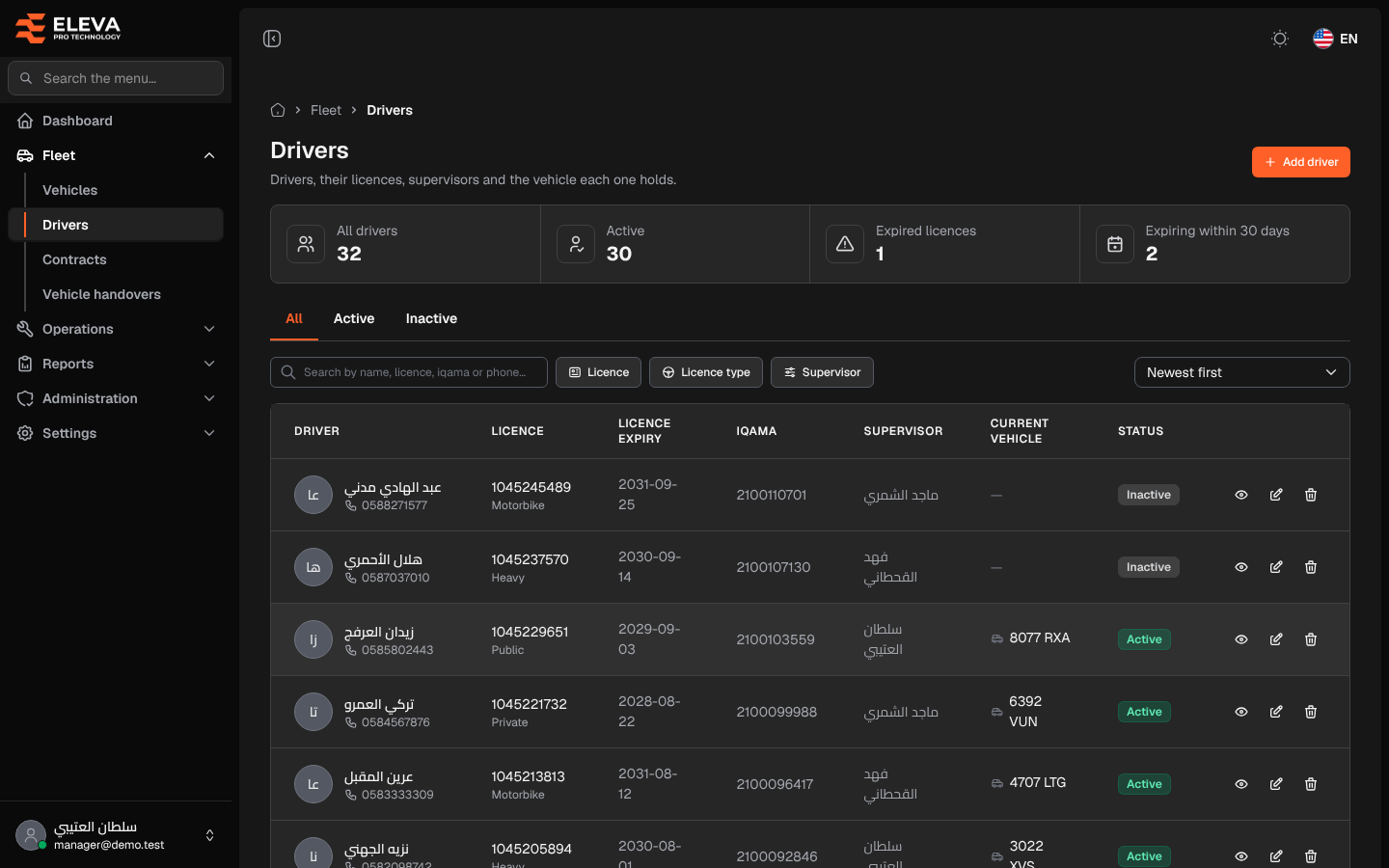
The Drivers screen lists the fleet’s drivers, their licences, their supervisors and the vehicle each one holds right now.
Use this screen to find a driver, keep track of expired or expiring licences, and add, edit or delete drivers.
What’s on this screen
Section titled “What’s on this screen”- Stat cards: All drivers, Active, Expired licences and Expiring within 30 days.
- All, Active and Inactive tabs — filter the table by driver status.
- Search box — searches by name, licence, iqama or phone.
- Filters: Licence (Expired, Expiring soon, Valid), Licence type and Supervisor.
- Sort list: Newest first, Name or Licence expiry (soonest).
- Add driver button — opens the form for a new driver.
- Table columns: Driver (photo, name and mobile number), Licence (number and type), Licence expiry, Iqama, Supervisor, Current vehicle (the plate of the vehicle they hold) and Status (Active or Inactive).
- Action icons on each row: view, edit and delete.
How to open the drivers list
Section titled “How to open the drivers list”- In the side menu, open Fleet.
- Click Drivers.
How to find a driver
Section titled “How to find a driver”- Type a name, licence number, iqama number or mobile number in the search box.
- Choose the Active or Inactive tab to see one group only.
- To see drivers whose licence needs renewing, choose Expired or Expiring soon in the Licence filter and sort by Licence expiry (soonest).
How to work with a driver
Section titled “How to work with a driver”- Click the row or the eye icon to open the driver’s page.
- Click the pencil icon to edit the driver.
- Click the bin icon to delete the driver, then confirm.