

Vehicles report
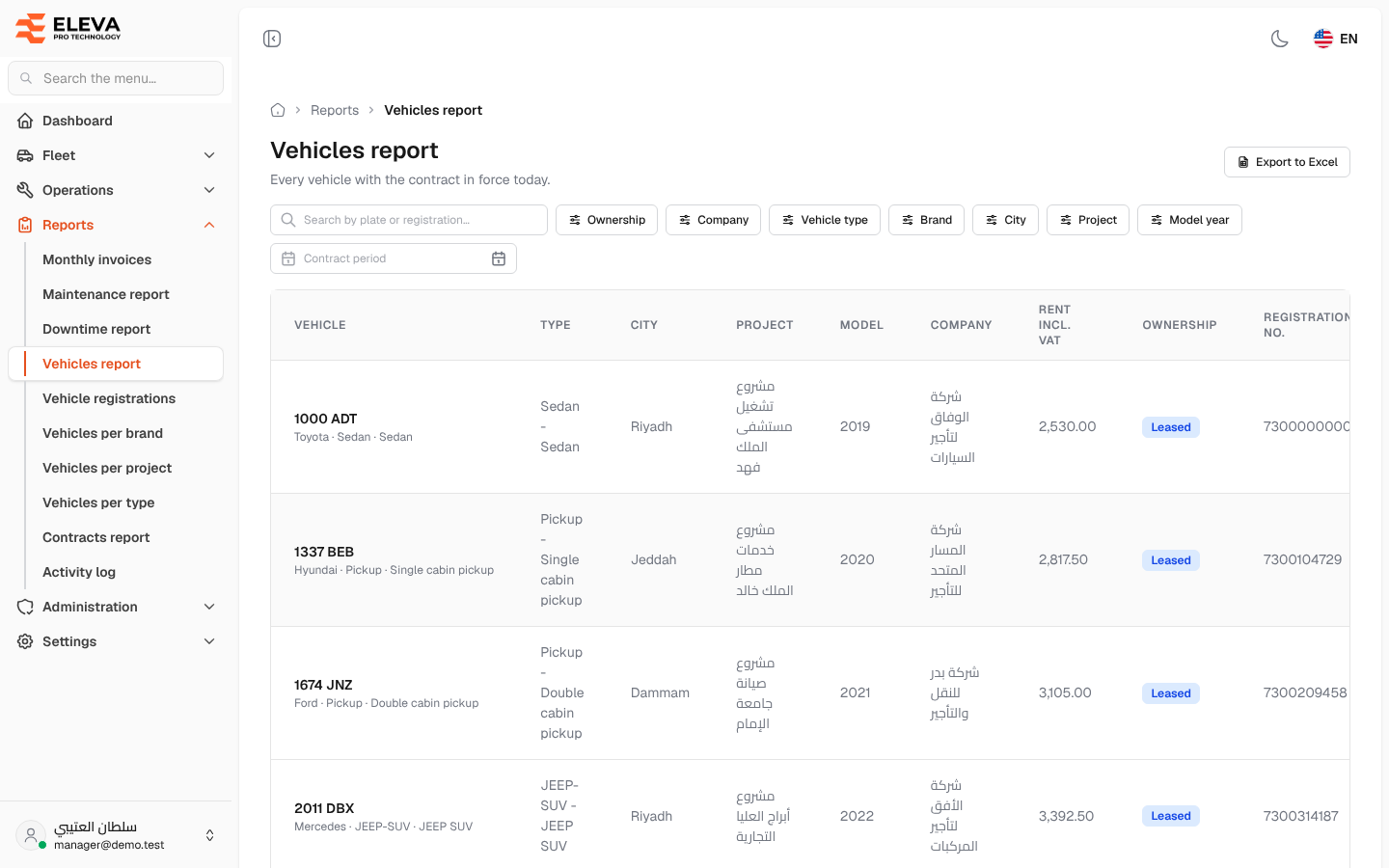
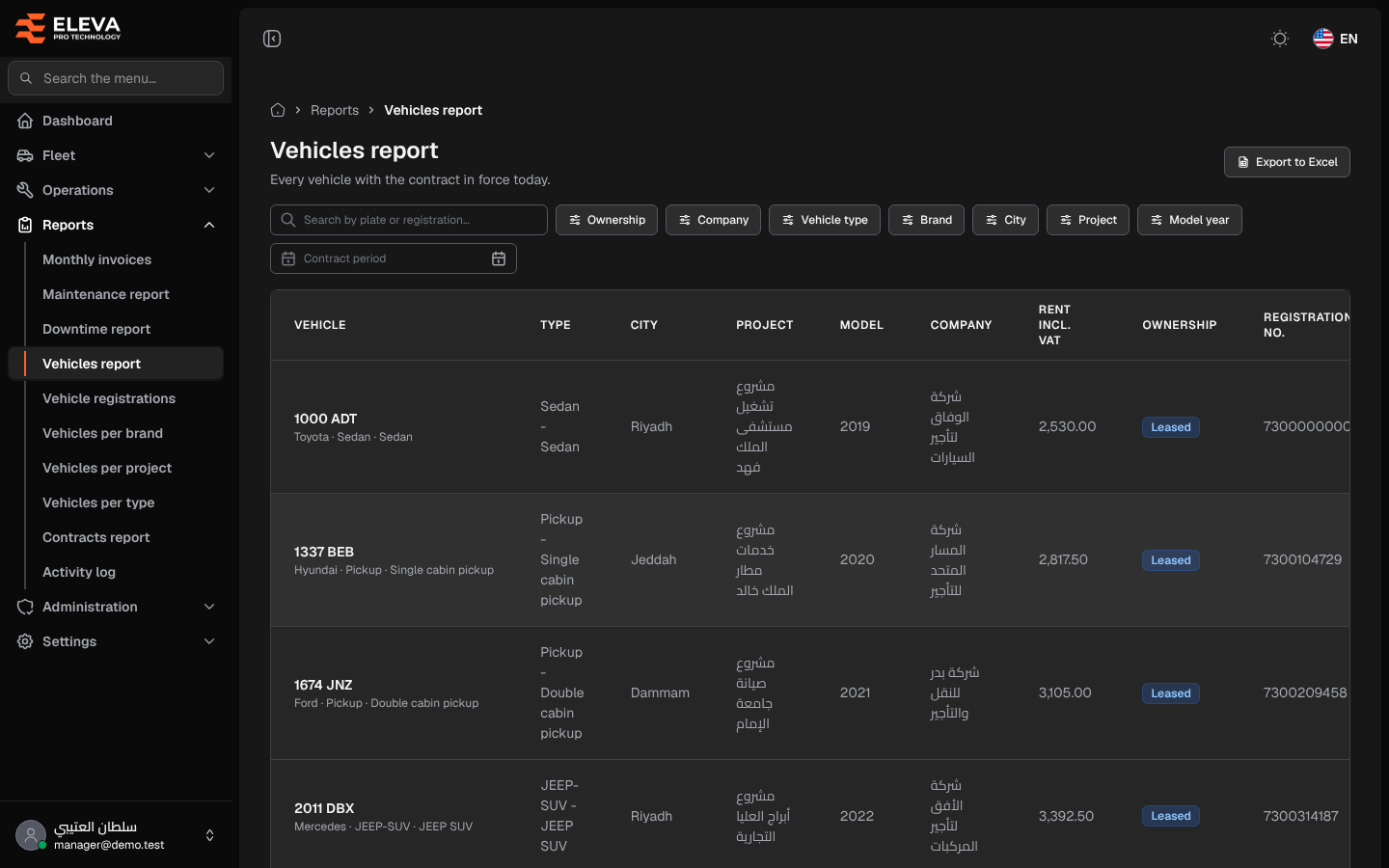
The Vehicles report lists the fleet’s vehicles with the contract in force today: who leases it, its rent and its registration. Use it to answer questions such as “which leased vehicles are in Riyadh” or “which registrations expire soon”.
What’s on this screen
Section titled “What’s on this screen”- Export to Excel button.
- Search box Search by plate or registration….
- Filters: Ownership (Owned, Leased or Replacement), Company, Vehicle type, Brand, City, Project, Model year and Contract period.
- Table columns: Vehicle, Type, City, Project, Model, Company, Rent incl. VAT, Ownership, Registration no. and Registration expiry.
- An expired registration date is shown in red.
How to use the report
Section titled “How to use the report”- From the side menu, open Reports and click Vehicles report.
- Combine the filters you need. Several values can be ticked in each filter except Ownership.
- Contract period keeps vehicles with a contract starting on or after the first date and ending on or before the second.
- Click Export to Excel to download every filtered vehicle as a CSV file.