

Companies
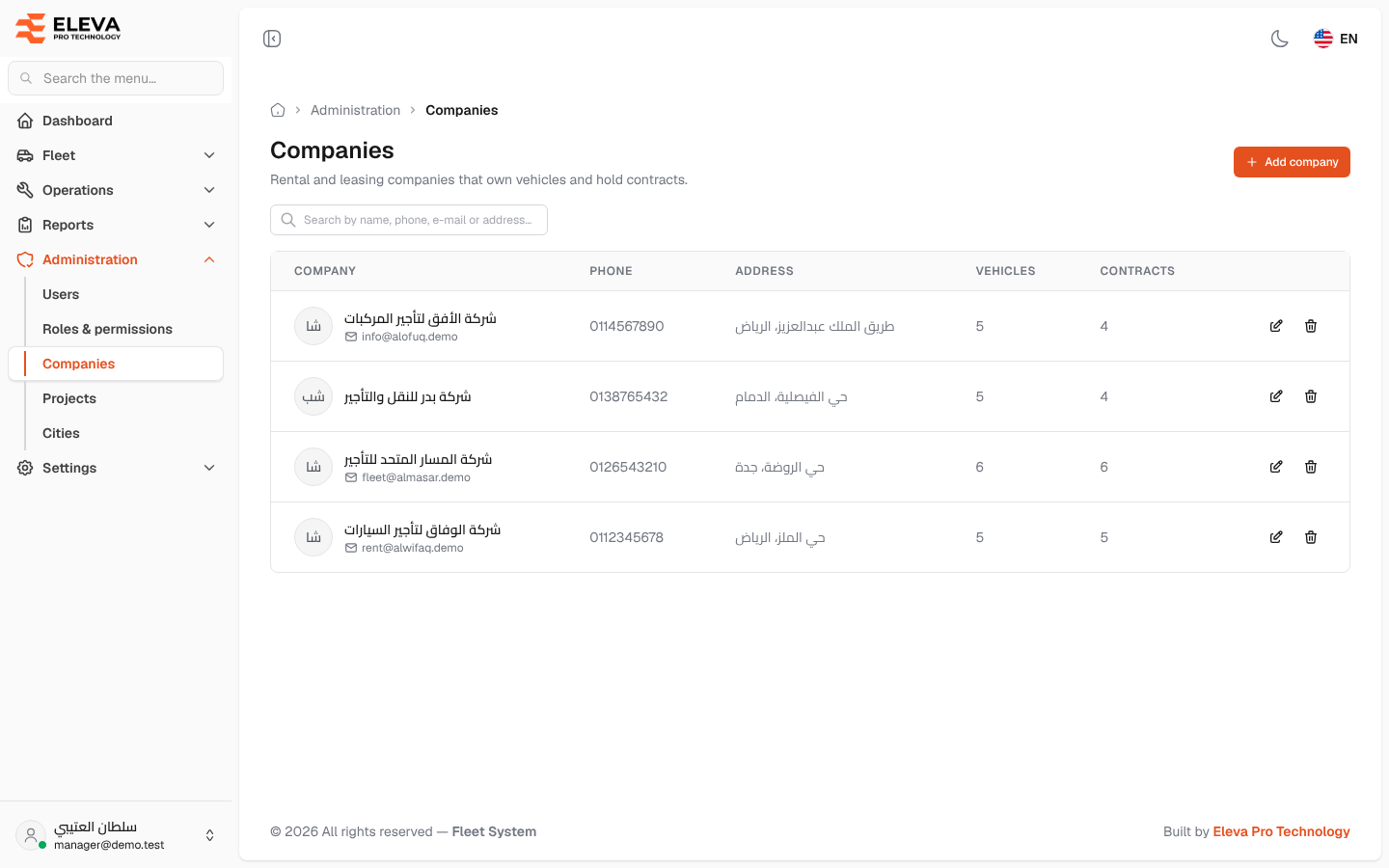
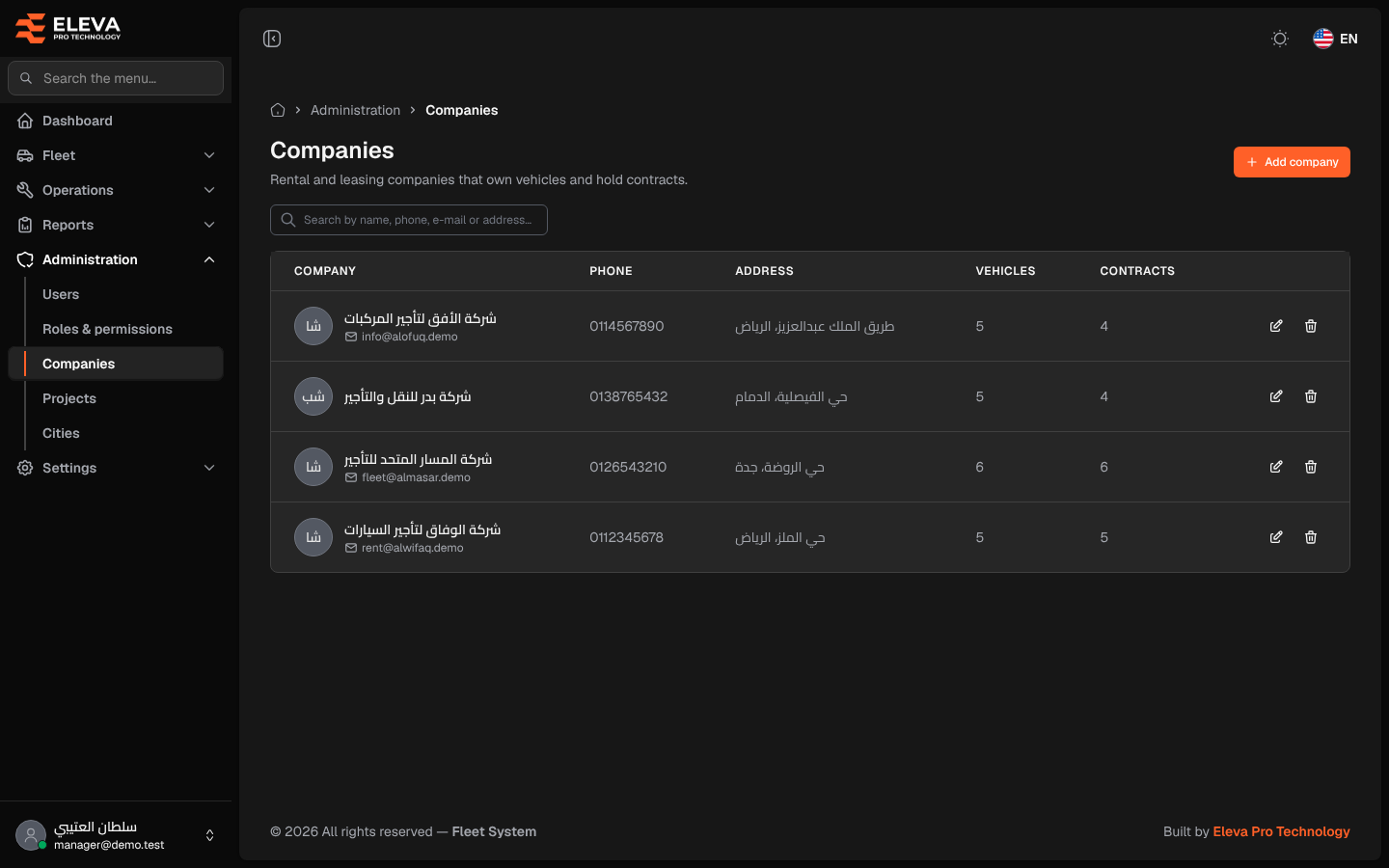
Companies are the rental and leasing companies that own vehicles and hold contracts with you. Add a company before you add its vehicles or contracts, because the vehicle and contract forms ask you to choose one.
How to open companies
Section titled “How to open companies”- From the side menu, open Administration.
- Click Companies.
What’s on this screen
Section titled “What’s on this screen”- Add company: opens the form to add a company.
- Search by name, phone, e-mail or address…: finds companies by any of these.
- Table columns:
- Company: the name, with the e-mail below it when there is one.
- Phone and Address.
- Vehicles: how many vehicles belong to the company.
- Contracts: how many contracts are recorded with it.
- The pencil (edit) and bin (delete) icons.
How to add a company
Section titled “How to add a company”- Click Add company.
- Fill in the fields described below.
- Click Save company, or Cancel to close without saving.
How to edit a company
Section titled “How to edit a company”- Click the pencil icon of the company.
- Change the details and click Save company.
How to delete a company
Section titled “How to delete a company”- Click the bin icon of the company.
- Check the name in Delete company and click Delete.
Fields
Section titled “Fields”- Company name (required): up to 255 characters.
- Phone number: up to 20 characters.
- E-mail: a valid address, not used by another company.
- Address: up to 255 characters.