

Accidents
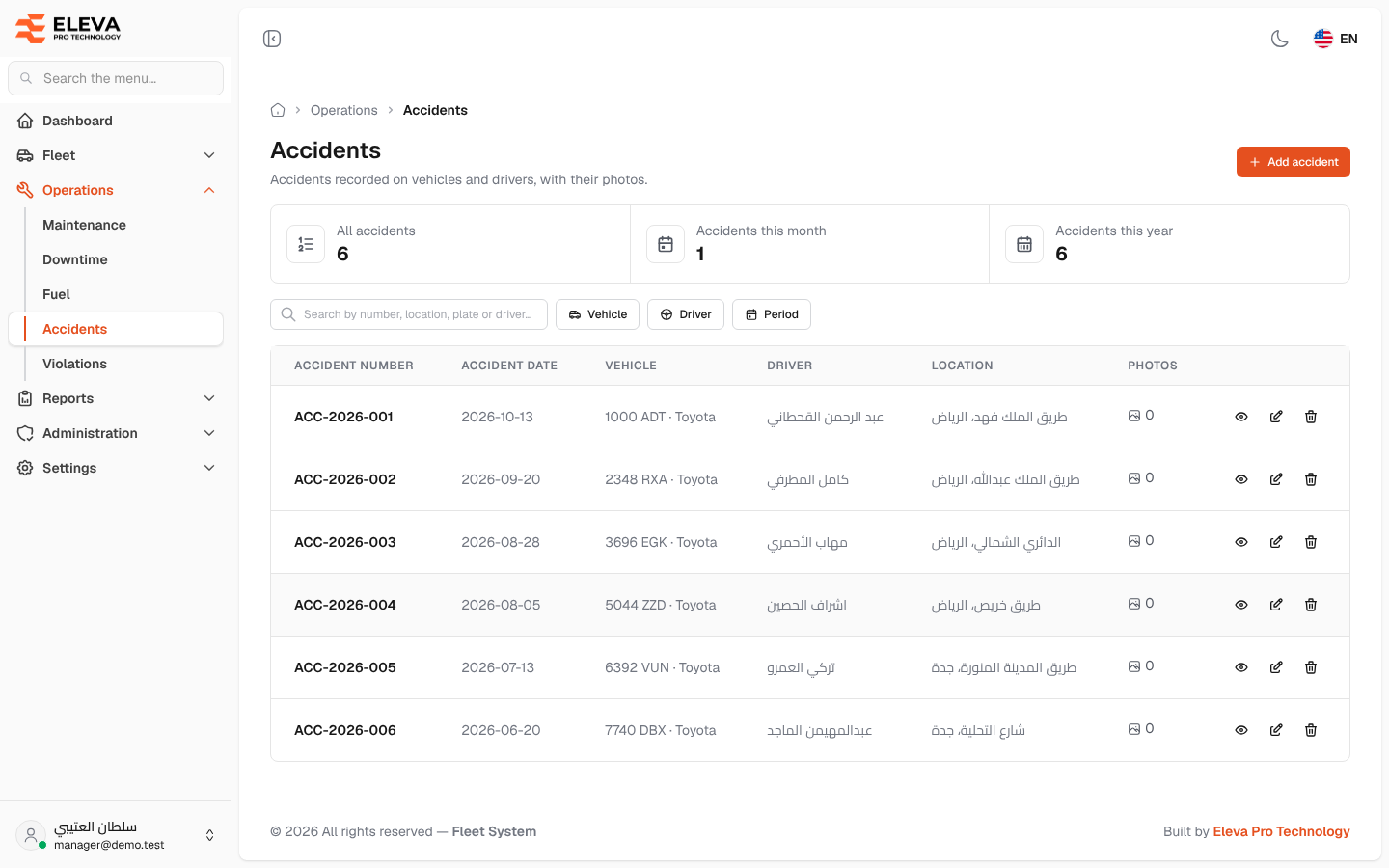
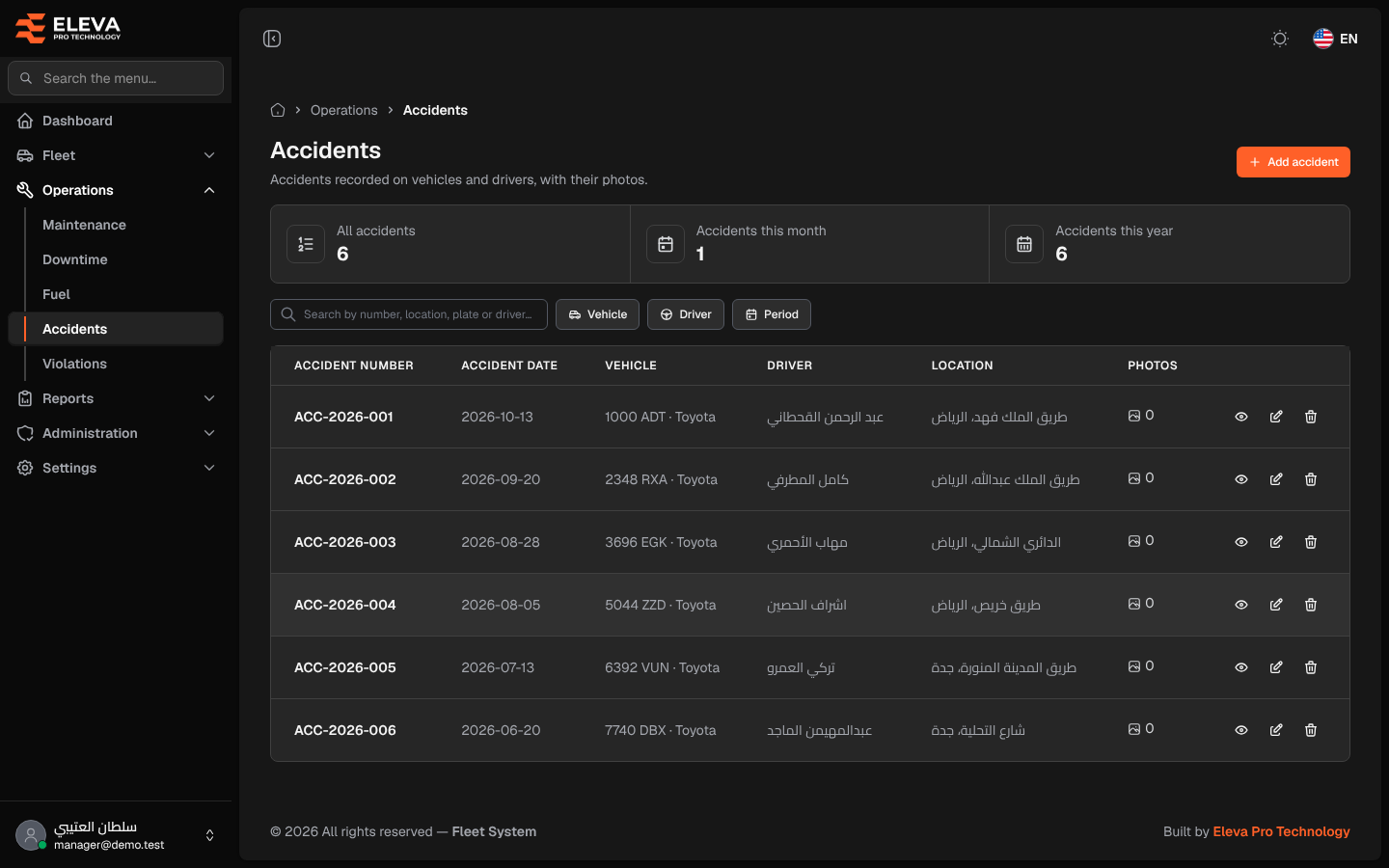
The Accidents screen lists the accidents recorded on your vehicles and drivers, with their photos. Each accident is identified by its accident number.
Use it to find an accident, see how many happened this month or year, and add, edit or delete accidents.
What’s on this screen
Section titled “What’s on this screen”- Summary cards: All accidents, Accidents this month and Accidents this year.
- Search box Search by number, location, plate or driver….
- Vehicle and Driver filters.
- Period filter on the accident date — This month, Last month, Last 90 days or This year.
- Add accident button.
- Table columns: Accident number, Accident date, Vehicle, Driver, Location and Photos (the number of photos attached).
- Row icons: view, edit and delete.
How to open the accidents list
Section titled “How to open the accidents list”- From the side menu, open Operations.
- Click Accidents.
How to work with an accident
Section titled “How to work with an accident”- Click a row, or the eye icon, to open the accident details with its photos.
- Click the pencil icon to edit it, add photos or remove some.
- Click the trash icon, then confirm in the Delete accident dialog. The accident and all its photos are deleted.