

Projects
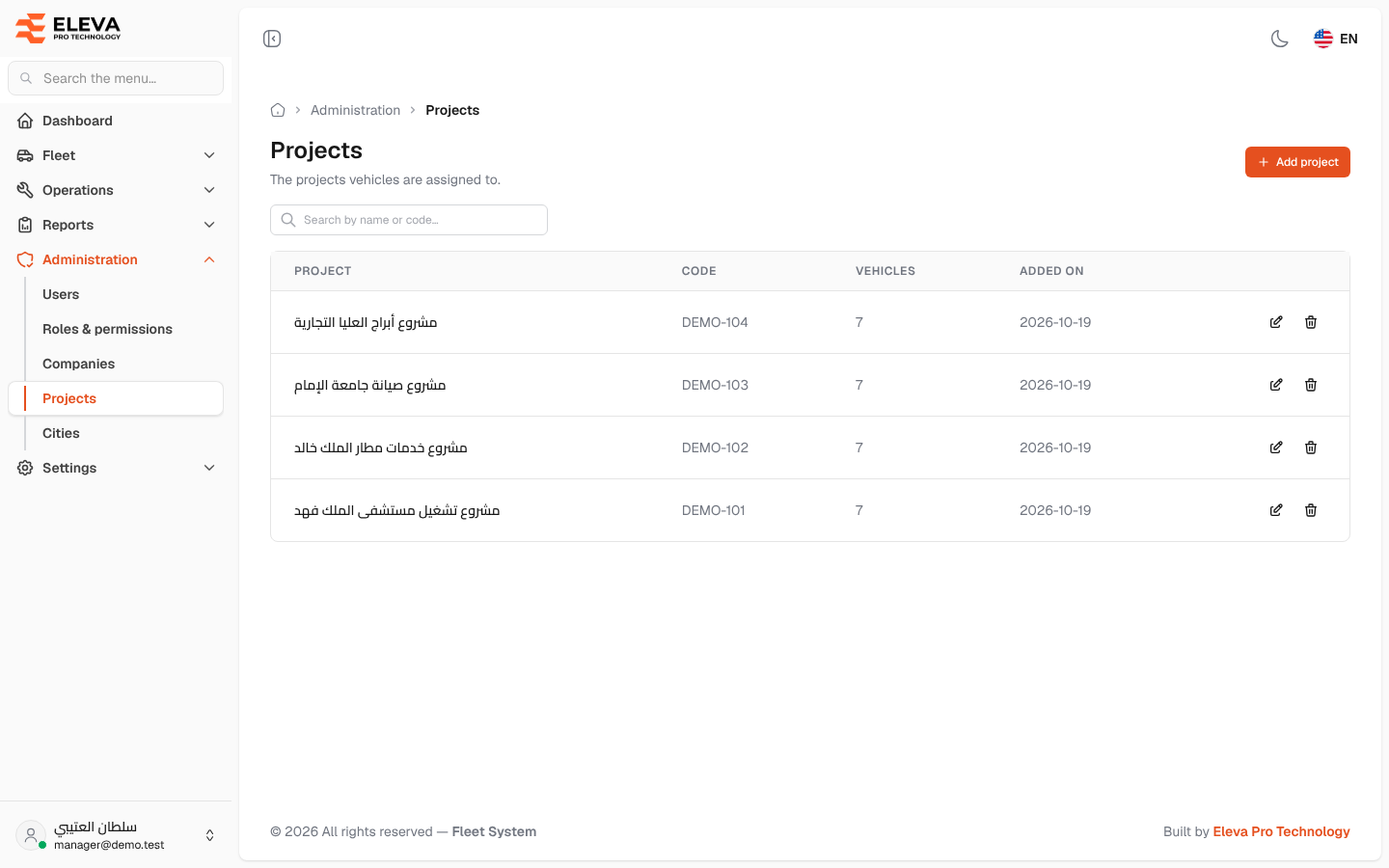
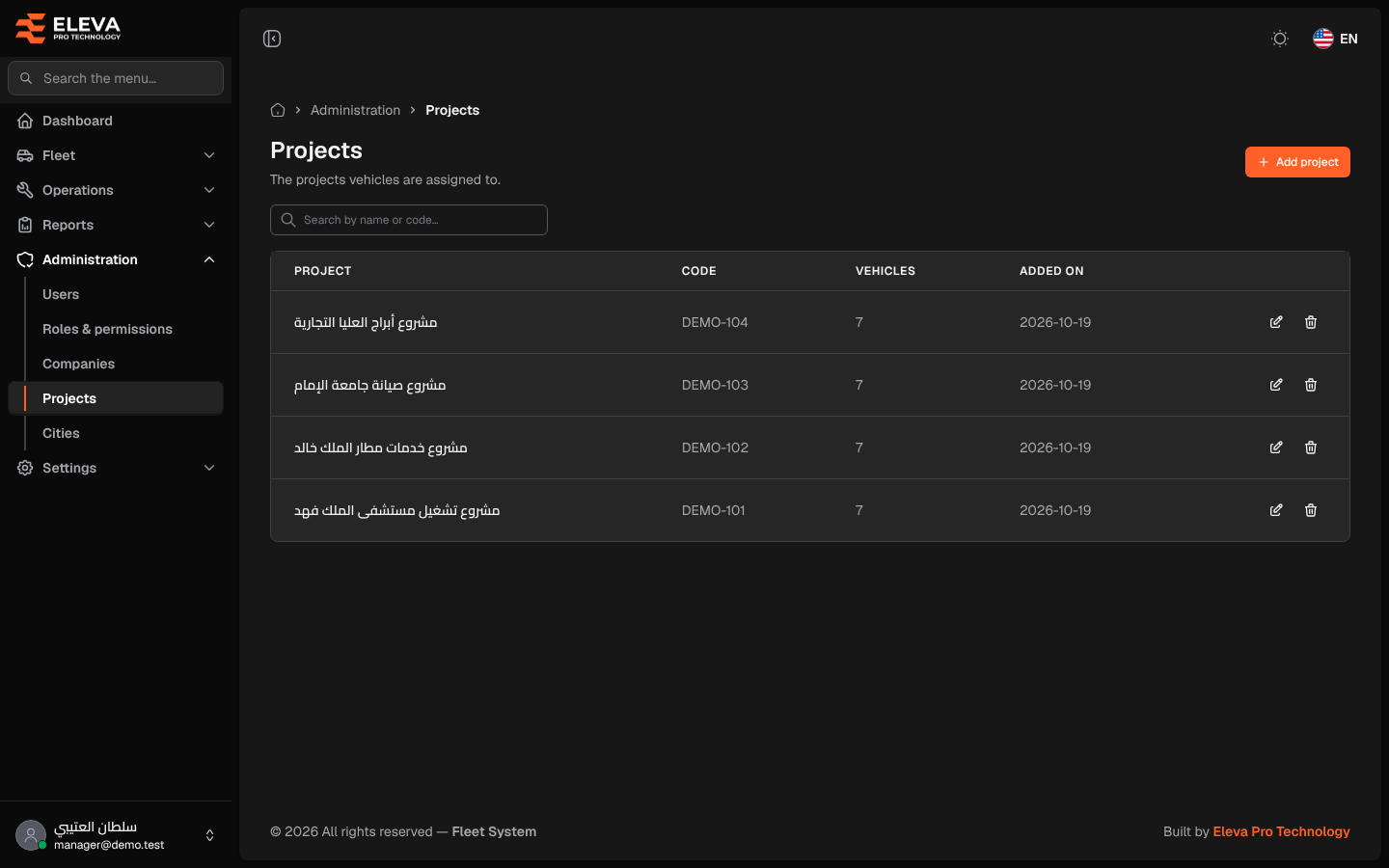
Projects are the operations your vehicles are assigned to, for example a hospital or airport services contract. Each vehicle belongs to a project, reports can be grouped by project, and users can be limited to some projects so that they see only those projects’ vehicles.
How to open projects
Section titled “How to open projects”- From the side menu, open Administration.
- Click Projects.
What’s on this screen
Section titled “What’s on this screen”- Add project: opens the form to add a project.
- Search by name or code…: finds projects by name or code.
- Table columns: Project, Code, Vehicles (how many vehicles are assigned to it), Added on, and the pencil (edit) and bin (delete) icons.
How to add a project
Section titled “How to add a project”- Click Add project.
- Type the Project name and the Project code.
- Click Save project, or Cancel to close without saving.
How to edit a project
Section titled “How to edit a project”- Click the pencil icon of the project.
- Change the name or code and click Save project.
How to delete a project
Section titled “How to delete a project”- Click the bin icon of the project.
- Check the name in Delete project and click Delete.
Fields
Section titled “Fields”- Project name (required): up to 255 characters.
- Project code (required): a short code, unique across projects, used in reports. Up to 255 characters.