

Maintenance report
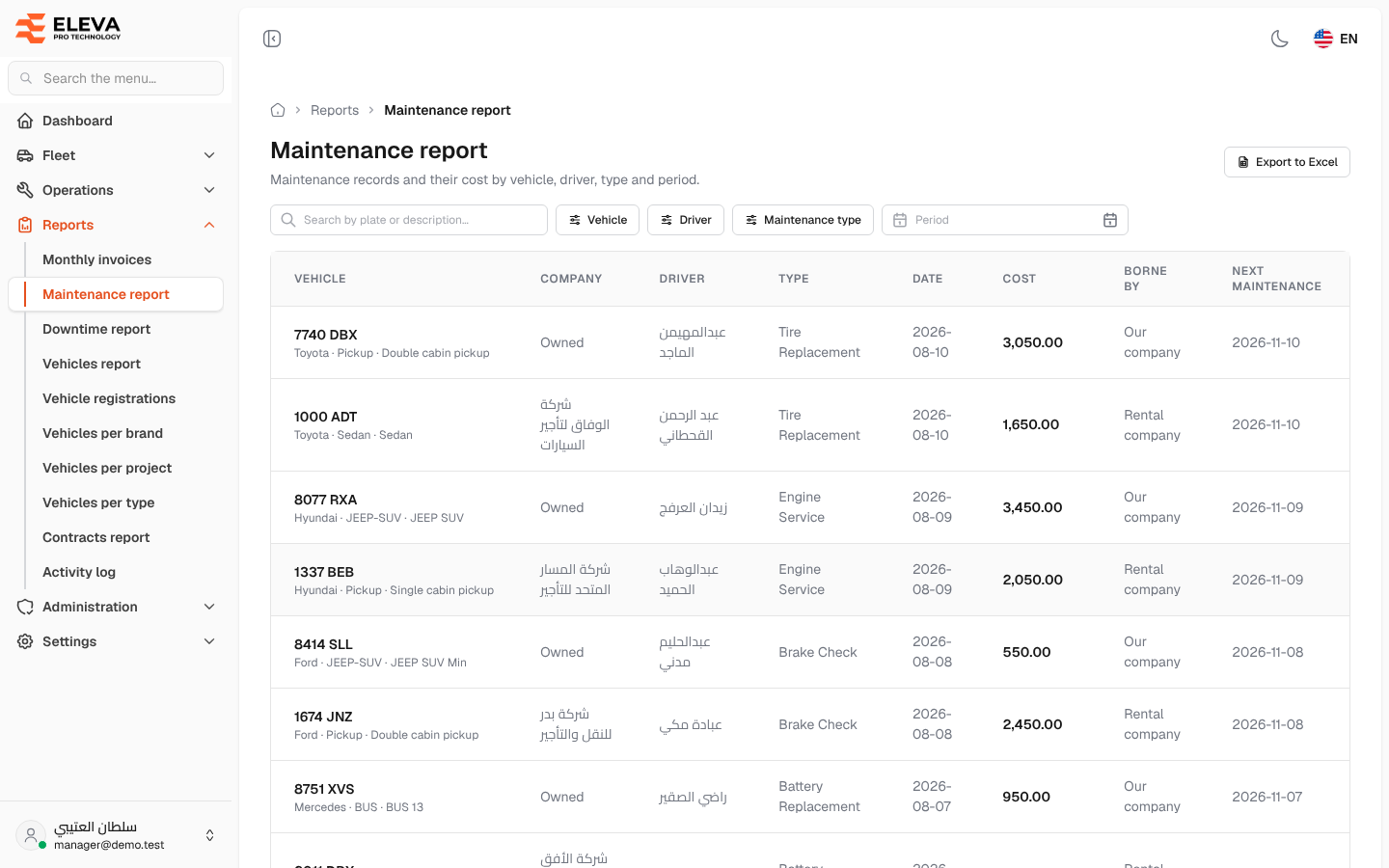
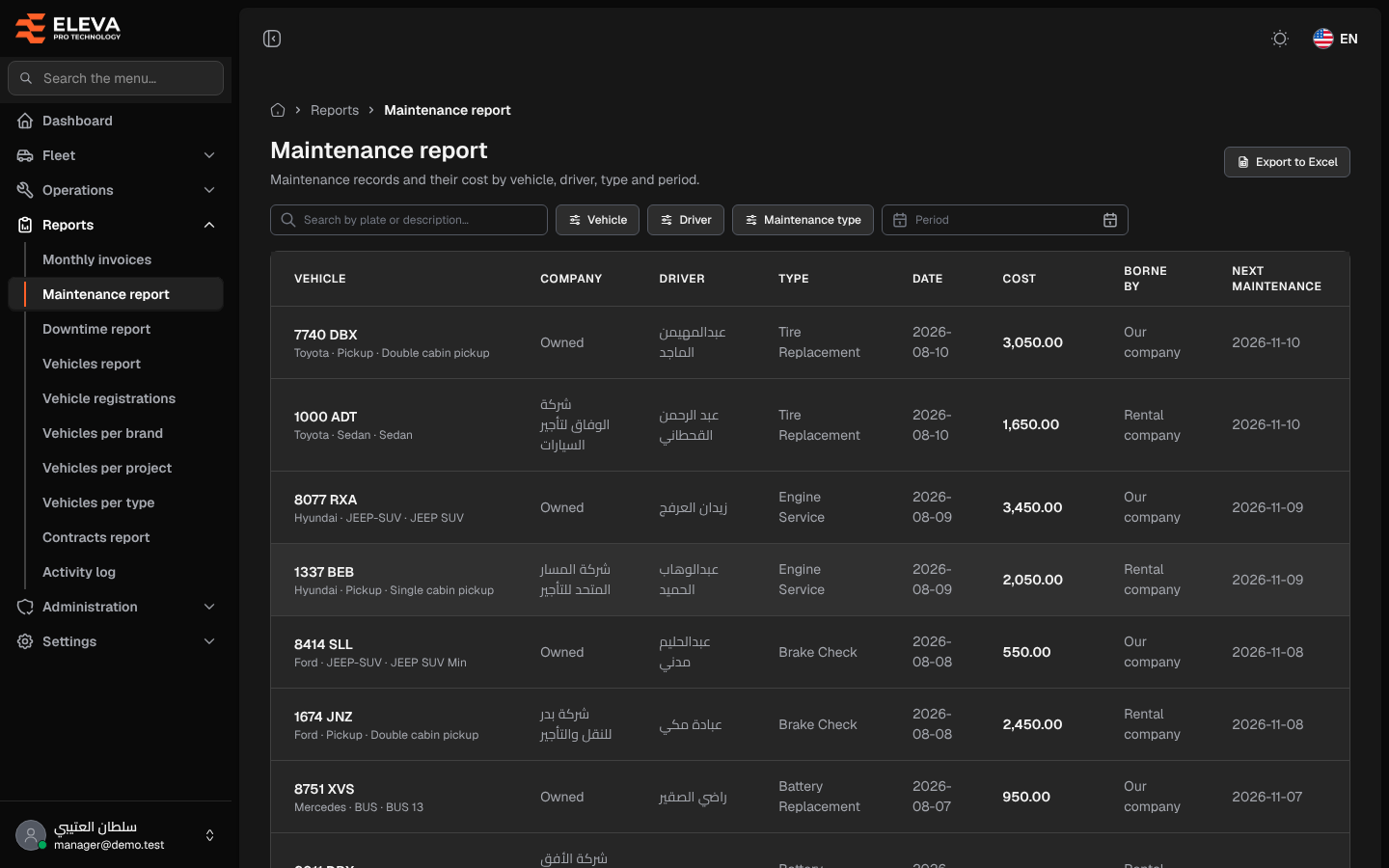
The Maintenance report lists maintenance records with their cost, and who bears it, by vehicle, driver, type and period. Use it to total maintenance spending or to see which vehicles are due for their next maintenance.
What’s on this screen
Section titled “What’s on this screen”- Export to Excel button.
- Search box Search by plate or description….
- Filters: Vehicle, Driver, Maintenance type and Period (a from–to date range on the maintenance date).
- Table columns: Vehicle, Company (Owned for company-owned vehicles), Driver, Type, Date, Cost, Borne by (Rental company, Our company or Driver) and Next maintenance.
- A Total row with the cost of all filtered records, not only the current page.
How to use the report
Section titled “How to use the report”- From the side menu, open Reports and click Maintenance report.
- Pick one or more vehicles, drivers or maintenance types, and choose a Period if needed.
- Click a column header such as Date or Cost to sort. The newest records are shown first.
- Click Export to Excel to download every filtered record as a CSV file.