

Vehicle handovers
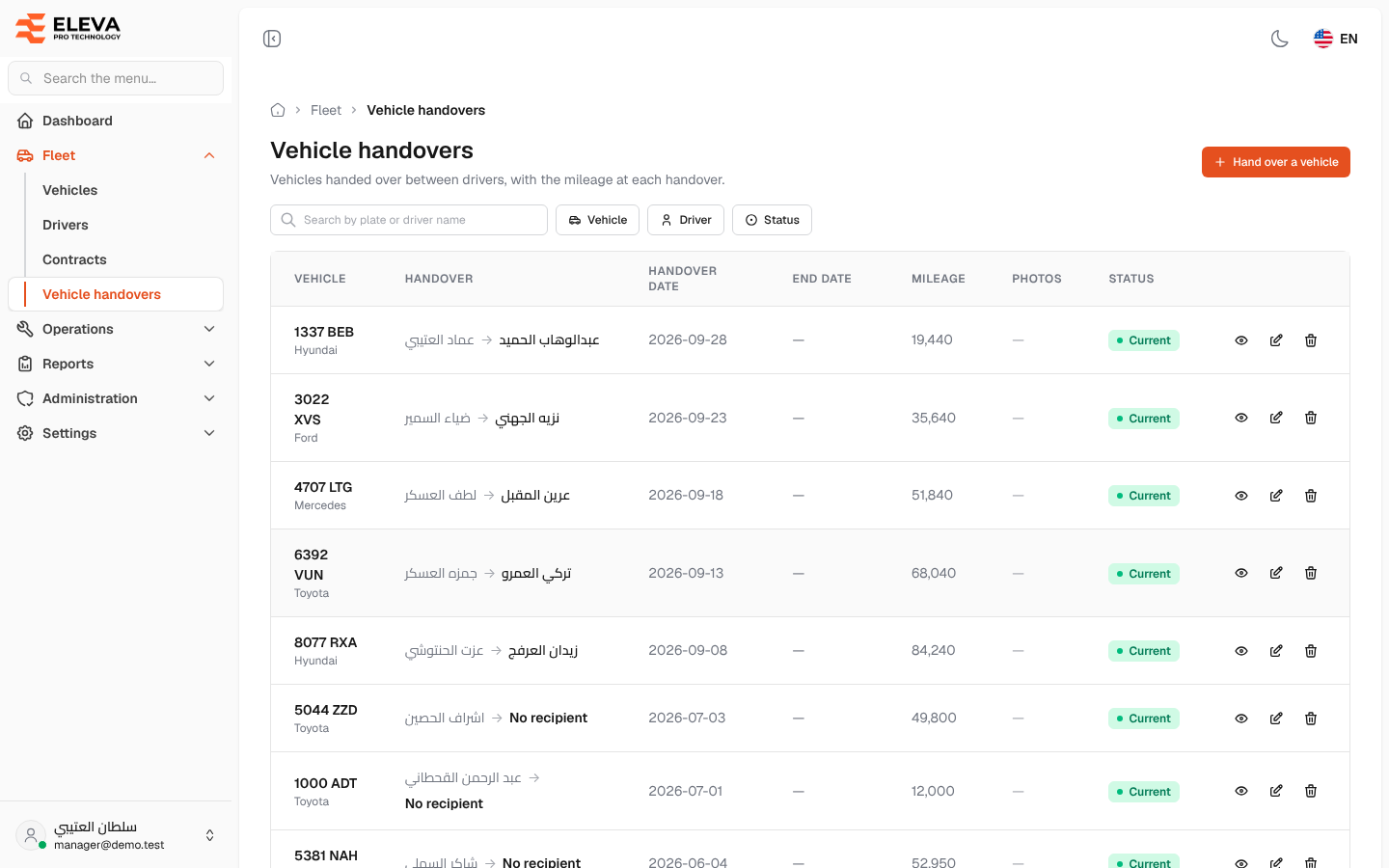
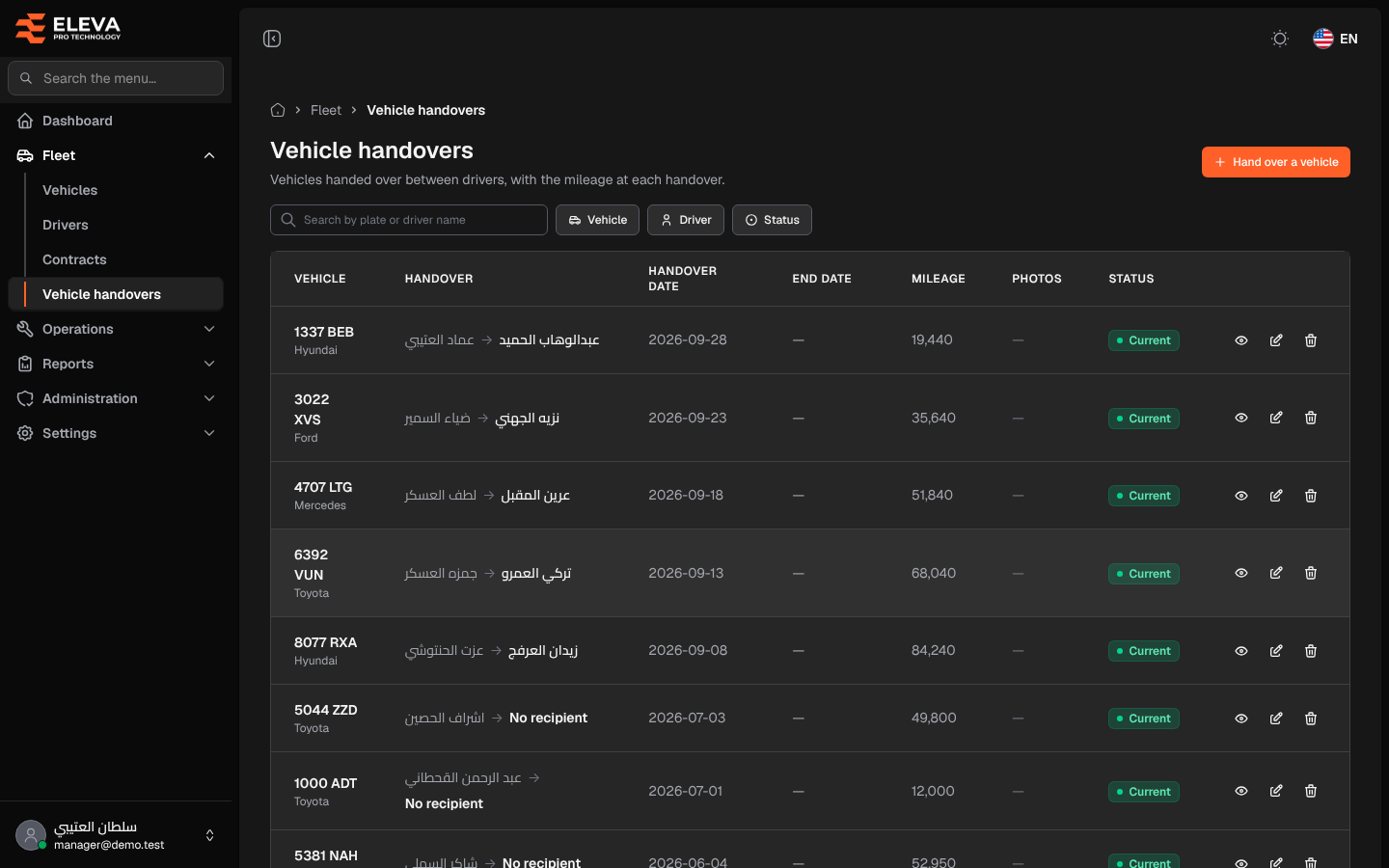
The Vehicle handovers screen is the record of vehicles passing between drivers, with the date and the mileage of each handover. From this record the system knows who held each vehicle on any day.
Each handover lasts from its date until the next handover of the same vehicle: recording a new handover closes the previous one automatically, and its end date becomes the new handover’s date.
What’s on this screen
Section titled “What’s on this screen”- Search box — searches by plate or driver name.
- Filters: Vehicle, Driver and Status (Current or Ended).
- Hand over a vehicle button — opens the form for a new handover.
- Table columns: Vehicle (plate and brand), Handover (from driver → to driver, or No recipient for a first assignment), Handover date, End date, Mileage, Photos (how many) and Status.
- Action icons on each row: view, edit and delete.
A Current handover is the vehicle’s present one and has no end date; an Ended handover was closed by a later one.
How to open the handovers list
Section titled “How to open the handovers list”- In the side menu, open Fleet.
- Click Vehicle handovers.
How to find a handover
Section titled “How to find a handover”- Type a plate or driver name in the search box.
- To see one vehicle’s or one driver’s record, pick it in the Vehicle or Driver filter.
- To see who holds each vehicle now, choose Current in the Status filter.
How to work with a handover
Section titled “How to work with a handover”- Click the row or the eye icon to open the handover’s details and photos.
- Click the pencil icon to edit it. Edits follow the same handover rules.
- Click the bin icon to delete it, then confirm.