

Employees without a SIM
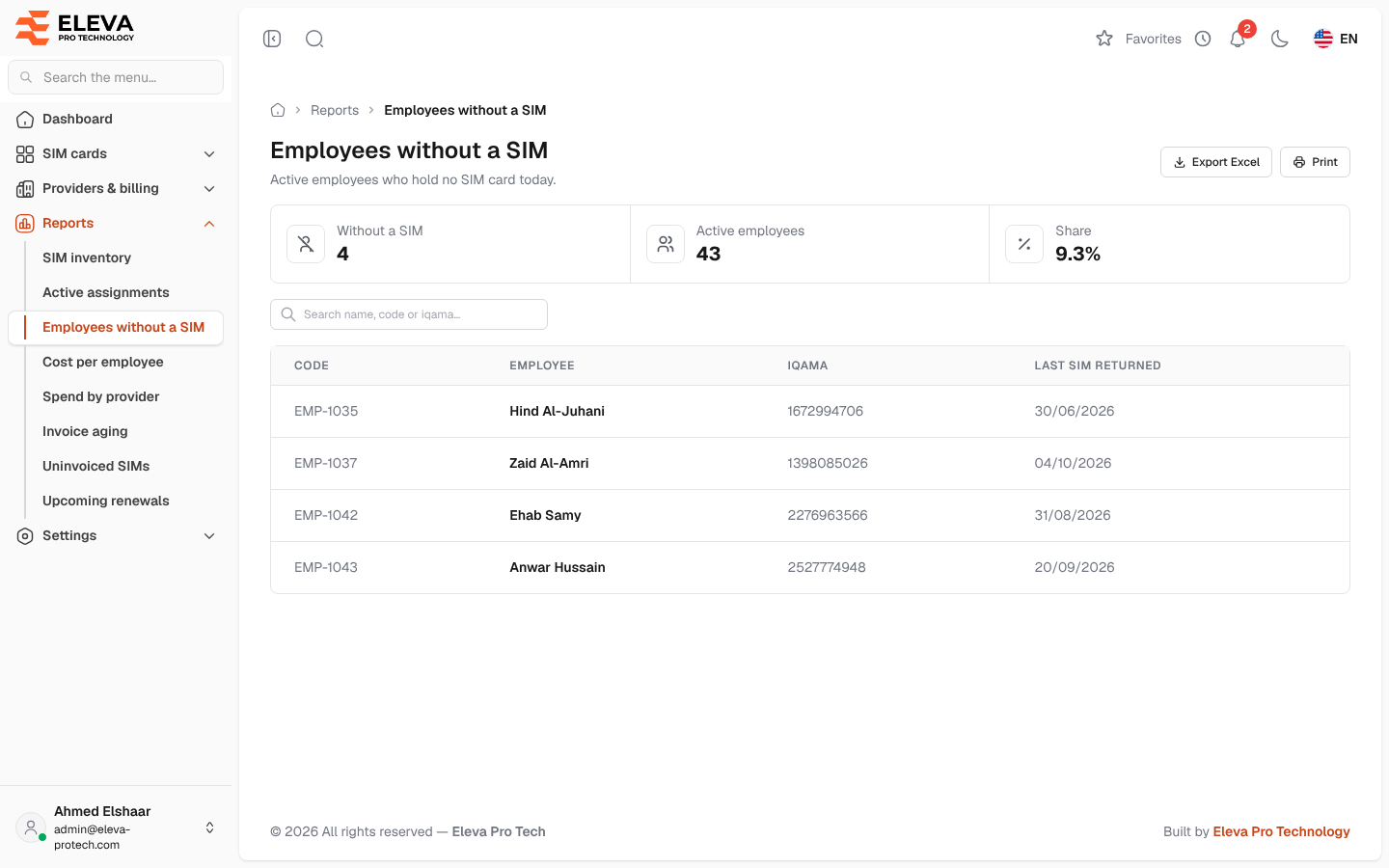
The Employees without a SIM report lists the active employees who hold no SIM card today. Use it to find who still needs a line.
From the side menu, open Reports › Employees without a SIM.
What’s on this screen
Section titled “What’s on this screen”- Summary cards: Without a SIM, Active employees and Share, the percentage of active employees without a SIM card.
- Search name, code or iqama…
- Export Excel and Print.
Columns
Section titled “Columns”- Code: the employee code. The list is sorted by it.
- Employee
- Iqama
- Last SIM returned: the day the employee last returned a SIM card, or Never had one.
Click a row to open the employee. When every active employee holds a SIM card, the list shows Every active employee holds a SIM card.
How “without a SIM” is decided
Section titled “How “without a SIM” is decided”- Only employees whose status is active are counted.
- An employee is listed when no assignment of theirs runs today (the office’s day, set in Settings › General settings).
- An assignment booked to start later does not count yet, and a return booked for a later day is not shown under Last SIM returned.
Required permissions
Section titled “Required permissions”- Reports › View to open the report.
- Reports › Export for Export Excel.
- Employees › View to open an employee from a row.