

Spend by provider
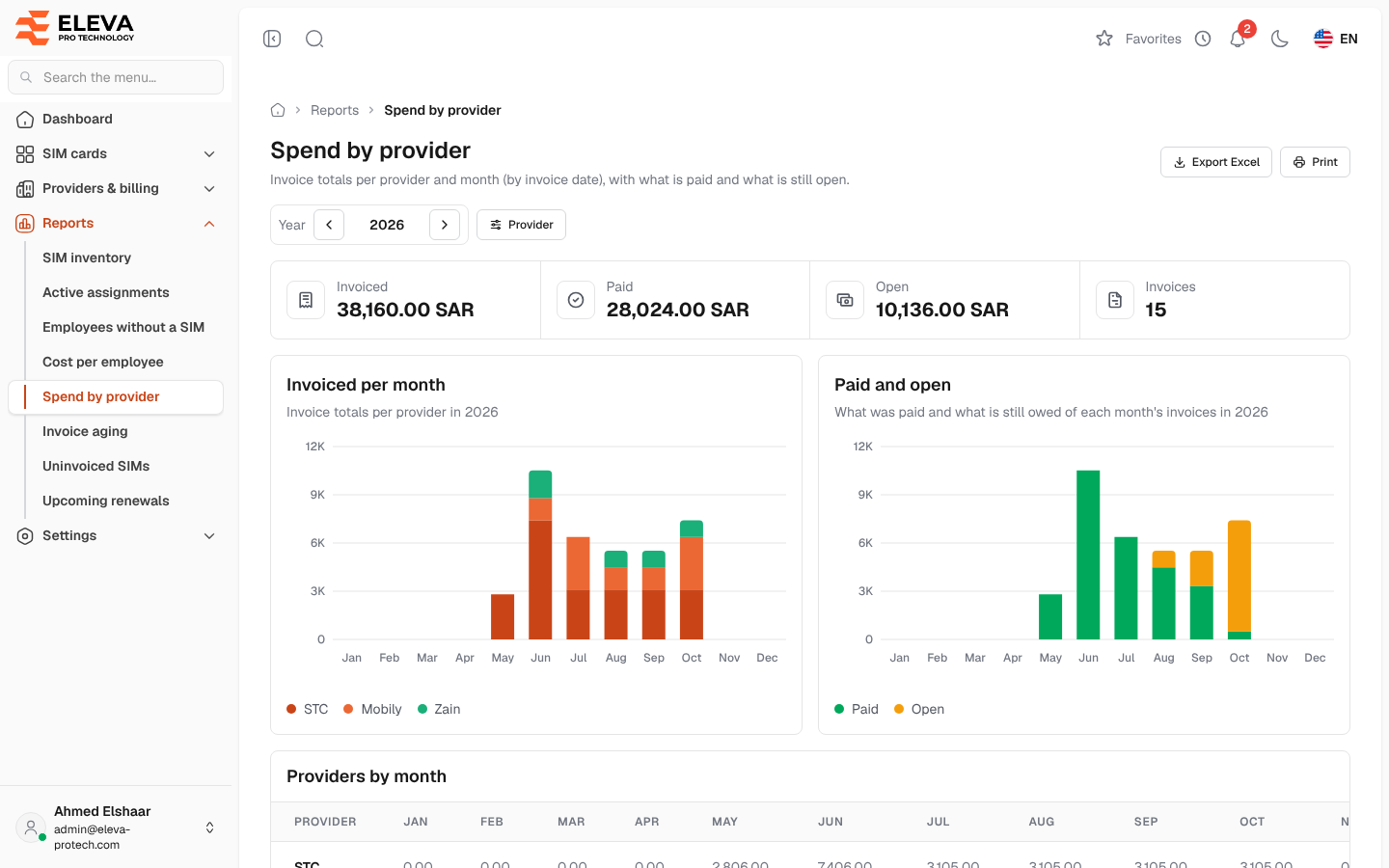
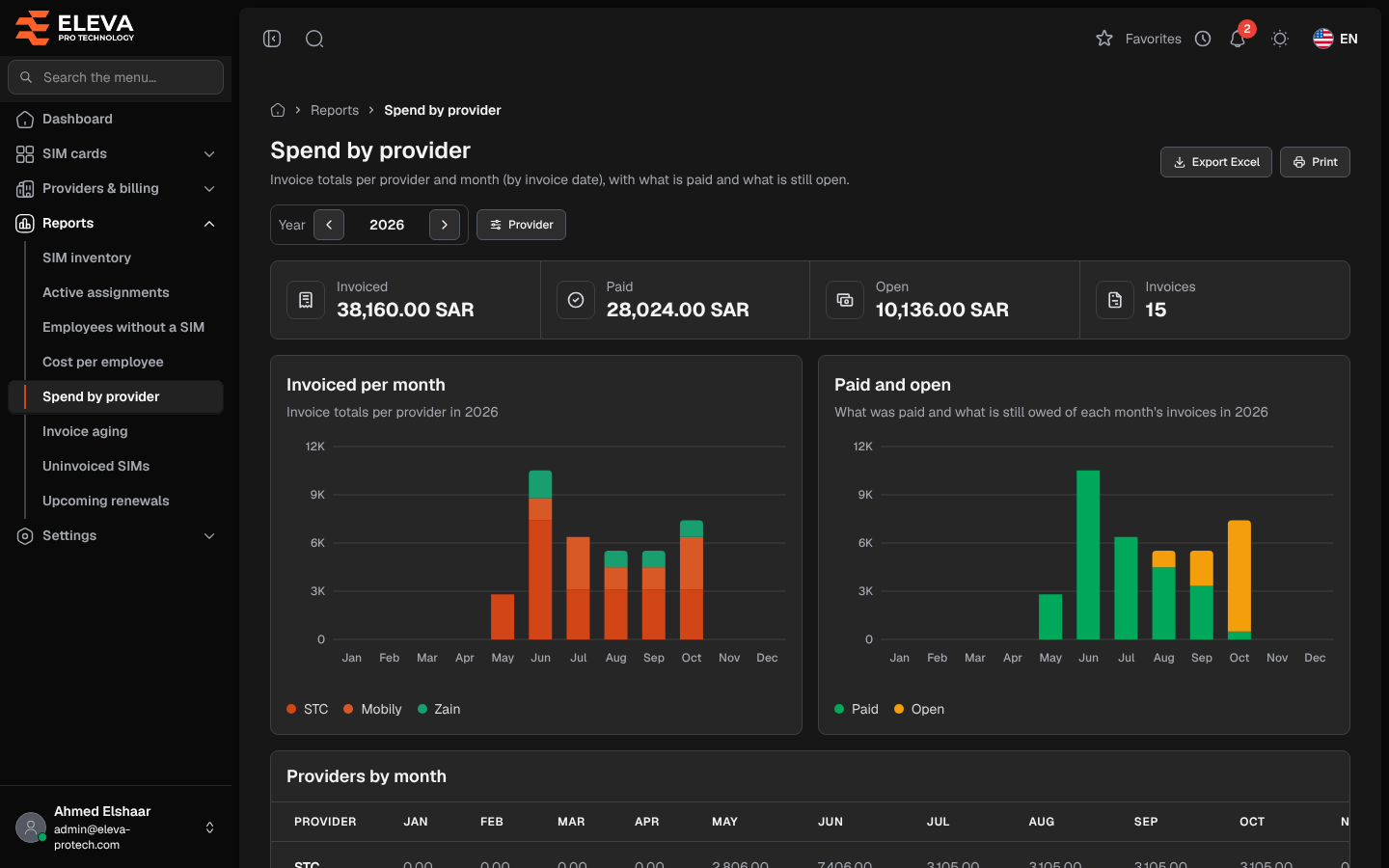
The Spend by provider report adds up the invoices of a year per provider and month, by invoice date, with what has been paid and what is still open. Use it to follow the telecom budget and compare providers.
From the side menu, open Reports › Spend by provider.
What’s on this screen
Section titled “What’s on this screen”- Year: the arrows move to the previous or next year. The report opens on the current year.
- Provider: one or more providers.
- Export Excel and Print.
- Summary cards for the year: Invoiced, Paid, Open and Invoices (their number).
- Invoiced per month: the invoice totals of each month, stacked by provider. The five largest providers have their own colour; the others are grouped as Other providers.
- Paid and open: what was paid and what is still owed of each month’s invoices.
- Providers by month: one row per provider, with a column for each month, then Total, Paid and Open. The largest providers come first, and a Total row closes the table.
Point at a bar to see its exact figure.
How the figures are calculated
Section titled “How the figures are calculated”- An invoice counts in the month of its Invoice date, not of its billing period or its payments.
- Invoiced is the invoices’ Total.
- Paid is what has been paid on them, never more than the total.
- Open is total − paid, never below zero.
Required permissions
Section titled “Required permissions”- Reports › View to open the report.
- Reports › Export for Export Excel.