

Import SIM cards
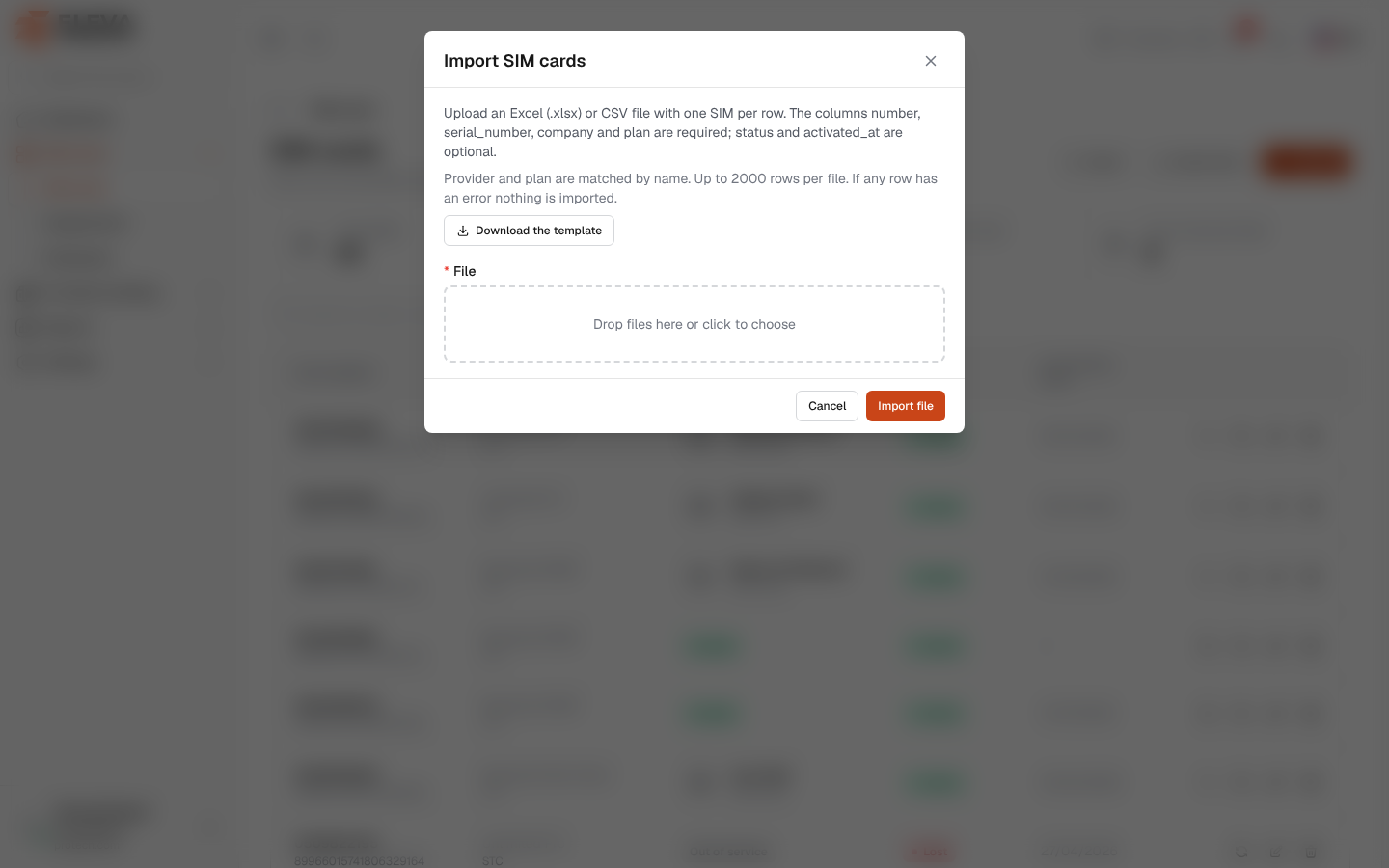
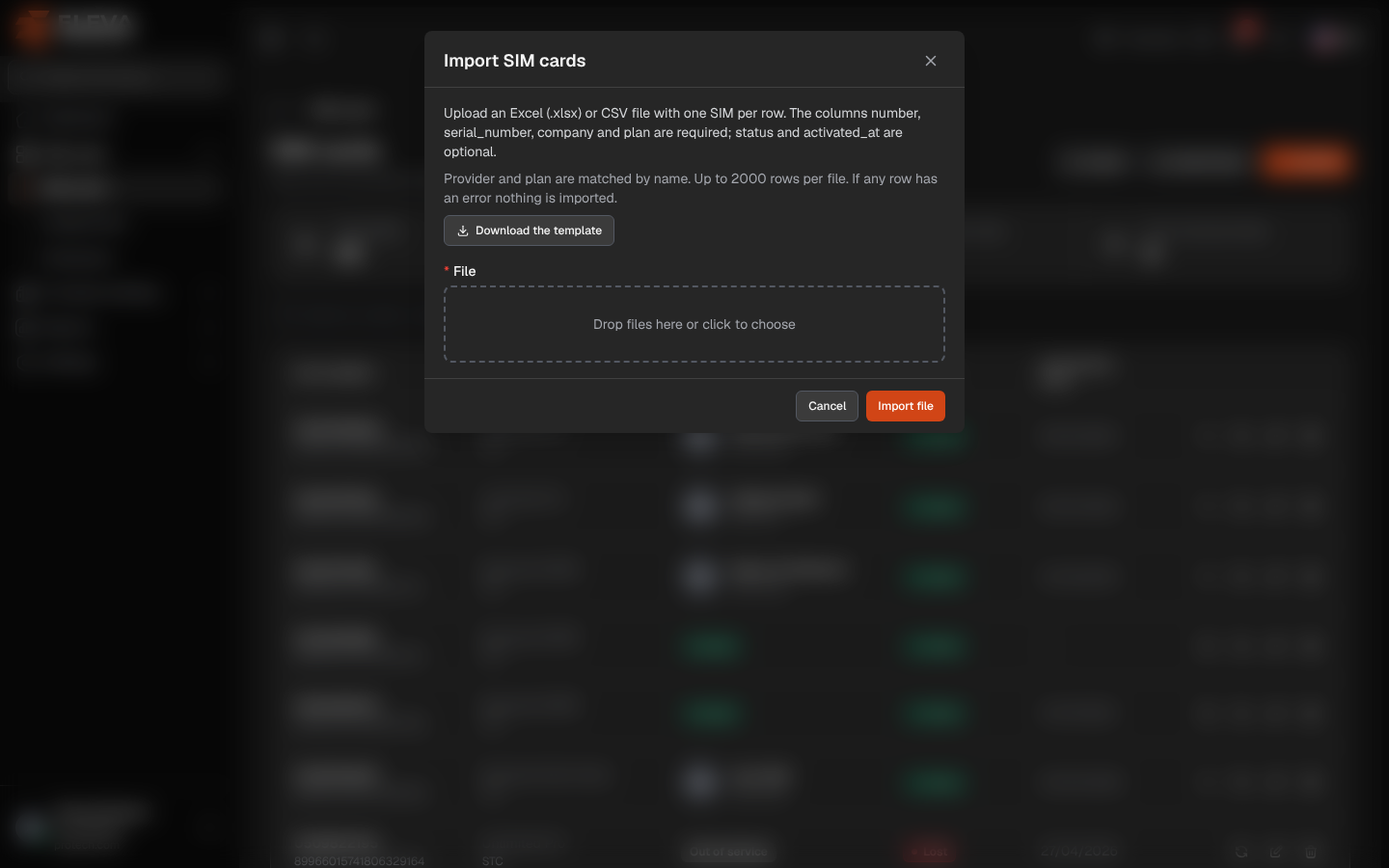
When a provider delivers many lines at once, import them from an Excel or CSV file instead of adding them one by one. The file is checked as a whole: either every SIM is imported, or none is.
From the side menu, open SIM cards › SIM cards and click Import.
What’s on this screen
Section titled “What’s on this screen”- Import SIM cards: the window title.
- Upload an Excel (.xlsx) or CSV file with one SIM per row. The columns number, serial_number, company and plan are required; status and activated_at are optional.
- Provider and plan are matched by name. Up to 2000 rows per file. If any row has an error nothing is imported.
- Download the template: an Excel file with the right heading row and an example row.
- File (required): click or drop the file (Drop files here or click to choose): .xlsx, .xls or .csv, up to 5 MB.
- Cancel and Import file.
The columns
Section titled “The columns”- number (required): the SIM number, digits only, optionally starting with +.
- serial_number (required): the ICCID, letters and digits only.
- company (required): the provider’s name, exactly as in Providers (capital letters do not matter).
- plan (required): the name of one of that provider’s active plans.
- status: active, suspended, lost or cancelled (the English or Arabic status names also work). Empty means active.
- activated_at: the activation date, as YYYY-MM-DD, DD/MM/YYYY or an Excel date.
How to import a file
Section titled “How to import a file”- Click Download the template and fill in the file, one SIM per row, keeping the heading row.
- Click Import on the SIM cards screen and choose the file.
- Click Import file.
- If every row is valid, the window closes and the message N SIM cards imported. confirms it.
- Otherwise nothing is imported: the message Nothing was imported: N rows have errors. Fix them and upload the file again. shows under File, and Rows with errors lists them as Row N: …. Correct the file and import it again.
Row numbers are the rows of the sheet: the heading is row 1, the first SIM row 2. Up to 50 rows are listed one by one, then And N more rows with errors.
Common errors
Section titled “Common errors”- The column “…” is missing from the heading row.: keep the template’s headings.
- The file has no rows. or A file may hold at most 2000 rows; this one has ….
- number is required, number must hold digits only or serial_number must hold letters and digits only.
- number … already exists or serial_number … already exists: the SIM is already recorded, possibly as a deleted SIM.
- number repeats row N: the same number (or serial) appears twice in the file.
- no provider named “…”, provider “…” has no plan named “…” or plan “…” is inactive.
- unknown status “…” (use active, suspended, lost or cancelled).
- activated_at “…” is not a date (use YYYY-MM-DD).
Required permission
Section titled “Required permission”SIM cards › Import.