

Return a SIM
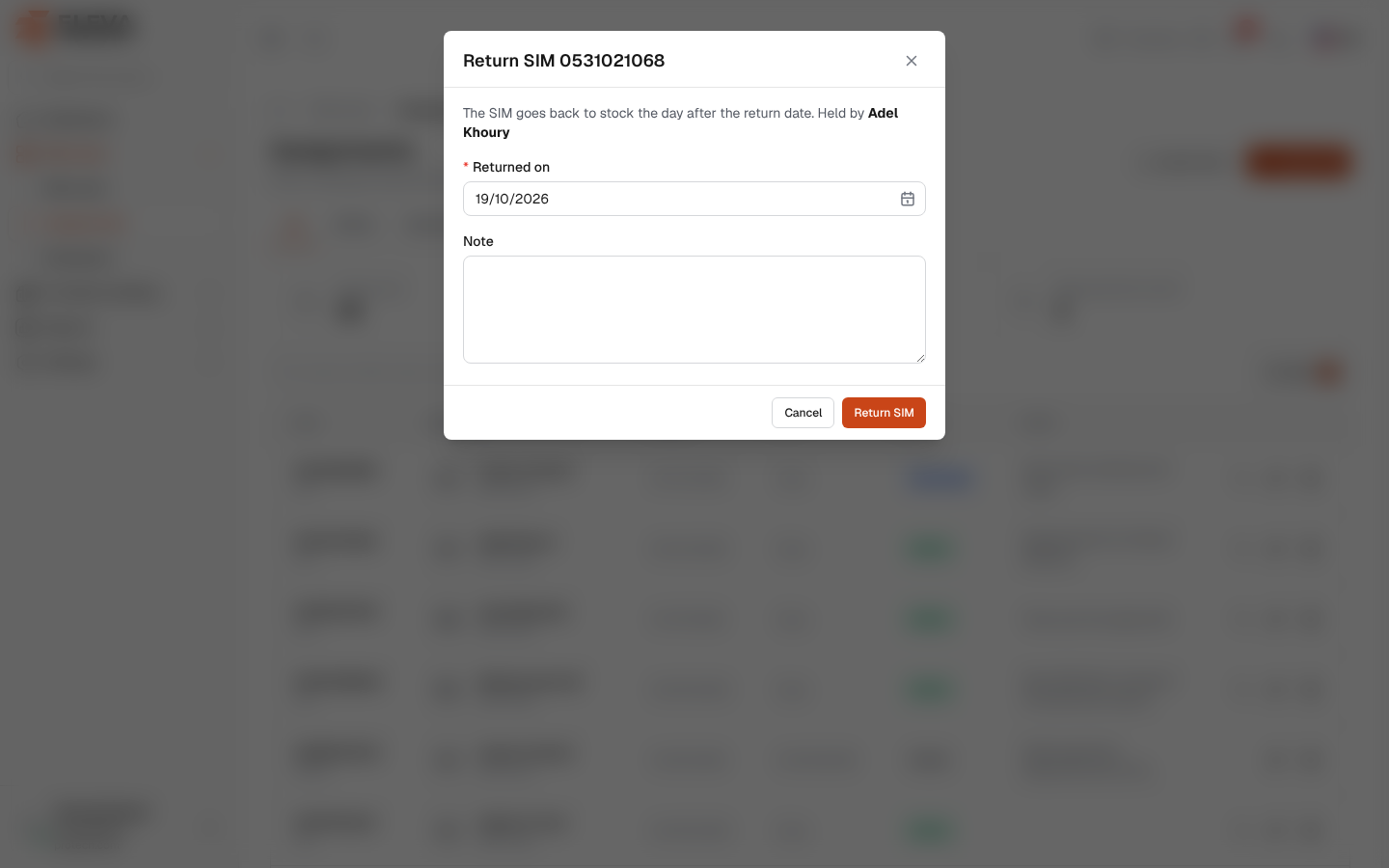
Return a SIM when an employee gives it back. Their period ends on the return date and stays in the history; the SIM is free again from the next day.
From the side menu, open SIM cards › Assignments and click the Return SIM icon in the row. You can also click Return on the SIM page or in the SIM cards list, or Return SIM on the employee page.
What’s on this screen
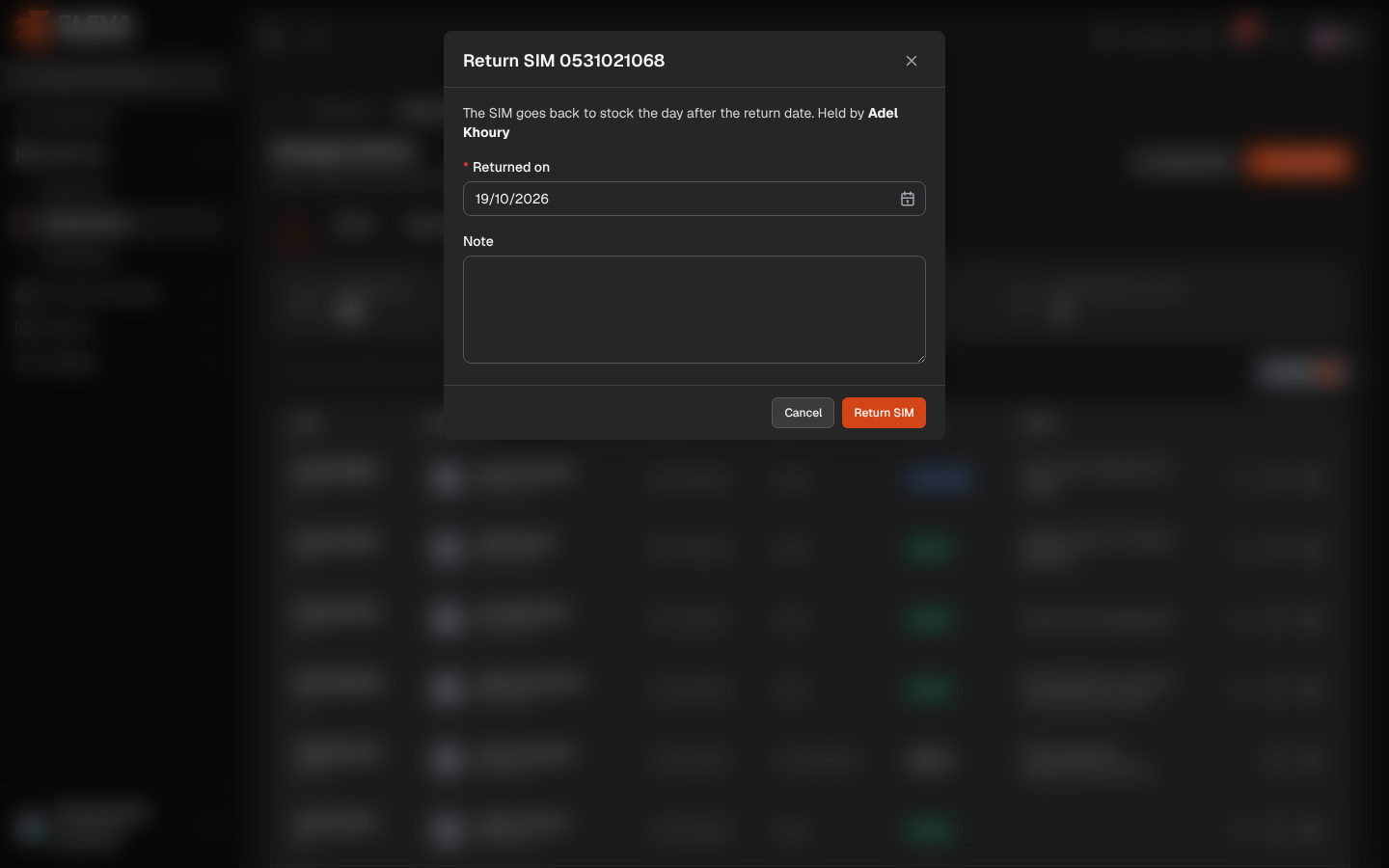
Section titled “What’s on this screen”- Return SIM …: the window title, with the SIM number.
- The SIM goes back to stock the day after the return date. Held by and the employee’s name.
- Returned on (required): the last day the employee holds the SIM. Today by default; it cannot be before the period started.
- Note: added to the assignment’s note, for example the reason or the SIM’s condition.
- Cancel and Return SIM.
How to return a SIM
Section titled “How to return a SIM”- Click Return SIM in the row.
- Check Returned on.
- Add a Note if useful.
- Click Return SIM. The message The SIM was returned. confirms it.
The SIM shows as In stock from the next day (or Out of service if its status is not Active). To give it to someone else right away, assign it from the next day. See Assign or hand over a SIM.
Required permission
Section titled “Required permission”Assignments › Edit.