

Nationalities
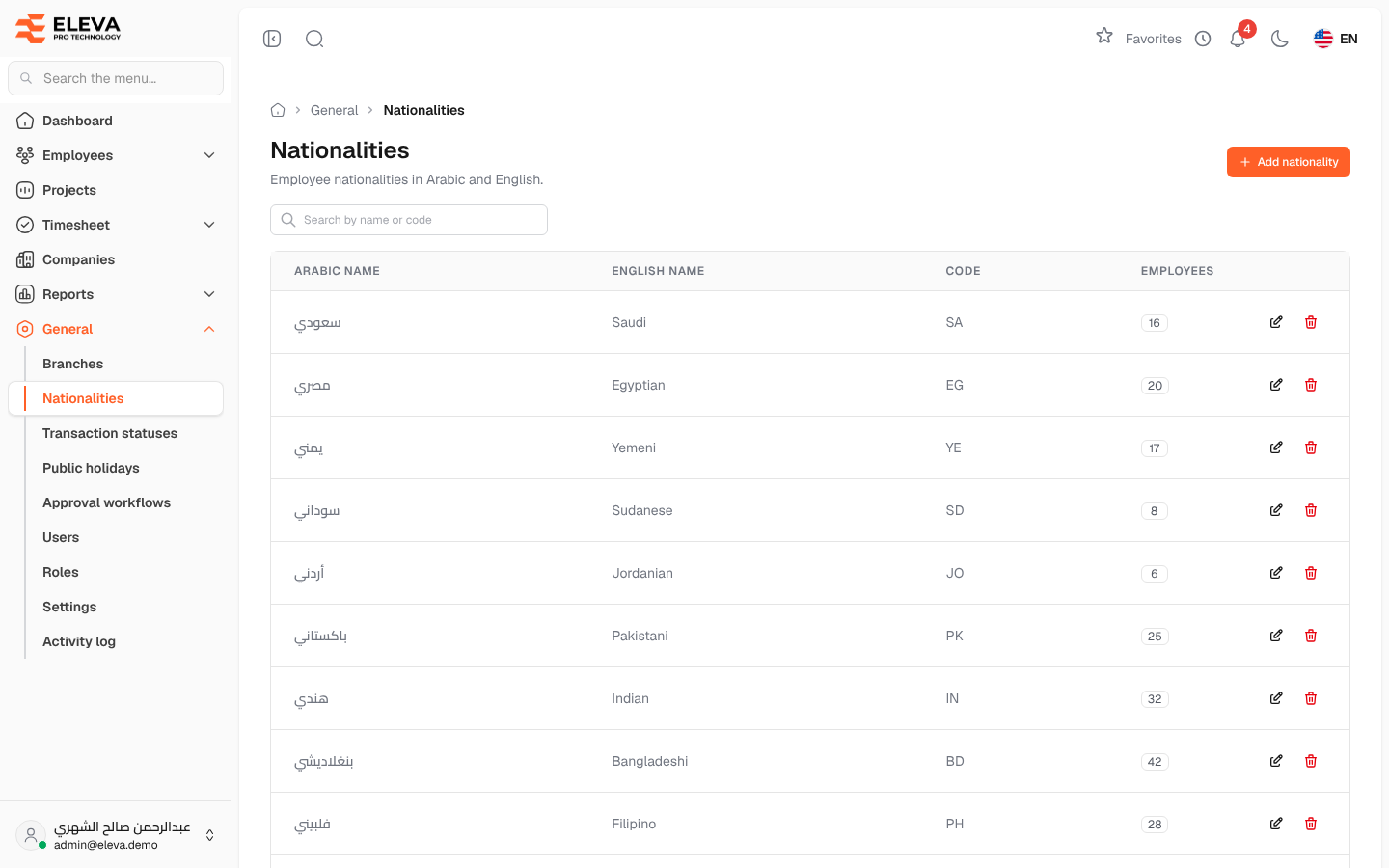
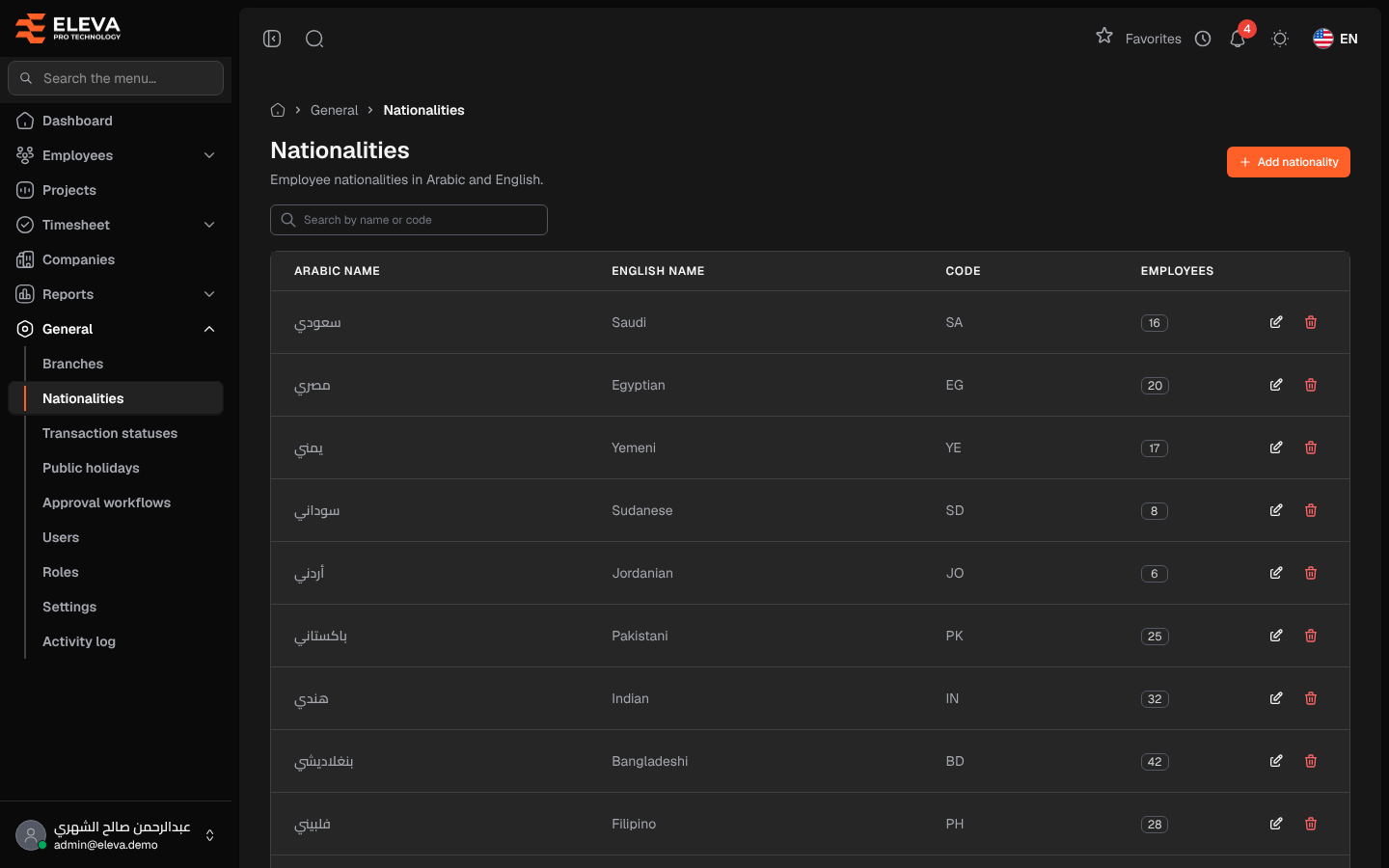
This list holds the nationalities you can choose for employees and that candidates choose on the recruitment form. Each nationality has an Arabic and an English name, so it shows correctly in both languages.
From the side menu, open General › Nationalities.
What’s on this screen
Section titled “What’s on this screen”- Search by name or code — find a nationality quickly.
- Add nationality — create a new nationality.
- A table of nationalities; click a row to edit it.
Columns
Section titled “Columns”- Arabic name and English name.
- Code — the nationality’s short code, if any.
- Employees — how many employees have this nationality.
- Actions — Edit (pencil icon) and Delete (trash icon).
Fields
Section titled “Fields”- Arabic name — required and must be unique.
- English name — required and must be unique.
- Code (optional) — up to 10 characters, unique when given.
How to add a nationality
Section titled “How to add a nationality”- Click Add nationality.
- Enter the Arabic name and the English name, and a Code if you use one.
- Click Save nationality.
How to edit or delete a nationality
Section titled “How to edit or delete a nationality”- Click the nationality’s row, or the pencil icon, change the details and click Save changes.
- To delete, click the trash icon and confirm in the Delete nationality window.
Required permission
Section titled “Required permission”Nationalities › View. Adding, editing and deleting need Nationalities › Create, Nationalities › Edit and Nationalities › Delete. Supervisor accounts cannot open this screen.