

Company
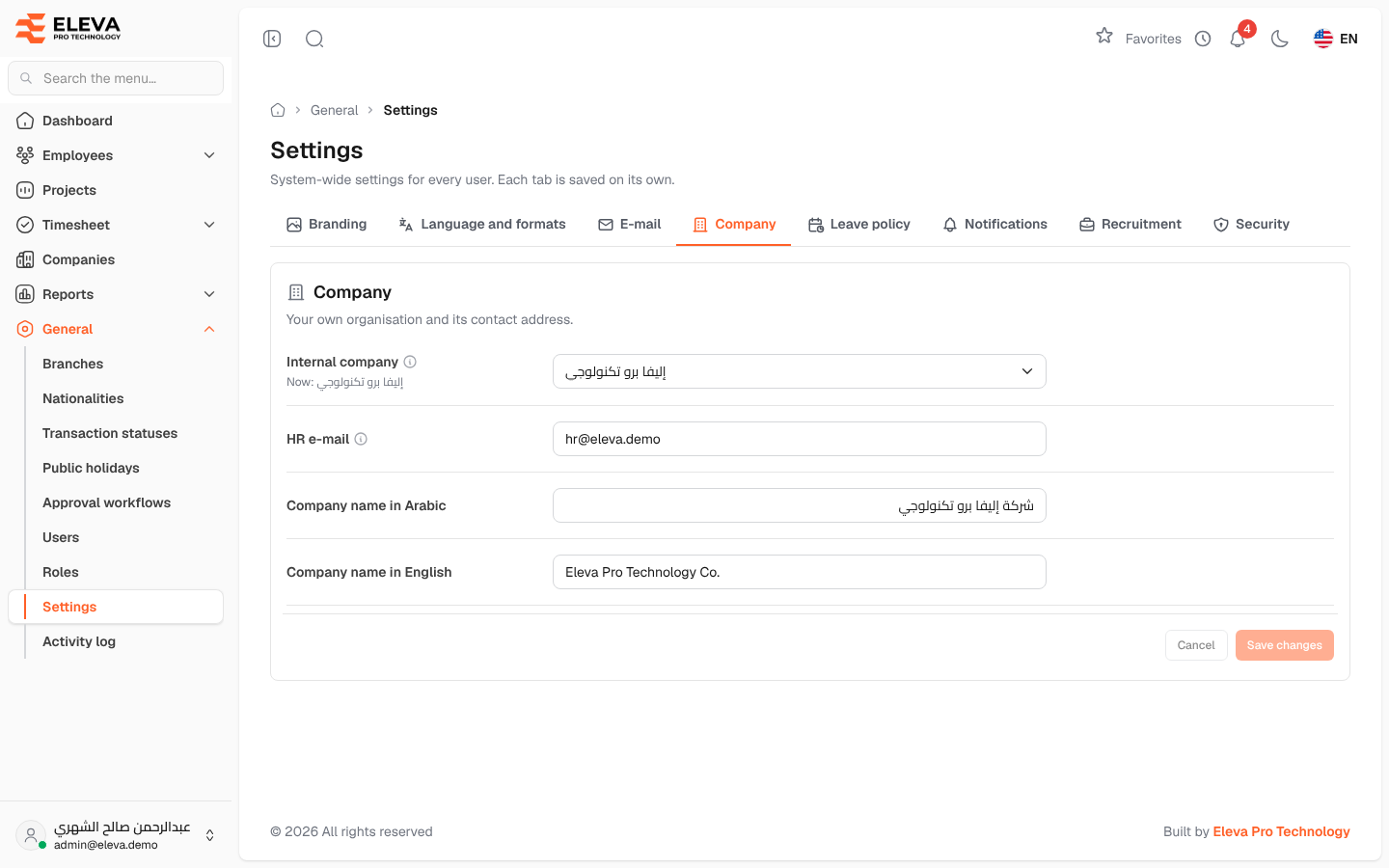
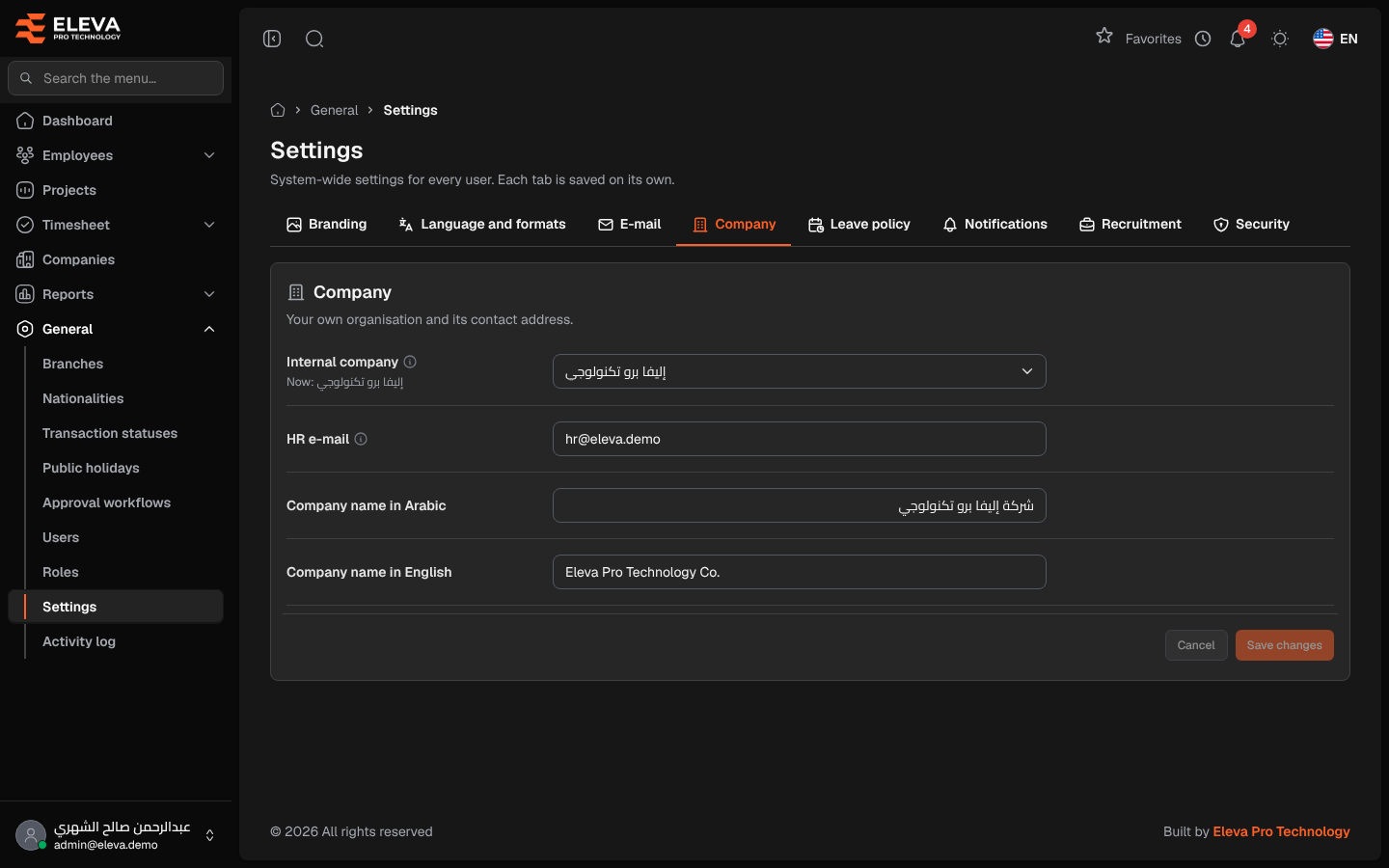
The Company tab describes your own organisation: which company in the system is yours, the Human Resources contact address, and the company name.
From the side menu, open General › Settings, then click the Company tab.
Fields
Section titled “Fields”- Internal company — the company your own employees belong to. They get the employee portal and leave accrual, and are not billed as rent employees. Automatic uses the company marked as internal. The current internal company is shown under the field.
- HR e-mail — the Human Resources address. It receives the HR e-mails, such as each new recruitment application, together with the recruitment notification addresses. When empty, the default shown under the field is used.
- Company name in Arabic / Company name in English — your company’s name.
How to update the company settings
Section titled “How to update the company settings”- Change the fields you need.
- Click Save changes. To discard your edits, click Cancel.
How to change the internal company
Section titled “How to change the internal company”- Choose another company in Internal company.
- Click Save changes.
- Read the Change the internal company? window and click Change and save.
Required permission
Section titled “Required permission”Settings › Manage, on an Admin account.