

Project employees
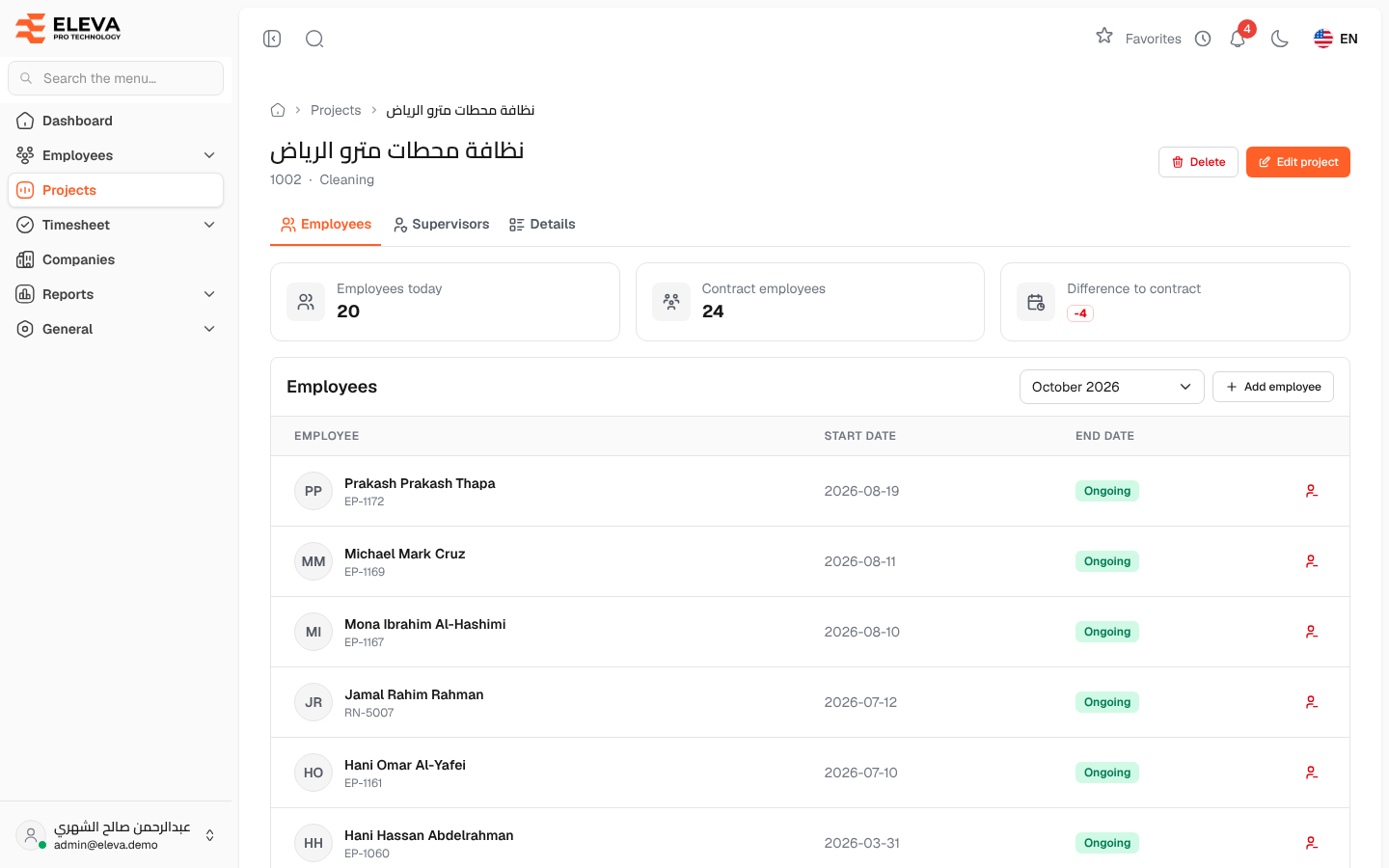
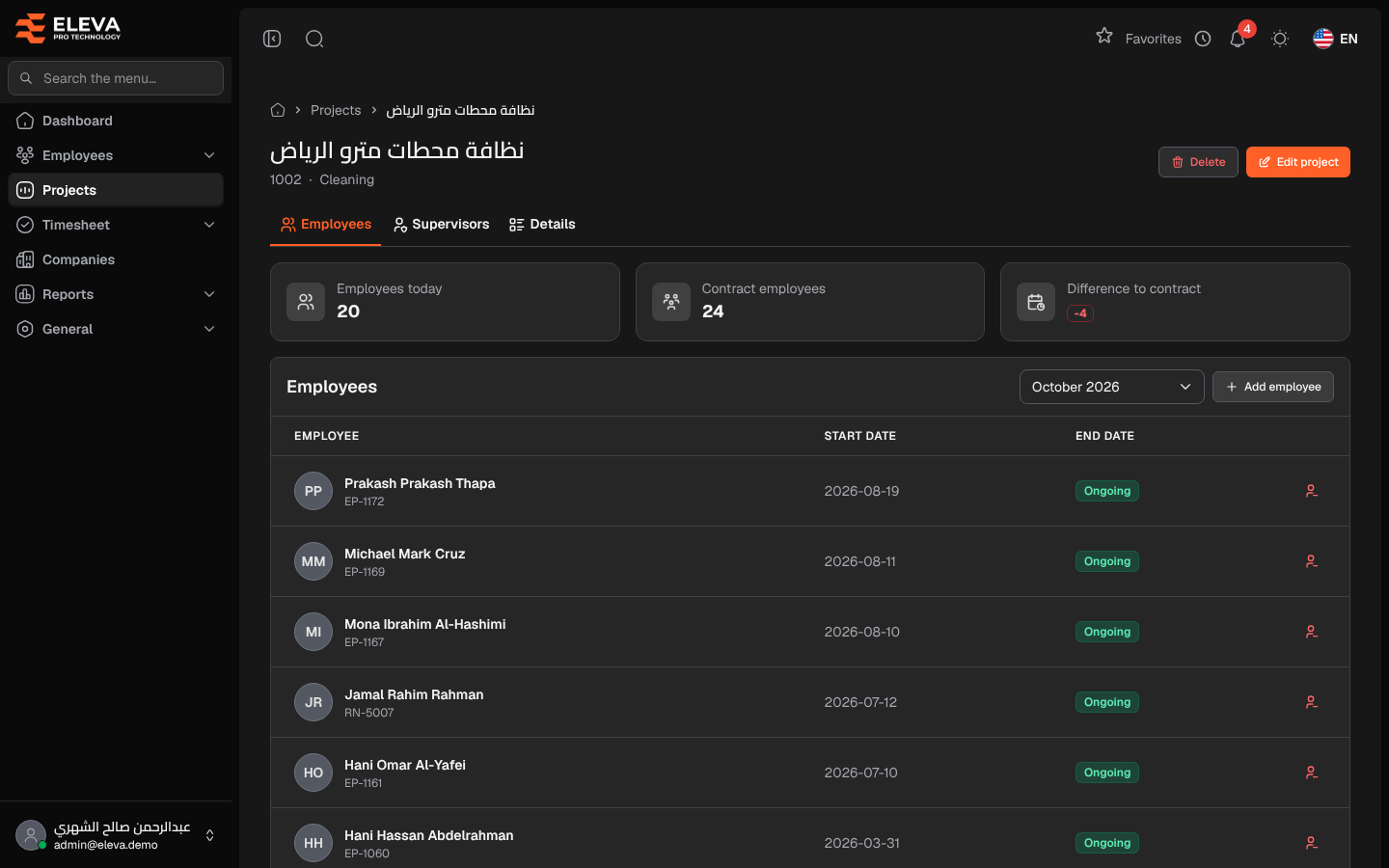
The Employees tab of a project page lists the employees who worked on the project in a chosen month. Use it to see who is on the project, move an employee to it, or end an employee’s assignment.
From the side menu, open Projects, then click the project. The page opens on the Employees tab.
What’s on this screen
Section titled “What’s on this screen”- Header — the project name, its code and work type, with Edit project and Delete.
- Summary tiles — Employees today, Contract employees and Difference to contract (green when over the contract, red when under, amber when equal).
- Tabs — Employees, Supervisors and Details. The Details tab shows the project data and links to Project employees, One-time jobs and the Contract count report for this project.
- Month selector — the month whose employees are listed. The current month is selected by default.
- Add employee — adds an employee to the project.
Columns
Section titled “Columns”- Employee — the name, with the employee code (or iqama number) underneath. Click the name to open the employee’s record.
- Start date — when the assignment began.
- End date — when it ended, or Ongoing if the employee is still on the project.
- End icon — End assignment, shown on ongoing assignments only.
Only employees who were active at the end of the selected month are listed.
How to add an employee
Section titled “How to add an employee”- Click Add employee.
- Choose the Employee. Only active employees who are not on this project now are listed; an employee whose earlier assignment here ended can be added again.
- Set the Start date (today by default) and, for a fixed-term assignment, the End date (optional), which must be after the start date.
- Click Add employee.
How to end an assignment
Section titled “How to end an assignment”- Click the end icon on the employee’s row.
- Confirm with End assignment. The assignment ends today and stays in the employee’s history.
Required permissions
Section titled “Required permissions”- Projects — View to open the project.
- Project Employees — View to see this tab, Create to add employees, Delete to end assignments.
A supervisor sees only their own employees on projects they supervise.