

Application e-mails
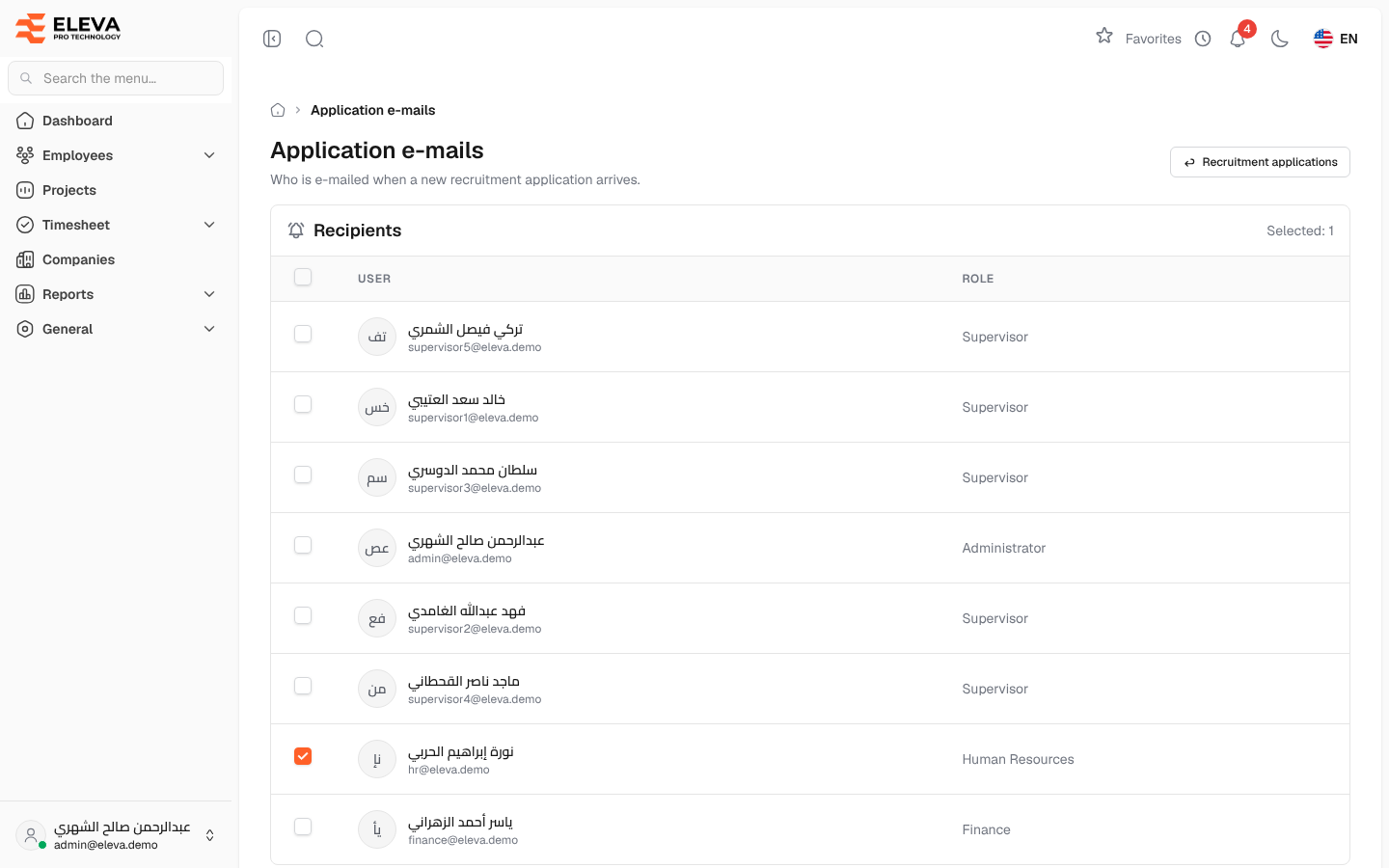
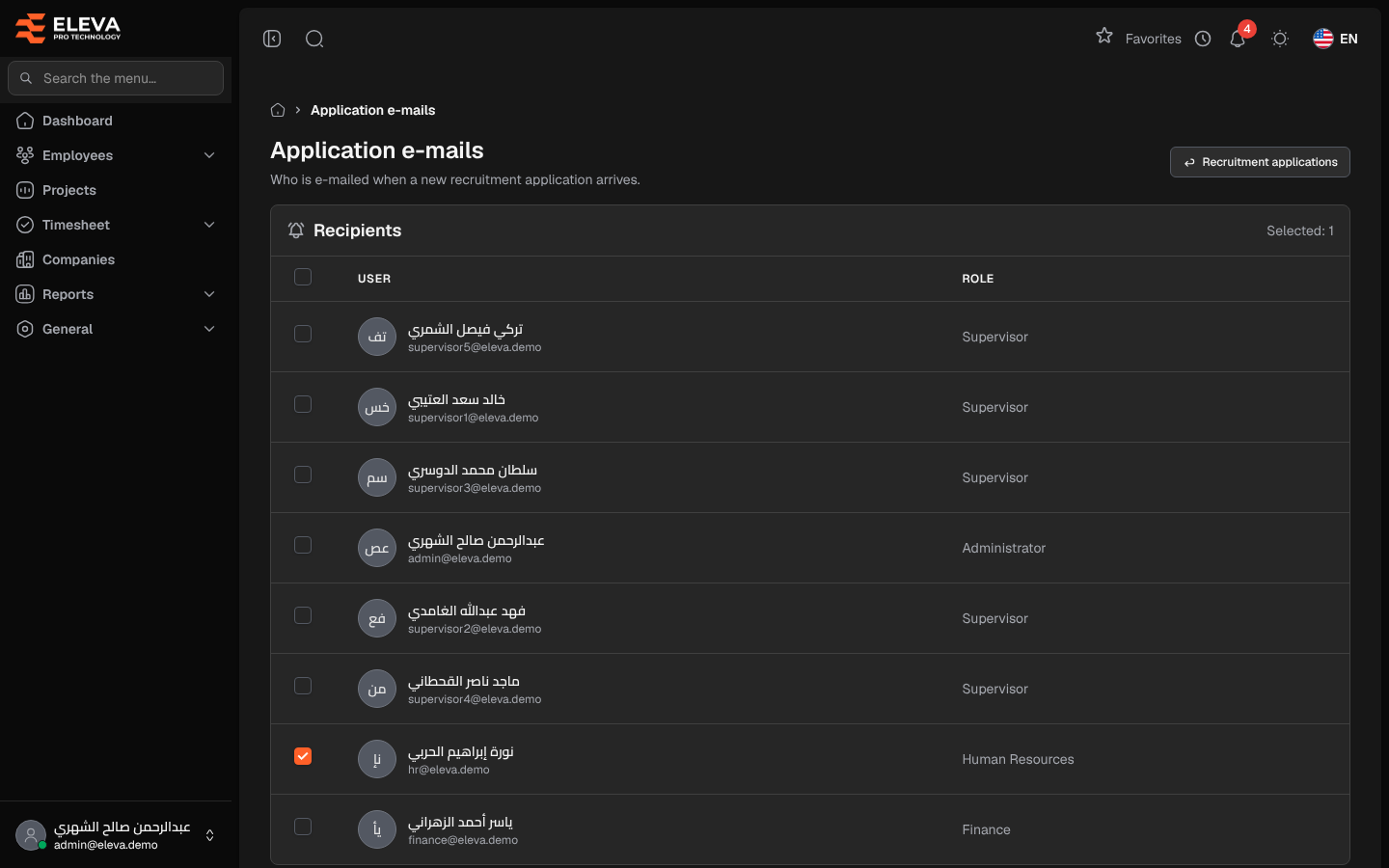
This screen chooses who receives an e-mail each time a candidate submits a new recruitment application. Tick the users who should be told, usually the Human Resources team.
From the side menu, open Employees › Recruitment forms, then click Application e-mails.
What’s on this screen
Section titled “What’s on this screen”- Recruitment applications — goes back to the applications list.
- Recipients — every user, with Selected: N showing how many are ticked.
- A tick box in the header to select or clear all users.
- Undo changes and Save settings.
Columns
Section titled “Columns”- The tick box.
- User — the user’s name and e-mail address.
- Role — the user’s account type, such as Admin or Human Resources.
How to choose the recipients
Section titled “How to choose the recipients”- Tick the users who should receive the e-mail. You can also click anywhere on a row to tick or clear it.
- Click Save settings. A message confirms the change.
To discard your changes before saving, click Undo changes.
Required permission
Section titled “Required permission”Recruitment forms › Settings.