

Activity log
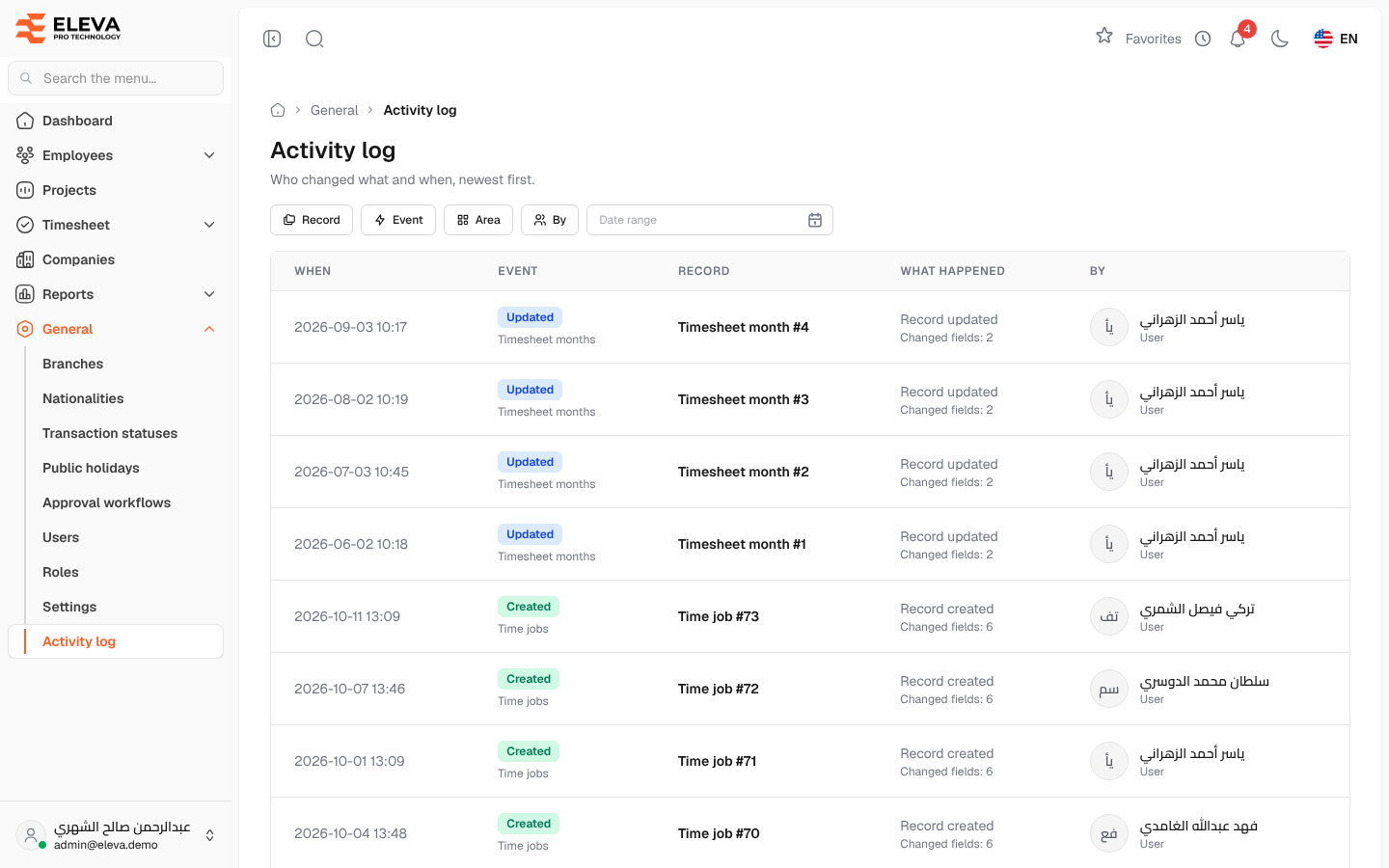
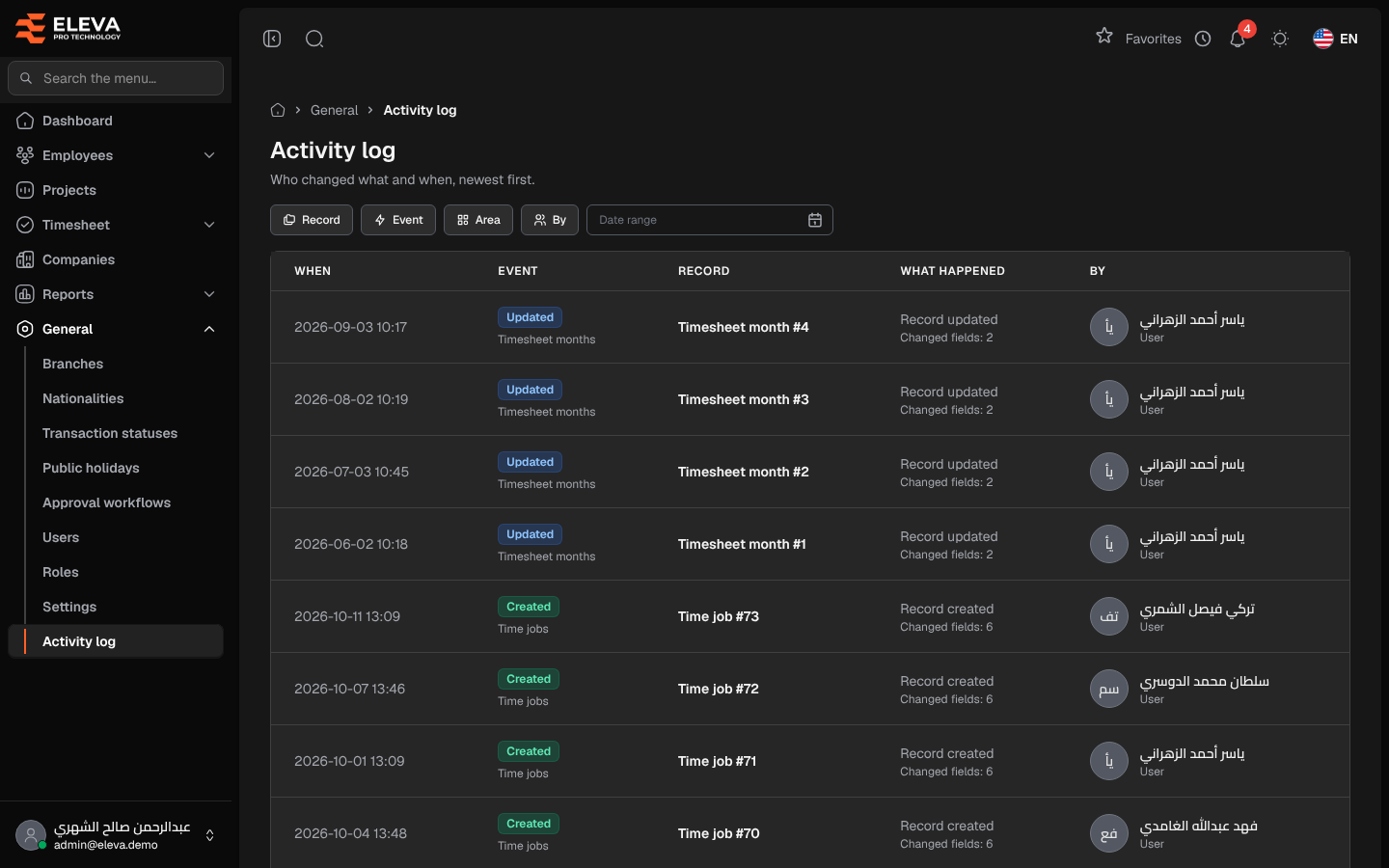
The activity log is the system’s audit trail: who changed what and when, newest first. It records changes to employees, transactions, leave balances, users, roles, recruitment, settings and more, including imports and automatic leave accrual. Use it to investigate an unexpected change or to trace the history of a record.
From the side menu, open General › Activity log.
Filters
Section titled “Filters”- Record — the kind of record, such as Employee, Timesheet, User, Role or Recruitment application.
- Event — the action, such as Created, Updated, Deleted, Permissions changed, Roles changed, Leave accrued, Imported or Test e-mail.
- Area — the part of the system, such as Employees, Users or Settings.
- By — a specific user, or Any User / Any Employee.
- Date range — limits the entries to a period.
- Clear filters — appears when a filter is set and removes all filters.
Columns
Section titled “Columns”- When — the date and time of the change.
- Event — the action, with the area underneath.
- Record — the record that changed.
- What happened — a short description, with Changed fields: N when values changed.
- By — who made the change, or System for automatic tasks.
How to see the details of a change
Section titled “How to see the details of a change”- Use the filters to narrow the list.
- Click an entry. A side panel shows the event, area, record, who made it and a Changes table with each Field and its value Before and After.
- Click Show only this record to see the full history of that record. A tag above the list shows the record; close it to see all records again.
The number of entries per page can be changed at the bottom of the list.
Required permission
Section titled “Required permission”Activity log › View, on an Admin account. Other account types cannot open this screen.