

Language and formats
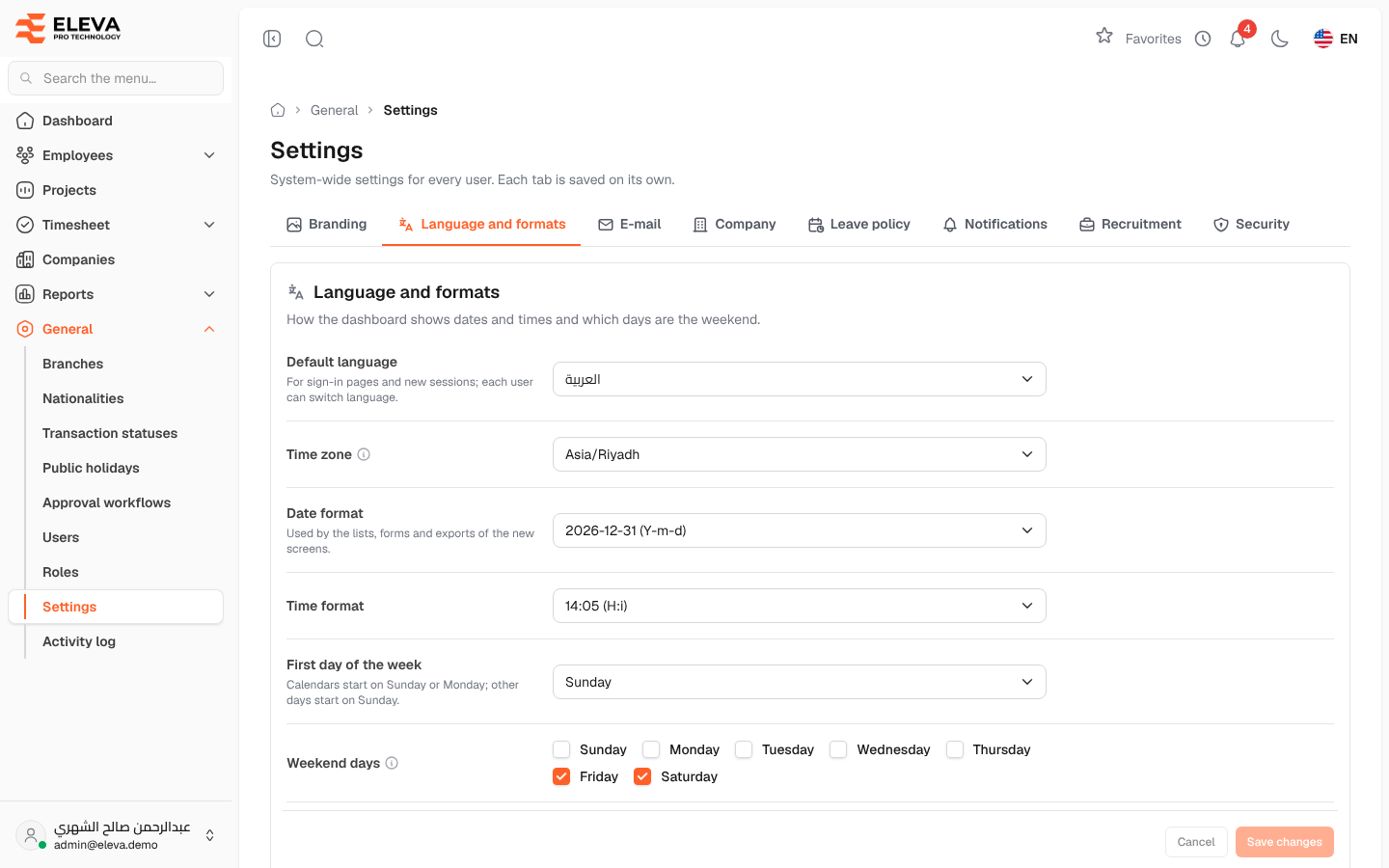
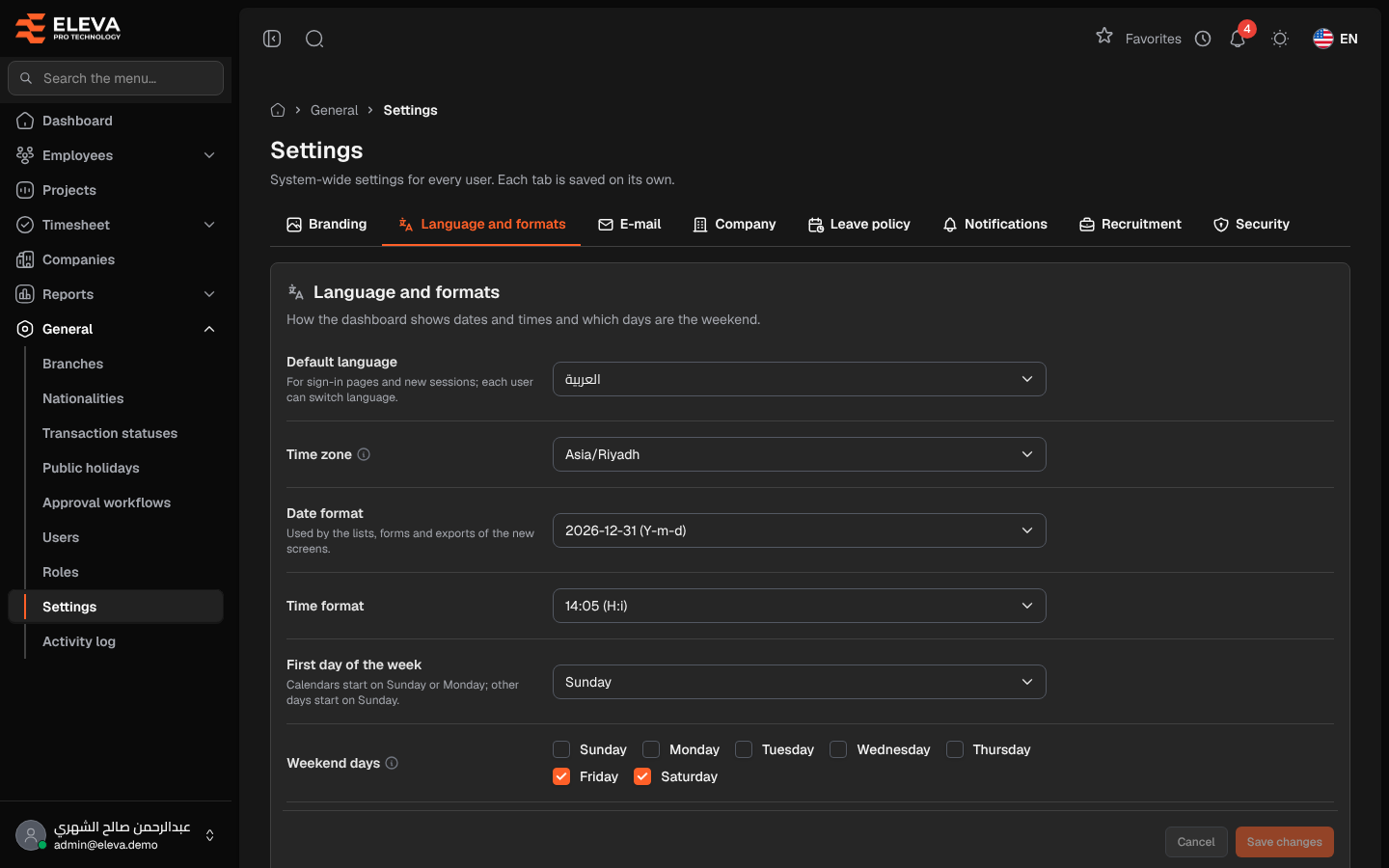
The Language and formats tab sets the default language, the time zone, how dates and times are shown, and which days are the weekend.
From the side menu, open General › Settings, then click the Language and formats tab.
Fields
Section titled “Fields”- Default language — العربية or English, used for the sign-in pages and new sessions. Server default keeps the language set on the server. Each user can still switch the language.
- Time zone — decides what “today” is for leave, renewals and alerts. Server default keeps the server’s zone.
- Date format — how dates appear in the lists, forms and exports. Each choice shows an example.
- Time format — how times appear, with an example.
- First day of the week — the day calendars start on. Calendars start on Sunday or Monday; any other day makes them start on Sunday.
- Weekend days — tick the non-working days. Exports show 0 hours on them, and leave requests can skip them.
How to change the language and formats
Section titled “How to change the language and formats”- Change the fields you need.
- Click Save changes. To discard your edits, click Cancel.
The new formats apply as soon as the settings are saved.
Required permission
Section titled “Required permission”Settings › Manage, on an Admin account.