

Add a warehouse
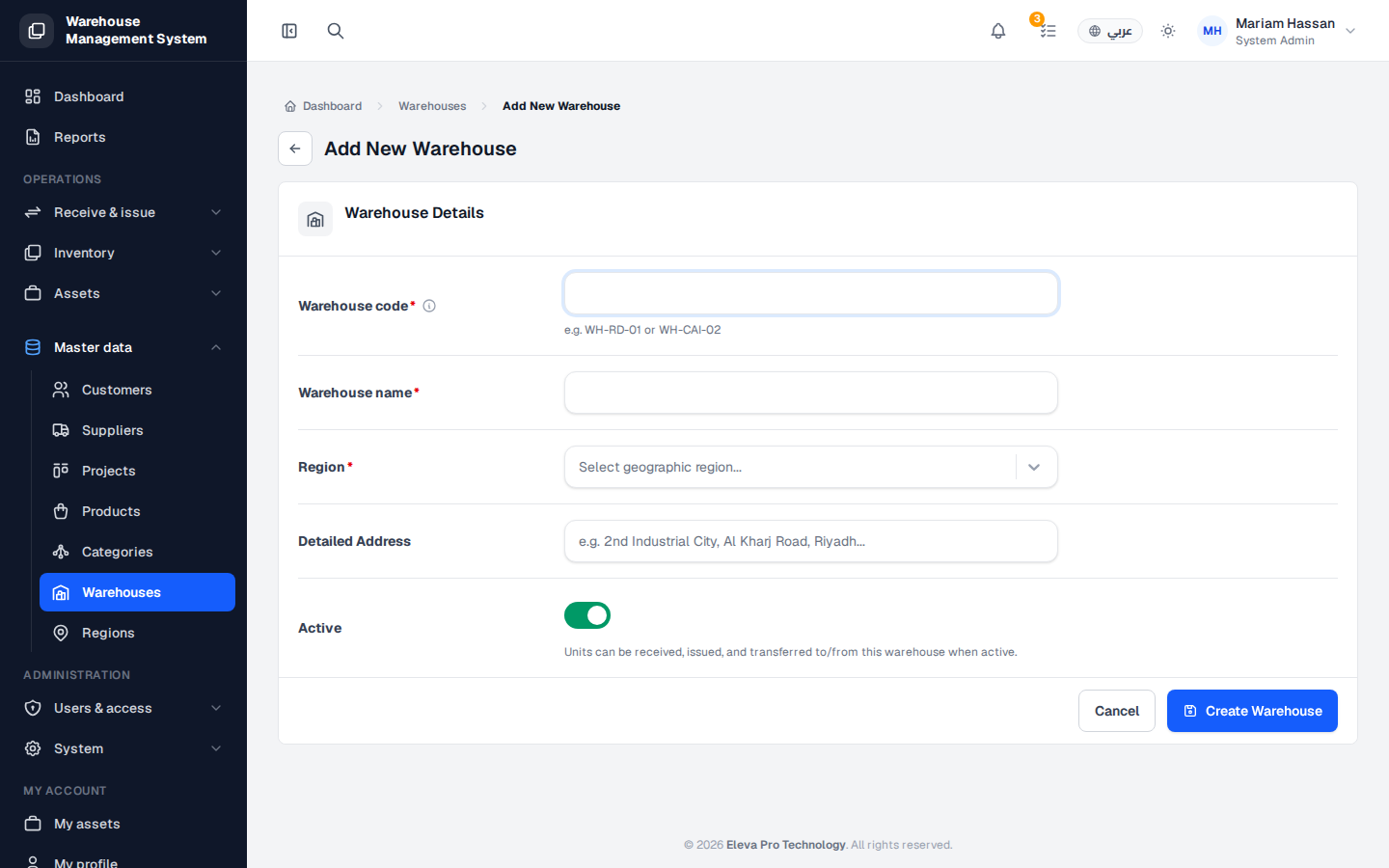
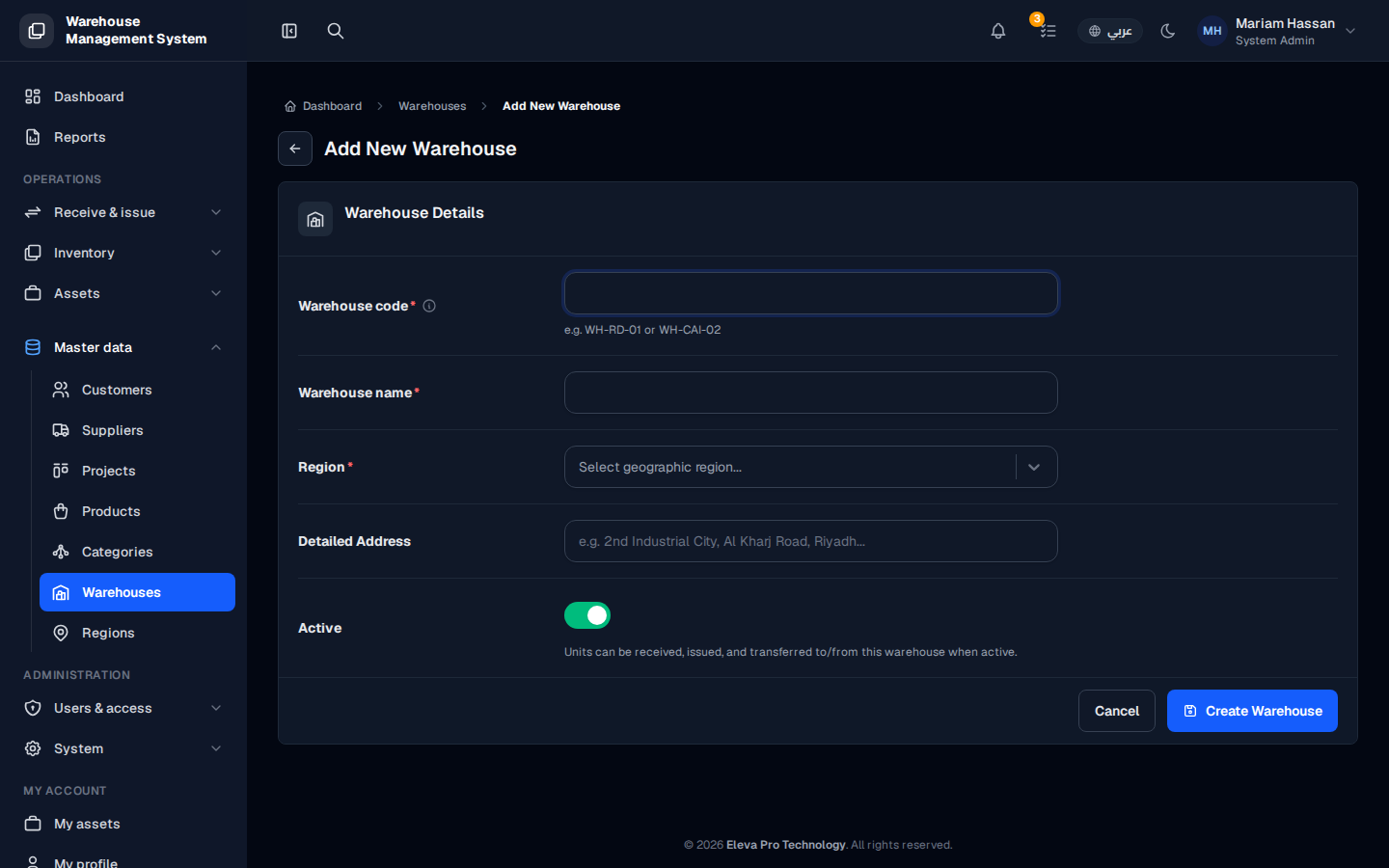
Add a warehouse whenever your organization opens a new storage site. Once created, the warehouse can receive and issue stock, and you can divide it into internal locations such as shelves, areas or bins.
How to add a warehouse
Section titled “How to add a warehouse”- From the side menu, open Master data and click Warehouses.
- Click Add Warehouse.
- Fill in the fields described below.
- Click Create warehouse.
- After creation, the warehouse page opens, where you can add internal Locations to organize the stock inside it.
Fields
Section titled “Fields”- Warehouse code — a short, unique code, for example WH-CAI-02. Follow the pattern used by your other warehouses.
- Warehouse name — the full name that users will see.
- Region — the geographic region the warehouse belongs to. The region must already exist under Regions.
- Address — the physical address (optional).
- Active — on by default. Keep it on if the warehouse is ready to receive and issue units.