

Send units to repair
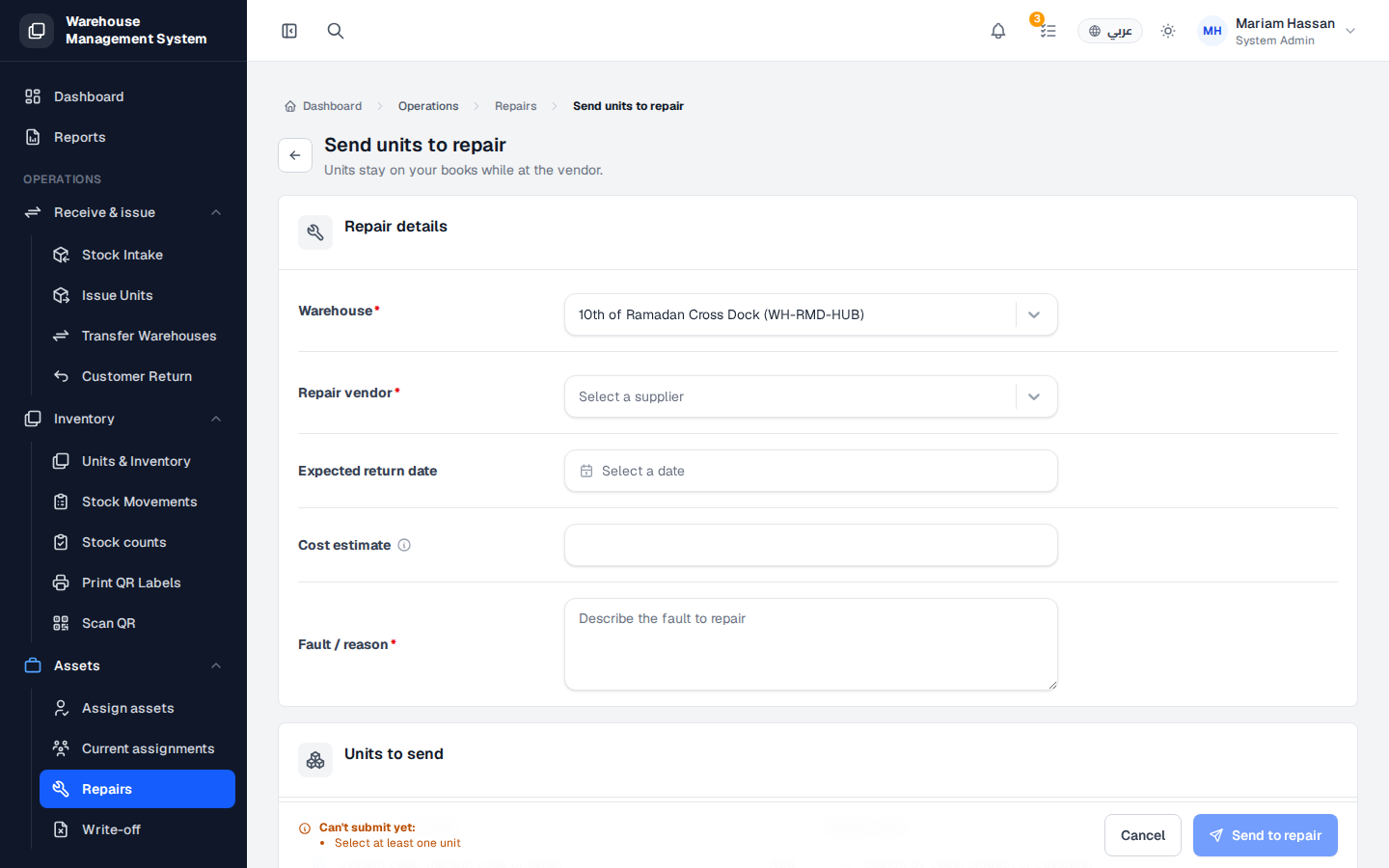
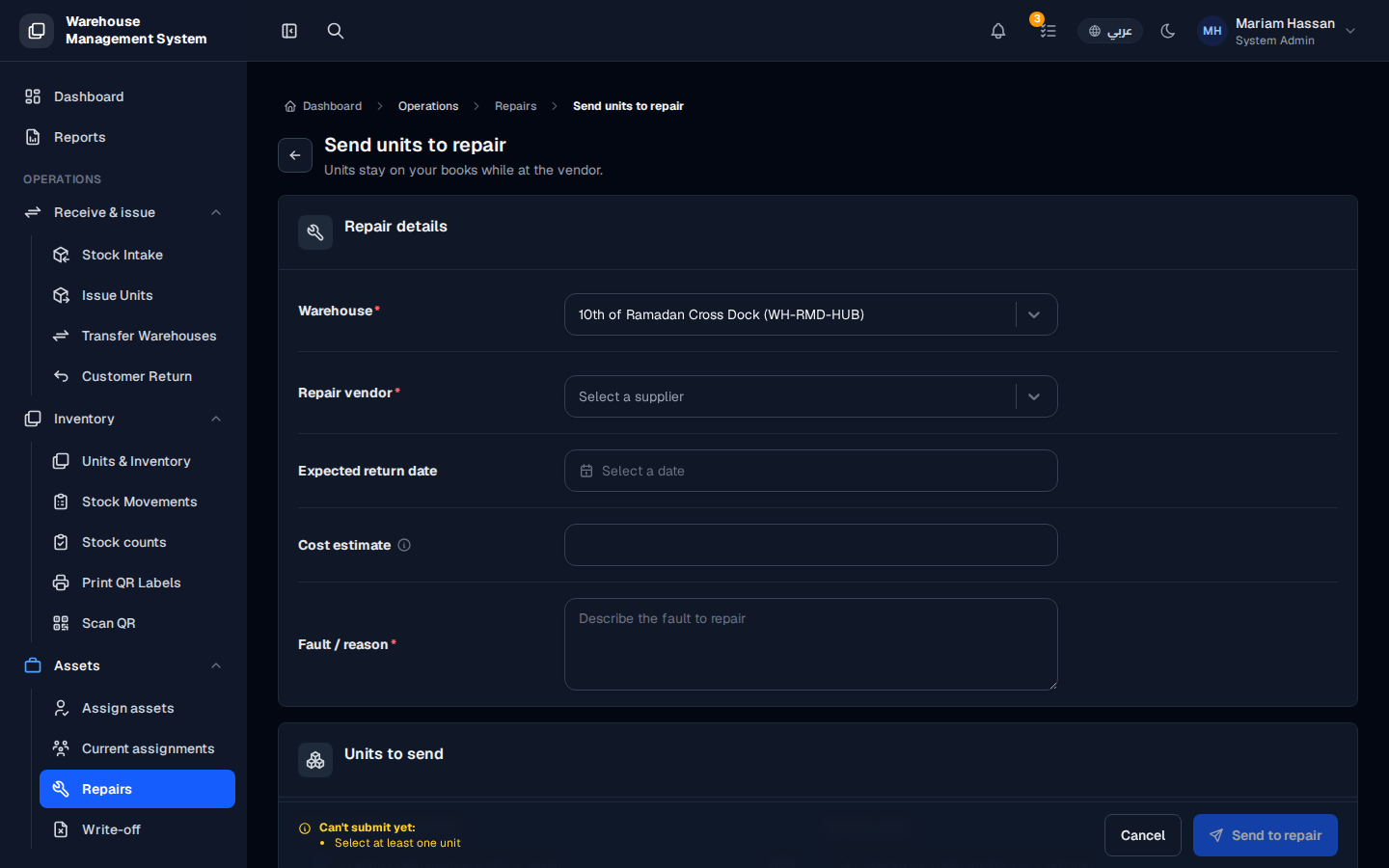
Use this form to send one or more faulty units to a repair vendor. The units stay on your books while they are at the vendor, but they are reserved and cannot be issued to a customer.
Fields
Section titled “Fields”- Warehouse — the warehouse holding the units (required).
- Repair vendor — the supplier that will repair the units (required).
- Expected return date — when the units are expected back, if known.
- Cost estimate — the expected repair cost.
- Fault / reason — a description of the fault to repair (required).
How to send units to repair
Section titled “How to send units to repair”- From the side menu, open Assets › Repairs, then click Send to repair.
- Fill in the Repair details.
- In the Units to send section, search for the units by code or scan them, and add them to the list.
- Click Send to repair. Click Cancel to leave without saving.