

New stock count
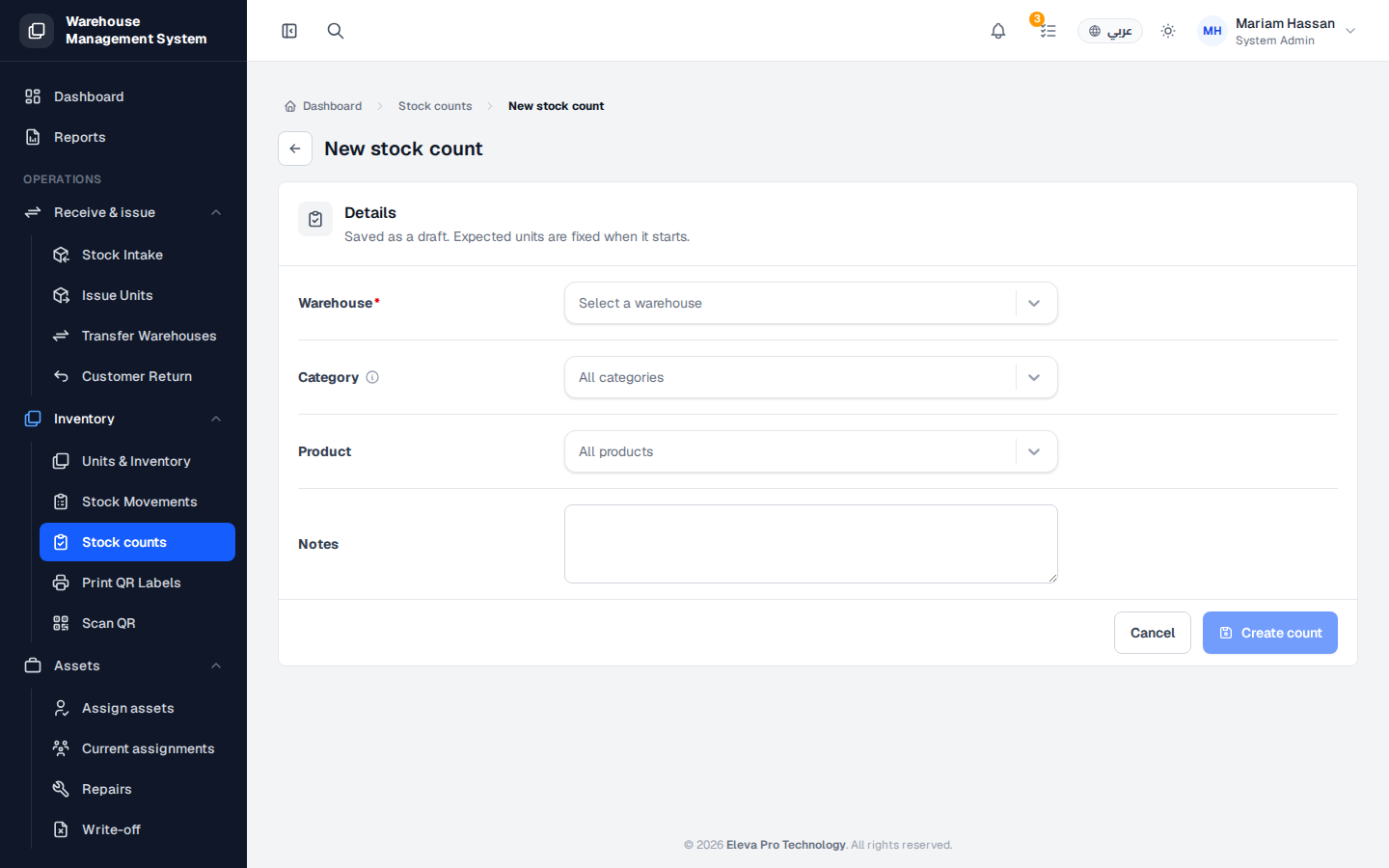
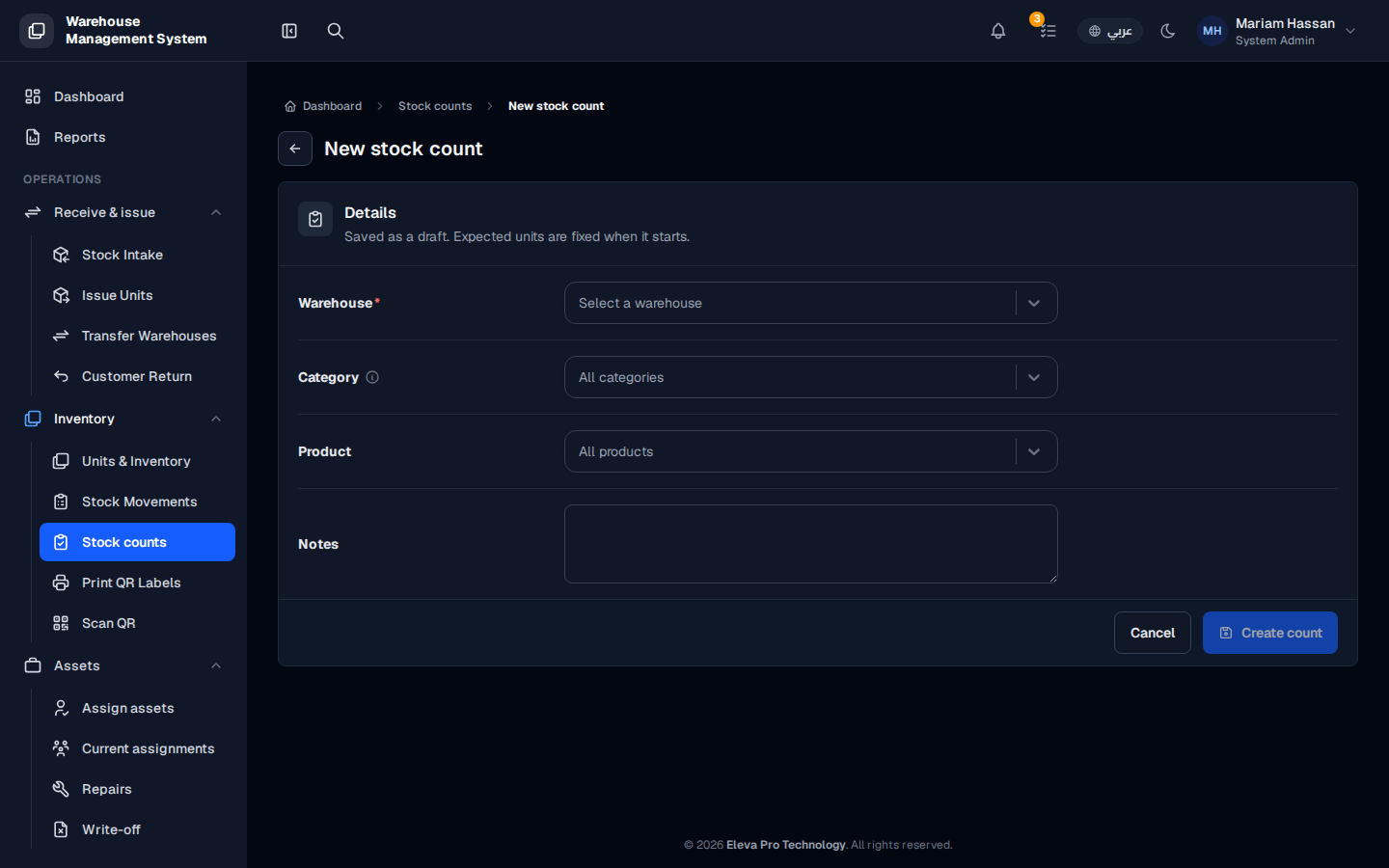
Create a stock count when you are about to physically count a warehouse, or part of it. The count is saved as a draft first; the list of expected units is fixed only when the count starts, so you can prepare it in advance.
Fields
Section titled “Fields”- Warehouse — the warehouse to be counted (required).
- Category — limit the count to one product category. Leave All categories to count everything.
- Product — limit the count to one product. Leave All products to count everything.
- Notes — any instructions for the people doing the count.
How to create a stock count
Section titled “How to create a stock count”- From the side menu, under Inventory, open Stock counts.
- Click New stock count.
- Choose the Warehouse, and optionally a Category or Product.
- Add any Notes.
- Click Create count. To leave without saving, click Cancel.
The count is saved as a Draft. When counting begins, it moves to In progress and the expected units are frozen.