

Activity log
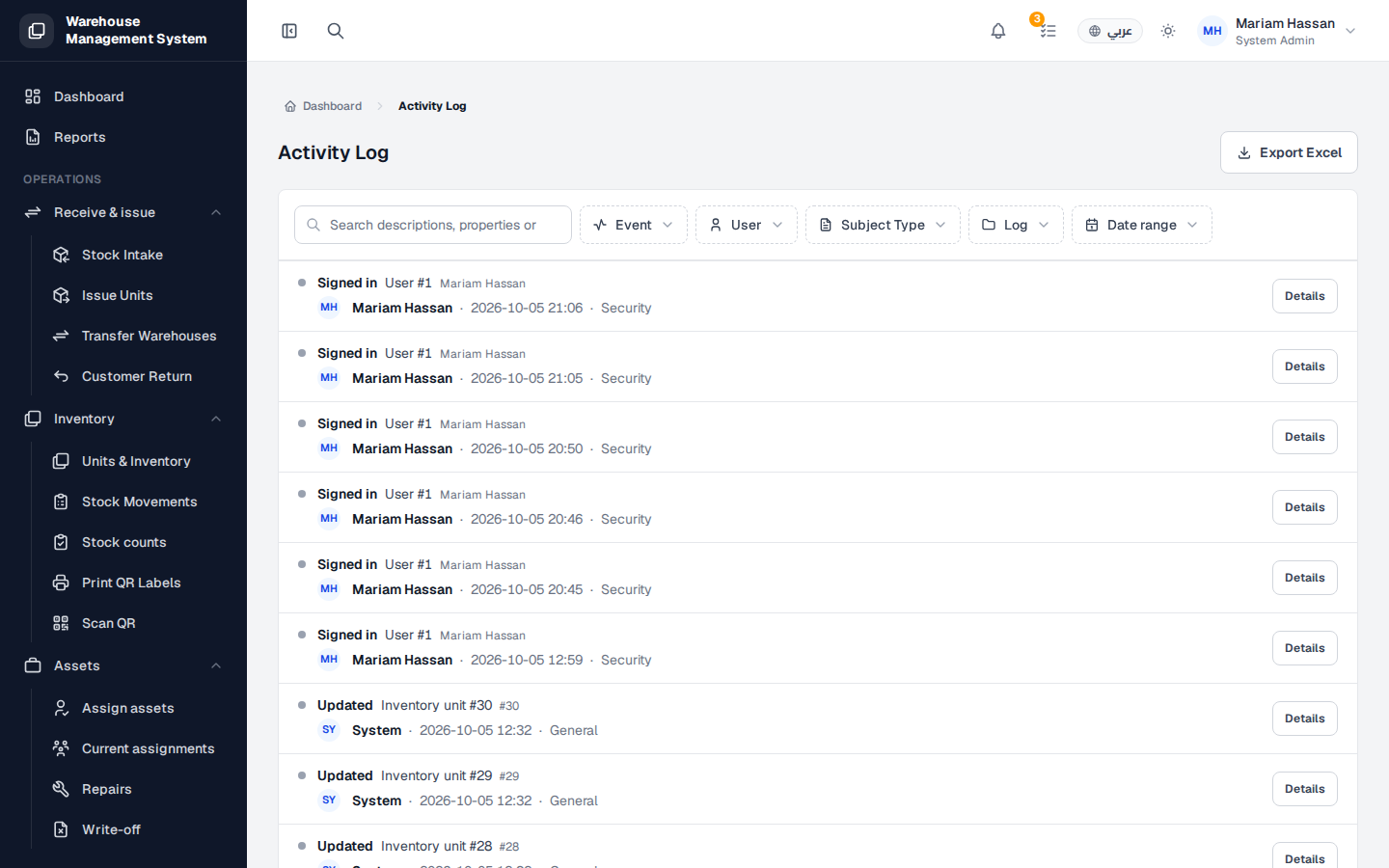
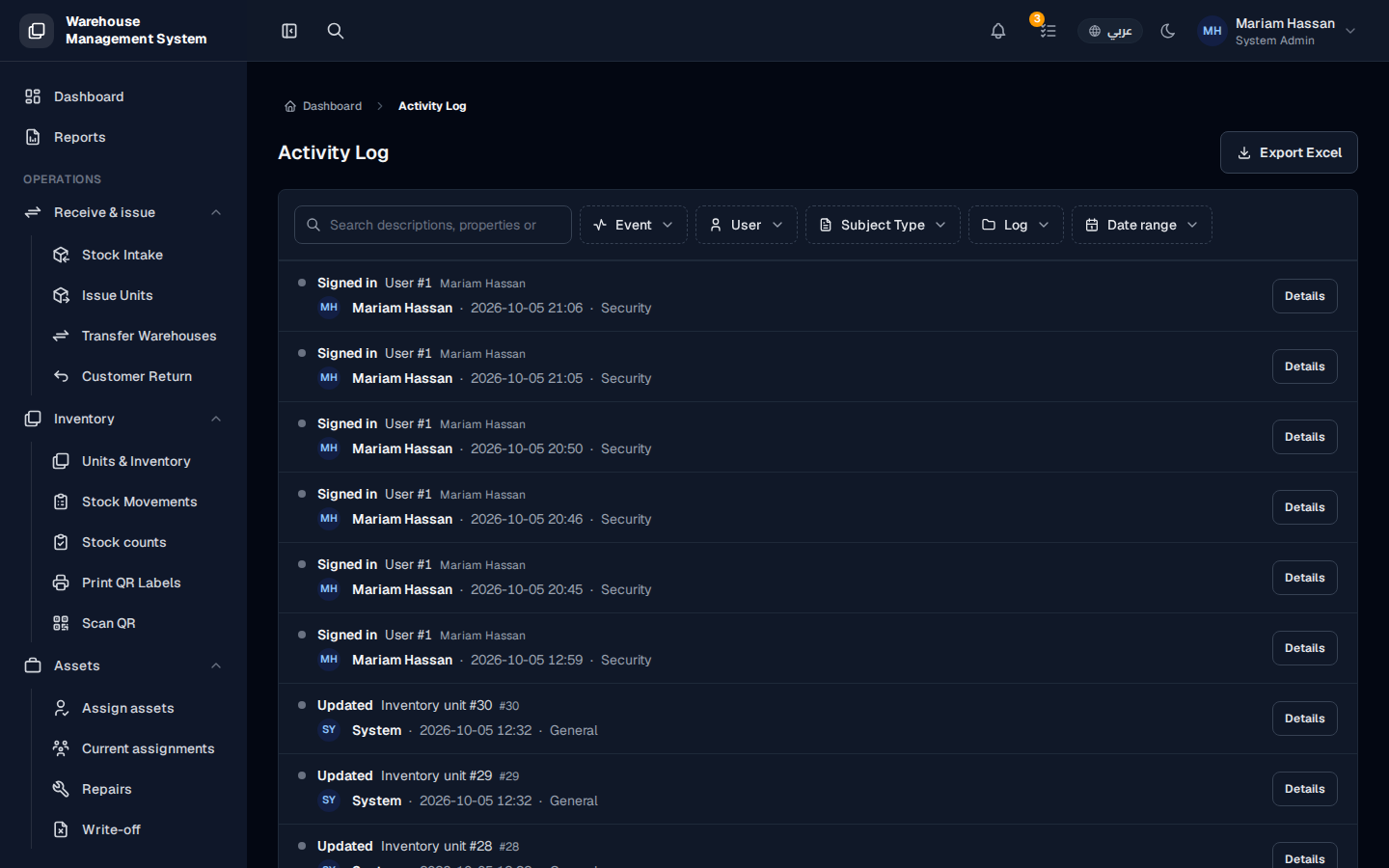
The activity log is the system’s audit trail. It records who did what and when: sign-ins, records created, updated or deleted, and approvals or rejections. Use it to investigate an unexpected change, to trace the history of an item, or to provide evidence for an audit.
To open it, from the side menu choose Reports › Activity log.
What’s on this screen
Section titled “What’s on this screen”- Search: finds entries by description, properties and other text.
- Event: filter by action, such as signed in or updated.
- User: filter by the person who made the change.
- Subject Type: filter by the kind of record, such as inventory unit, movement or warehouse.
- Log: filter by log category, such as Security or General.
- Date range: limit entries to a period.
- Export Excel: downloads the log as a spreadsheet.
- The list of entries, each showing the event, the record, the user, the date and time, and the category, with a Details button.
How to find a specific change
Section titled “How to find a specific change”- Use the filters and the search box to narrow the list.
- Click Details on an entry to see what changed, including the old and new values.
- If needed, change the number of rows per page at the bottom of the list to see more entries.
How to export the log
Section titled “How to export the log”- Apply any filters you need.
- Click Export Excel.