

My profile
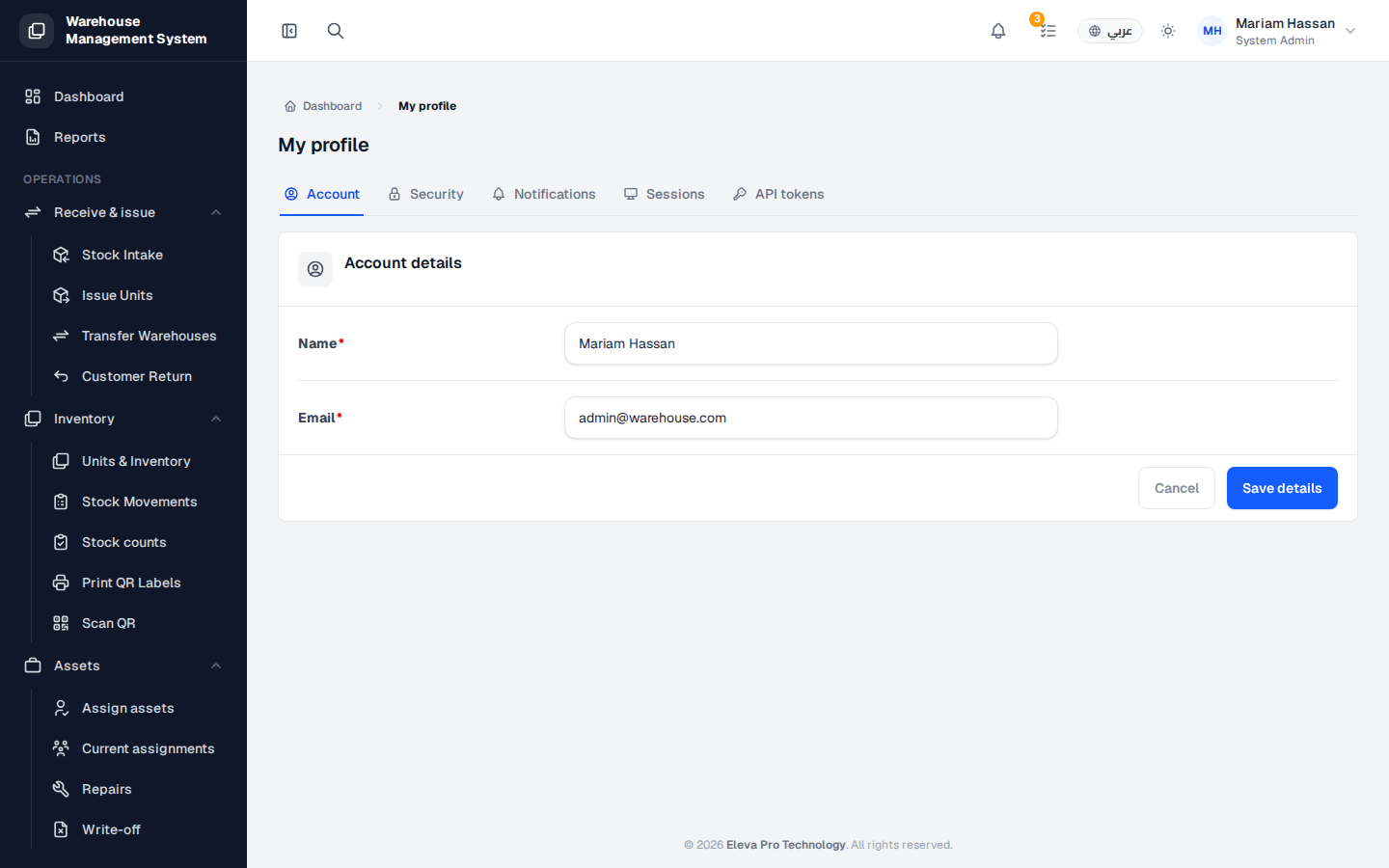
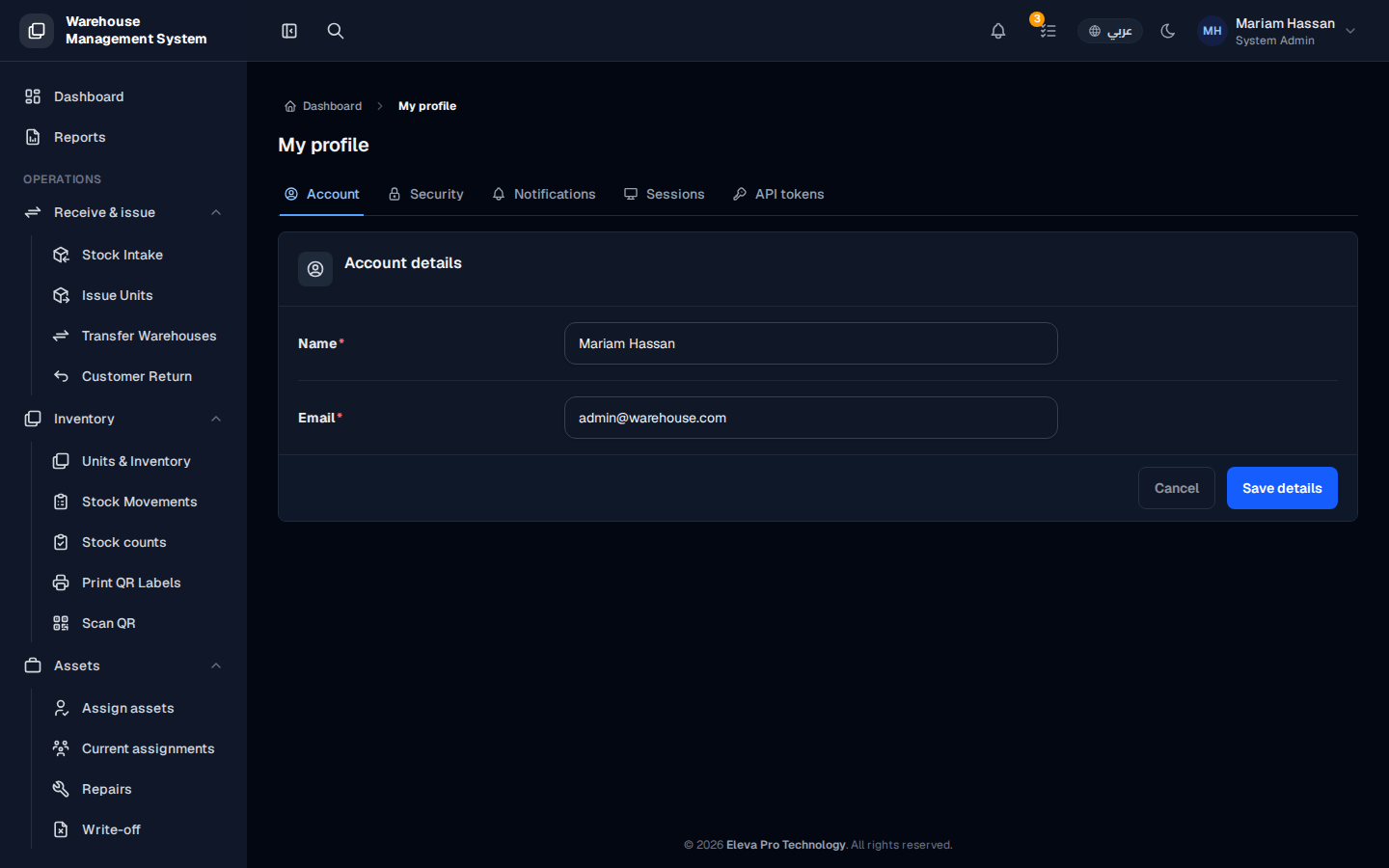
My profile is where you manage your own account: your name and email, password and security, which notifications you receive, the devices you are signed in on, and access tokens for external applications.
To open it, from the side menu choose My account › My profile.
What’s on this screen
Section titled “What’s on this screen”- Account: your Name and Email.
- Security: change your password.
- Notifications: choose the channels you receive alerts on.
- Sessions: devices you are currently signed in from.
- API tokens: access tokens for external applications.
How to change your name or email
Section titled “How to change your name or email”- On the Account tab, edit Name and/or Email.
- Click Save details, or Cancel to discard your changes.
How to change your password
Section titled “How to change your password”- Open the Security tab.
- Enter your current password and your new password.
- Click Update Password.
How to choose your notification channels
Section titled “How to choose your notification channels”- Open the Notifications tab.
- Select the channels you want to receive alerts on.
How to sign out of other devices
Section titled “How to sign out of other devices”- Open the Sessions tab to see every device you are signed in from.
- Sign out of any device you do not recognise or no longer use.
How to manage API tokens
Section titled “How to manage API tokens”Open the API tokens tab to issue access tokens for external applications that need to connect to the system.