

Add a project
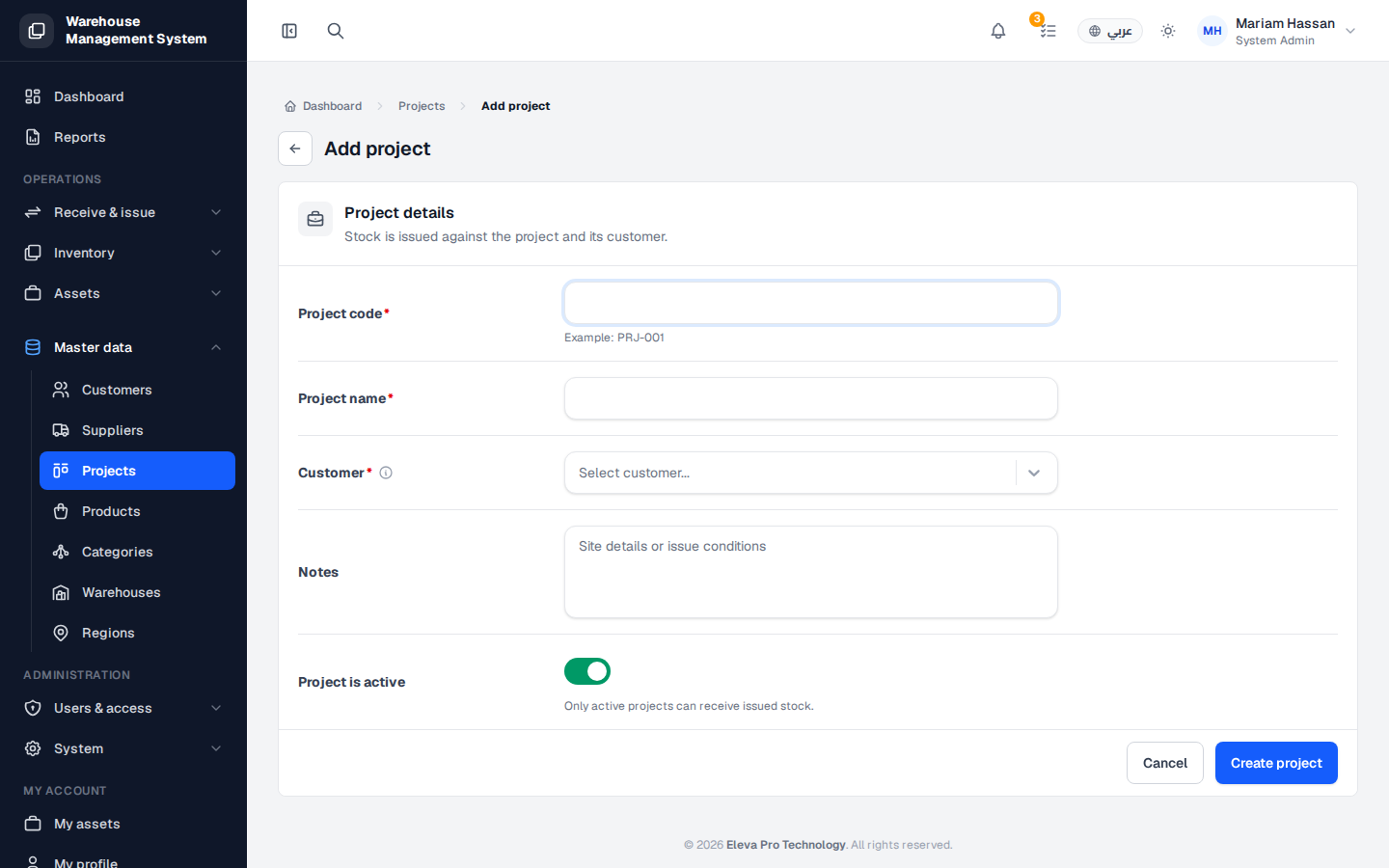
Add a project when work starts for a customer and you need to issue stock against it. Stock is issued against the project and its customer, which keeps a clear record of where units are used.
How to add a project
Section titled “How to add a project”- From the side menu, open Master data and click Projects.
- Click Add project.
- Fill in the fields described below.
- Click Create project, or Cancel to discard.
- After saving, you can assign units to the project and record movements against it.
Fields
Section titled “Fields”- Project code (required) — a unique code, for example PRJ-001. Follow the pattern used in your organization.
- Project name (required) — a clear name that describes the project.
- Customer (required) — the customer the project belongs to. If the customer is missing, add them first under Customers.
- Notes — any relevant details, such as site details or issue conditions.
- Project is active — on by default. Only active projects can receive issued stock, so turn it off if the project is still being set up.