

Write-off
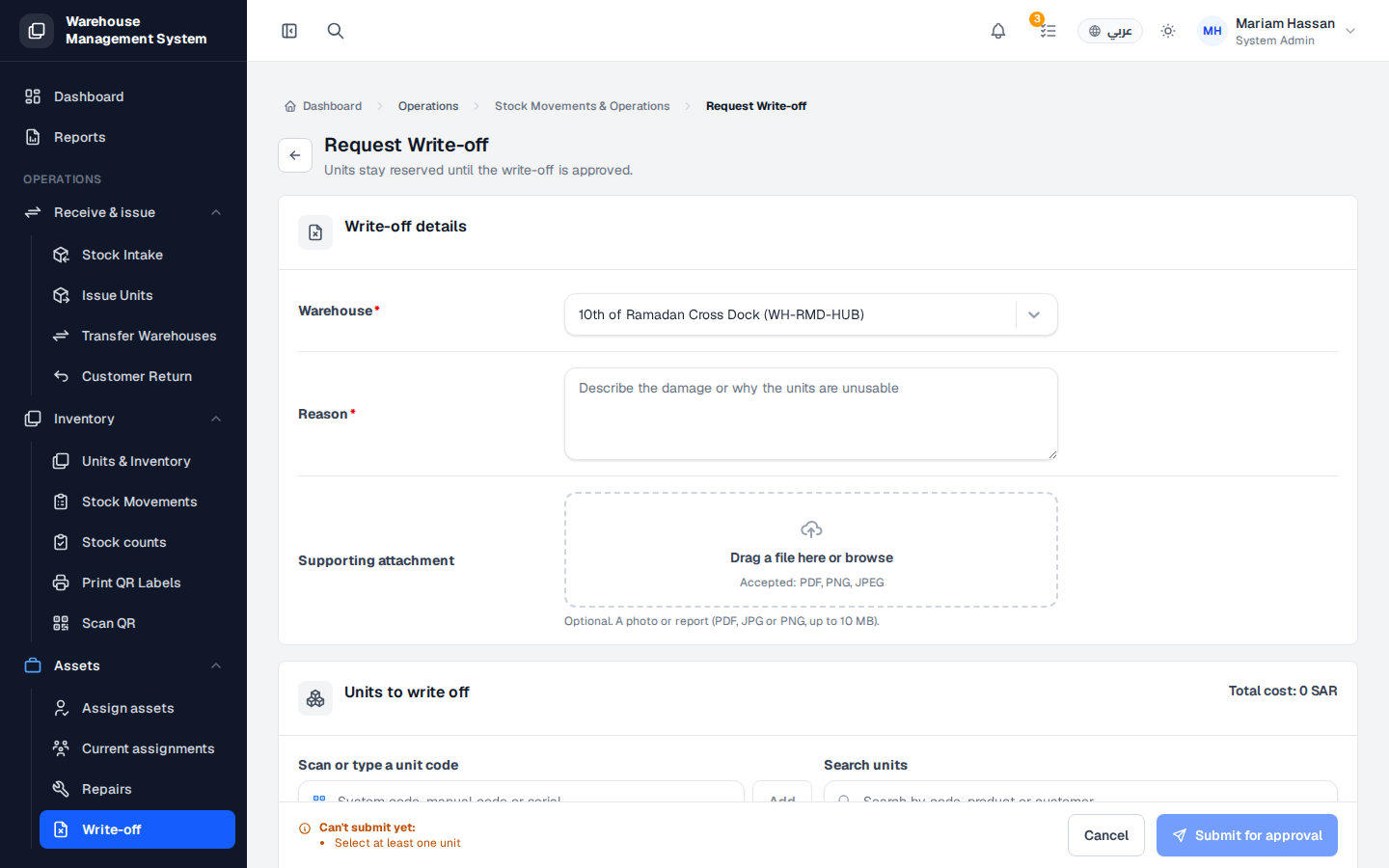
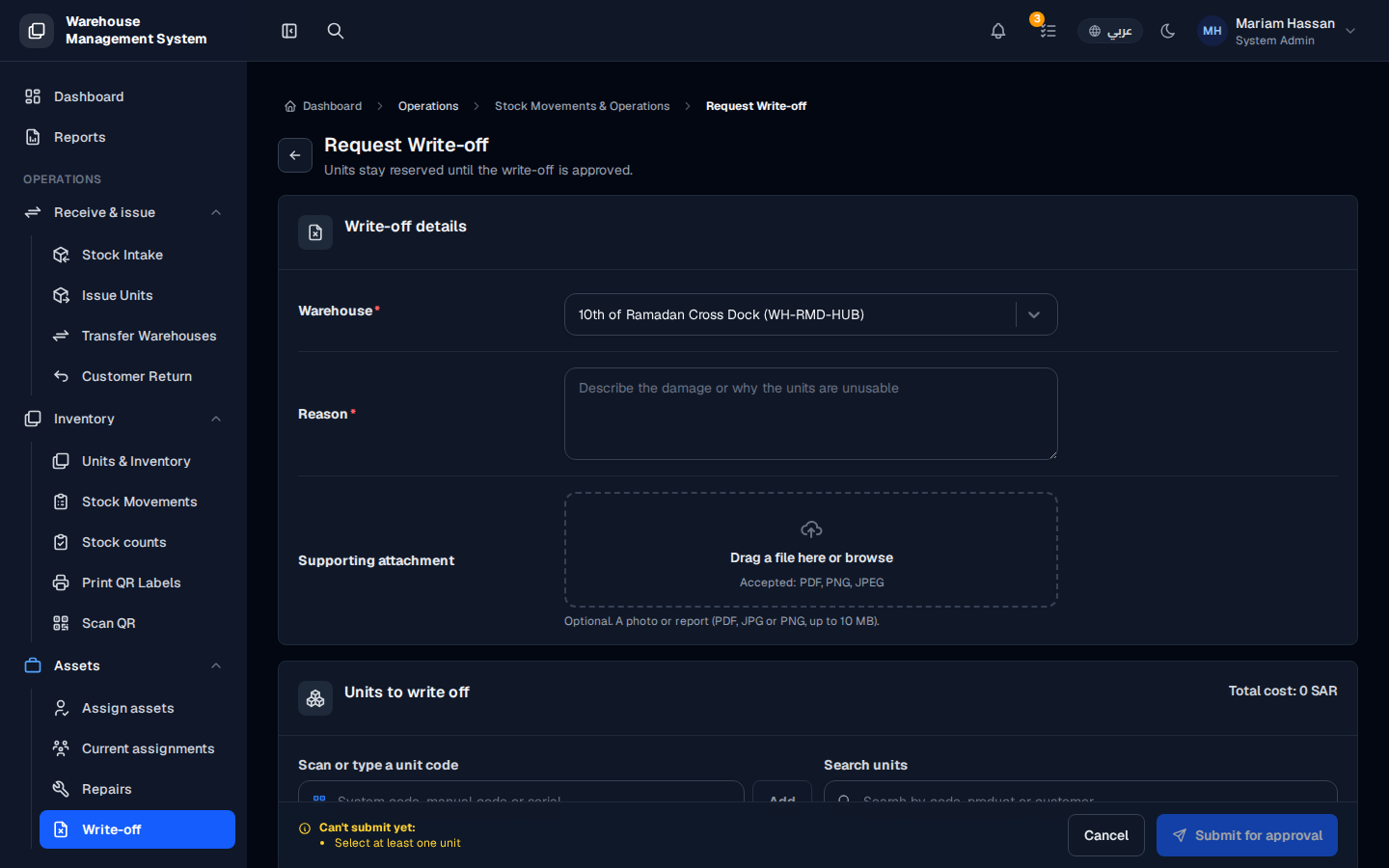
A write-off permanently removes units from stock when they are damaged beyond repair, expired, lost or otherwise unusable. Because it has a financial impact, a write-off is submitted as a request; the units stay reserved until the write-off is approved.
Fields
Section titled “Fields”- Warehouse — the warehouse holding the units (required).
- Reason — the damage or why the units are unusable (required).
- Supporting attachment — an optional photo or report (PDF, JPG or PNG, up to 10 MB).
How to request a write-off
Section titled “How to request a write-off”- From the side menu, open Assets › Write-off.
- Fill in the Write-off details.
- In Units to write off, enter a code in Scan or type a unit code and click Add, or use Search units to find units by code, product or customer.
- Check the Total cost of the selected units.
- Click Submit for approval. Click Cancel to leave without saving.
After approval, the units are written off and appear in Stock movements as a write-off movement.