

Roles and permissions
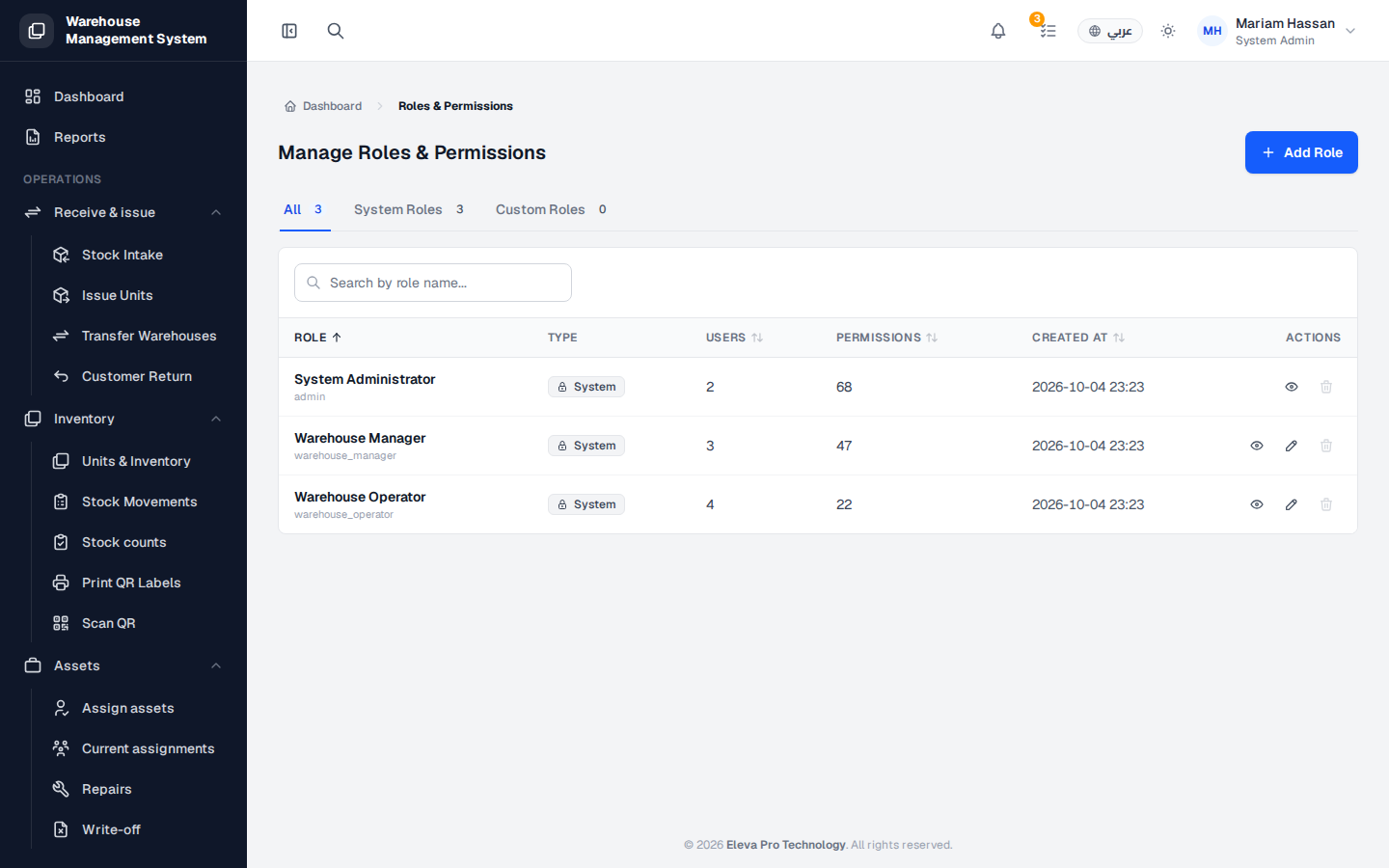
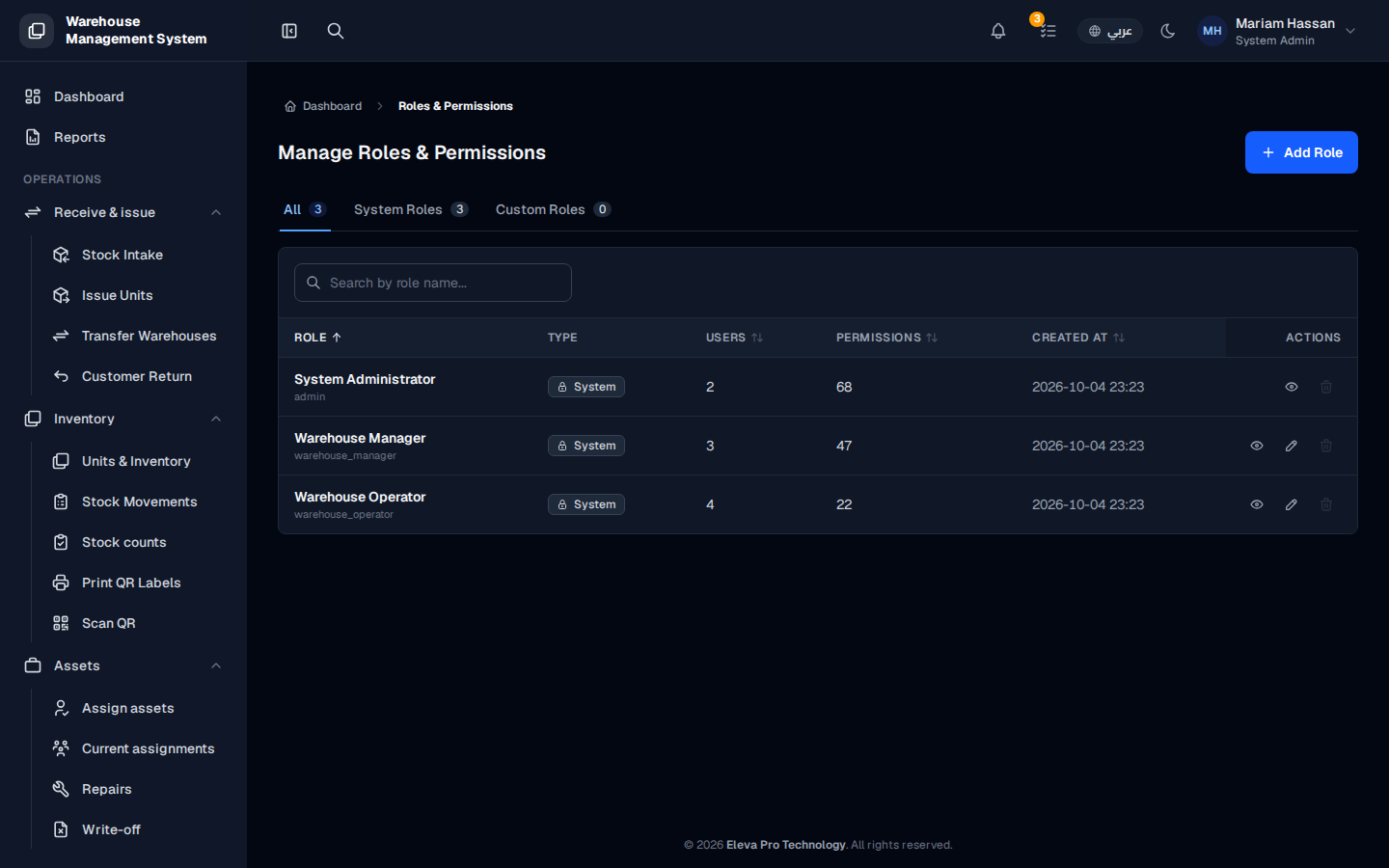
A role is a named set of permissions, and every user is given one. Roles decide what each person can see and do in the system, so this screen is where administrators review access and create narrower roles when the built-in ones give too much or too little.
What’s on this screen
Section titled “What’s on this screen”- Tabs — All, System Roles and Custom Roles, each with a count.
- Search by role name — find a role quickly.
- Role — the role’s display name and its internal name.
- Type — System for built-in roles, or custom for roles you created.
- Users — how many users have the role.
- Permissions — how many permissions the role grants.
- Created at — when the role was created.
- Actions — view the role’s permissions, edit it, or delete it.
- Add Role — create a custom role.
Role types
Section titled “Role types”- System roles — System Administrator, Warehouse Manager and Warehouse Operator. They come with the system and cannot be deleted.
- Custom roles — roles you create. You can edit their permissions, and delete them when no users are assigned.
How to review a role
Section titled “How to review a role”- From the side menu, open Roles & Permissions.
- Find the role using the tabs or the search box.
- Click the view icon in Actions to see every permission it grants.
How to add a custom role
Section titled “How to add a custom role”Click Add Role at the top of the page and choose the permissions the role should have.