

Add a customer
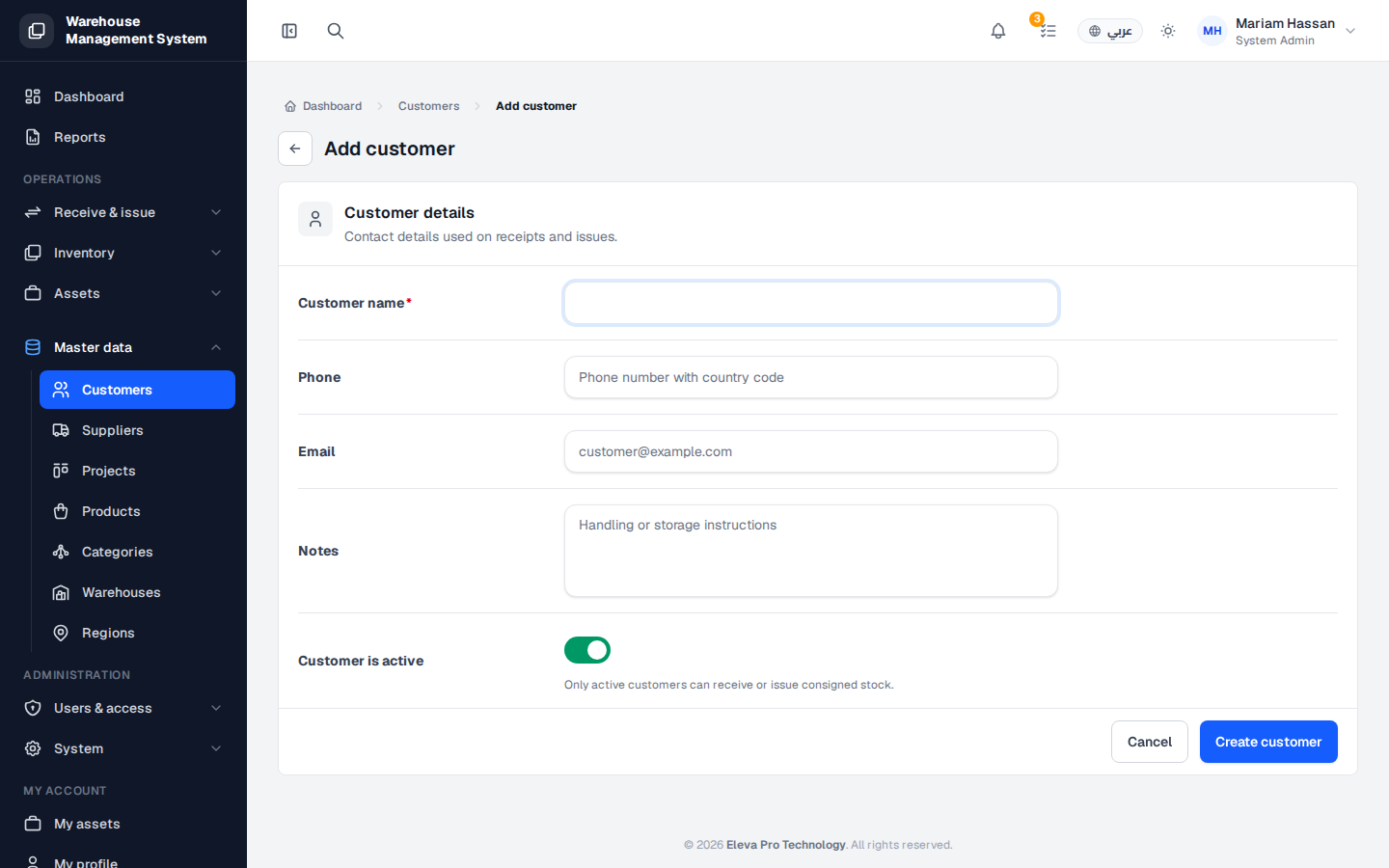
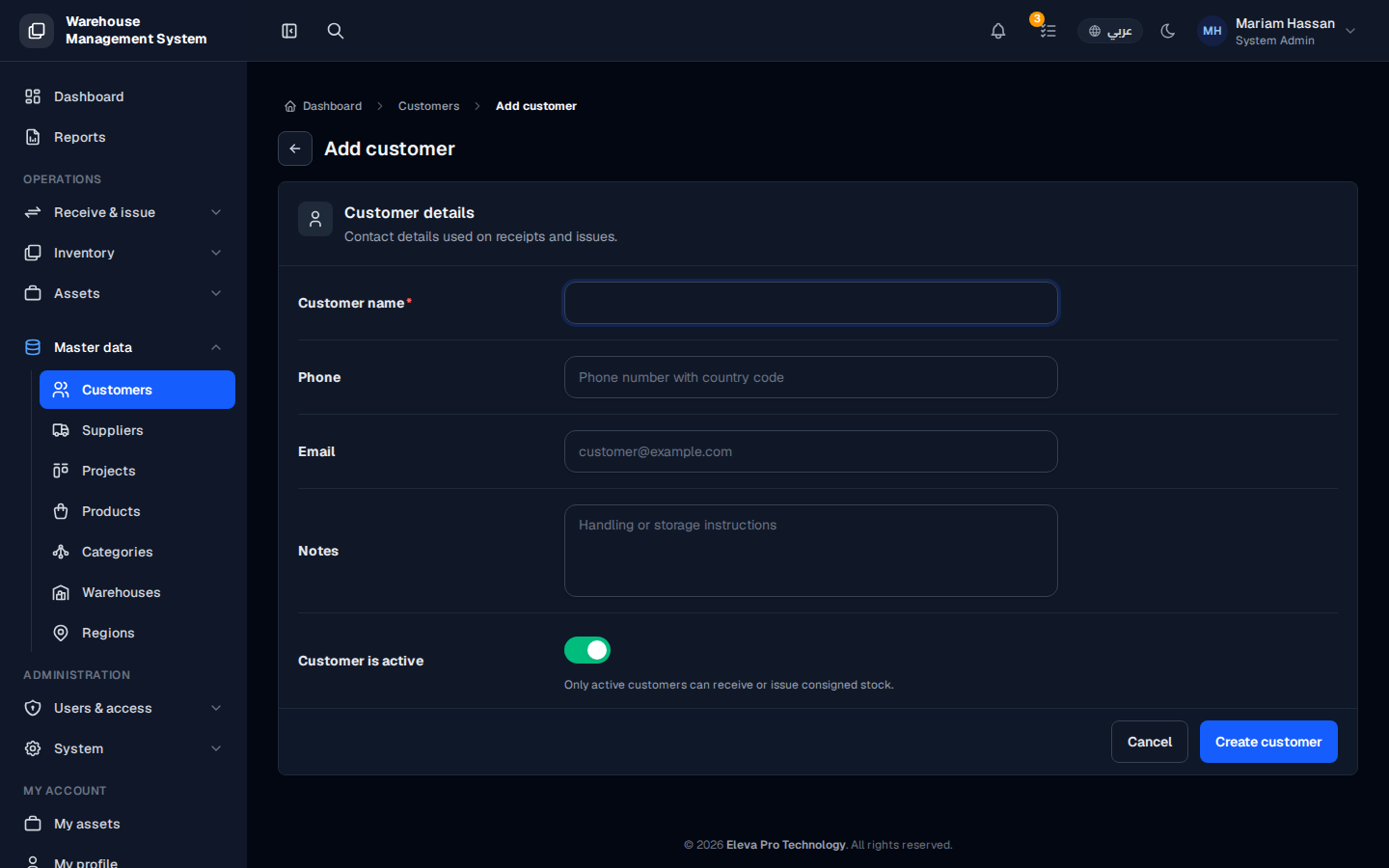
Add a customer before you issue stock to them or open a project for them. The contact details you enter are used on receipts and issues.
How to add a customer
Section titled “How to add a customer”- From the side menu, open Master data and click Customers.
- Click Add customer.
- Fill in the fields described below.
- Click Create customer, or Cancel to discard.
- After saving, you can add linked Projects for the customer.
Fields
Section titled “Fields”- Customer name (required) — the company or person name.
- Phone — the contact number, with country code.
- Email — the official email address (optional, but useful for notifications).
- Notes — any important details, such as handling or storage instructions.
- Customer is active — on by default. Turn it off if you are adding the customer but they should not receive movements yet.