

My assets
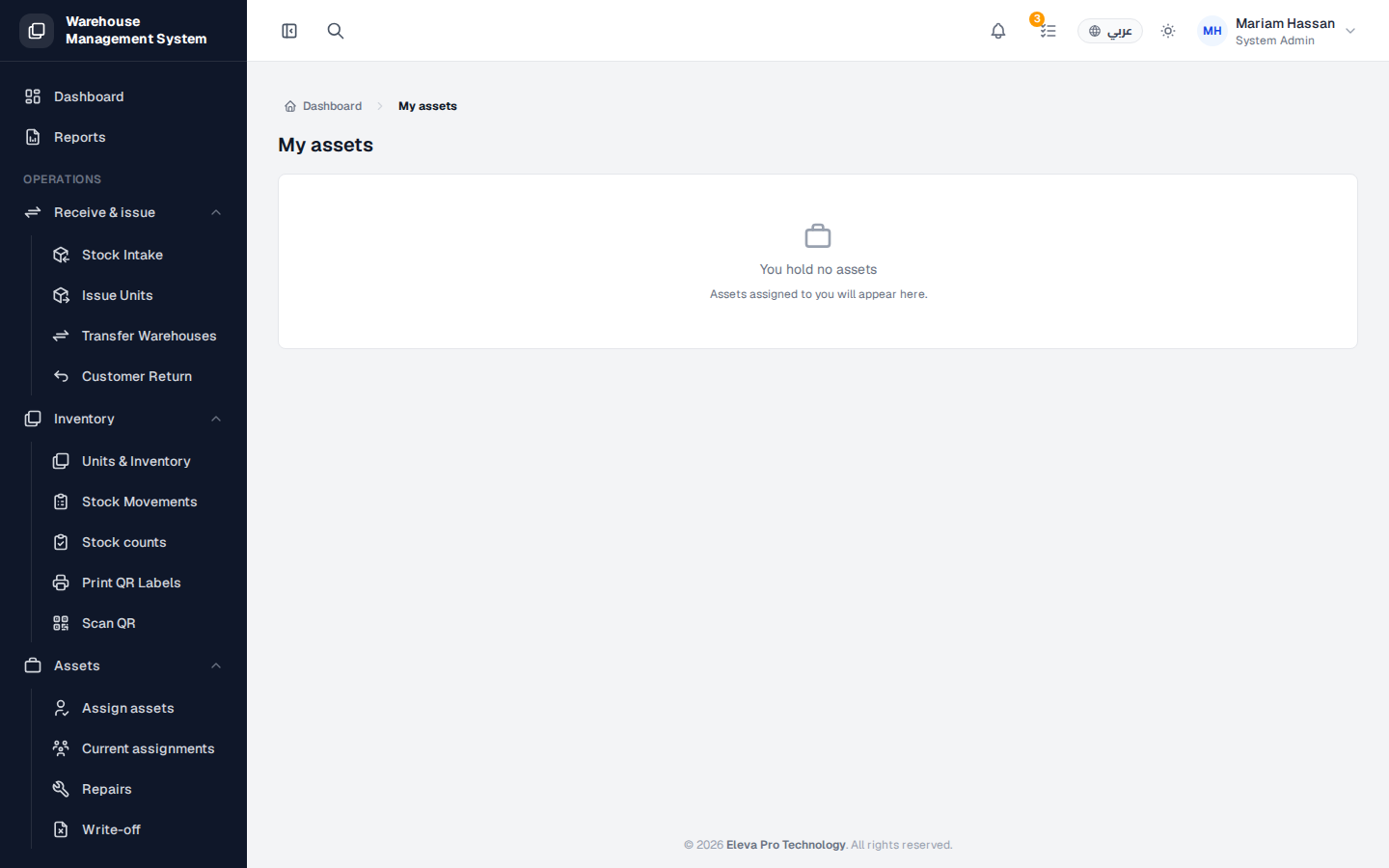
My assets shows the units currently assigned to you personally as custody. Use it to check what you hold and when each unit is due back.
What’s on this screen
Section titled “What’s on this screen”- A list of the units assigned to you.
- If you hold nothing, the page shows You hold no assets; assets assigned to you will appear here.
How to view your assets
Section titled “How to view your assets”- Open My assets from your account menu.
- Review the units listed and their due dates.