

Customers
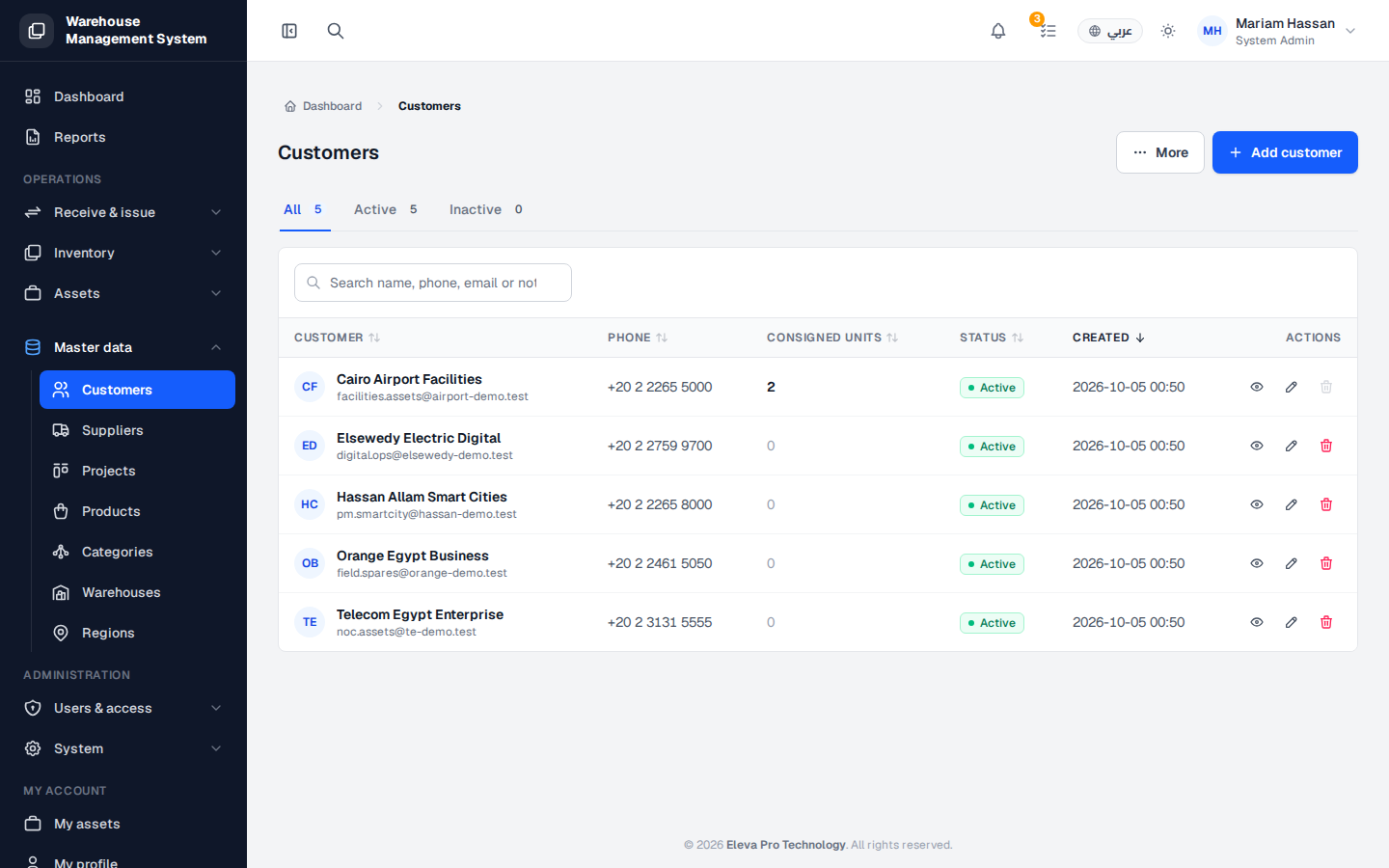
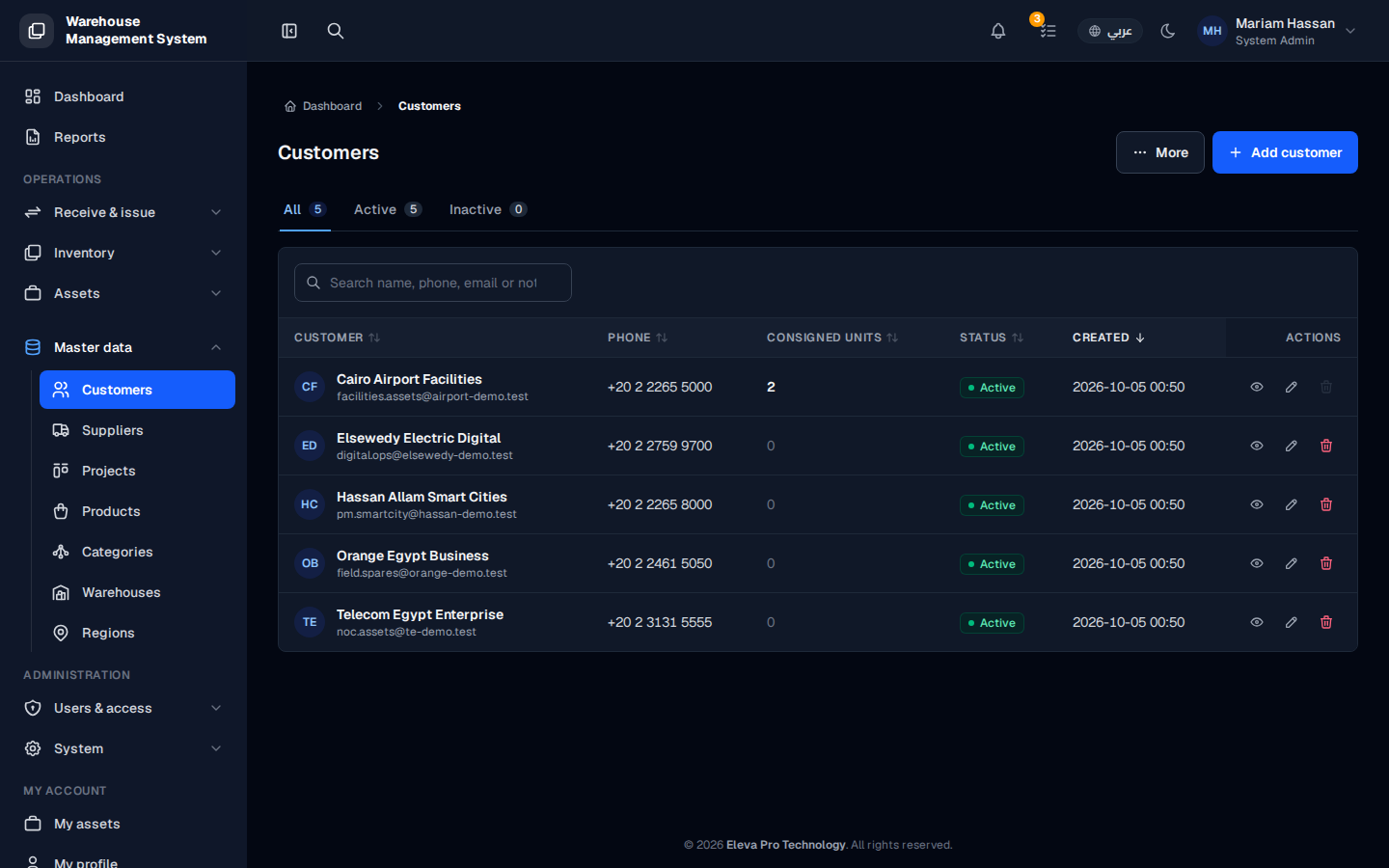
The Customers screen lists the companies and people you issue stock to or hold consignment for. Customers are linked to projects and to the movements made on their behalf.
Use this screen to find a customer, review their status, and add, edit or remove customers.
What’s on this screen
Section titled “What’s on this screen”- All, Active and Inactive tabs — show counts by status and filter the table.
- Add customer button — opens the form to create a new customer.
- Table columns: name, contact details, status, creation date and Actions.
How to open the customers list
Section titled “How to open the customers list”- From the side menu, open Master data.
- Click Customers.
How to work with a customer
Section titled “How to work with a customer”- Click a row to open the customer details: linked projects, current consignment and history.
- Click the pencil icon to edit the customer.
- Click the trash icon to delete it.