

Regions
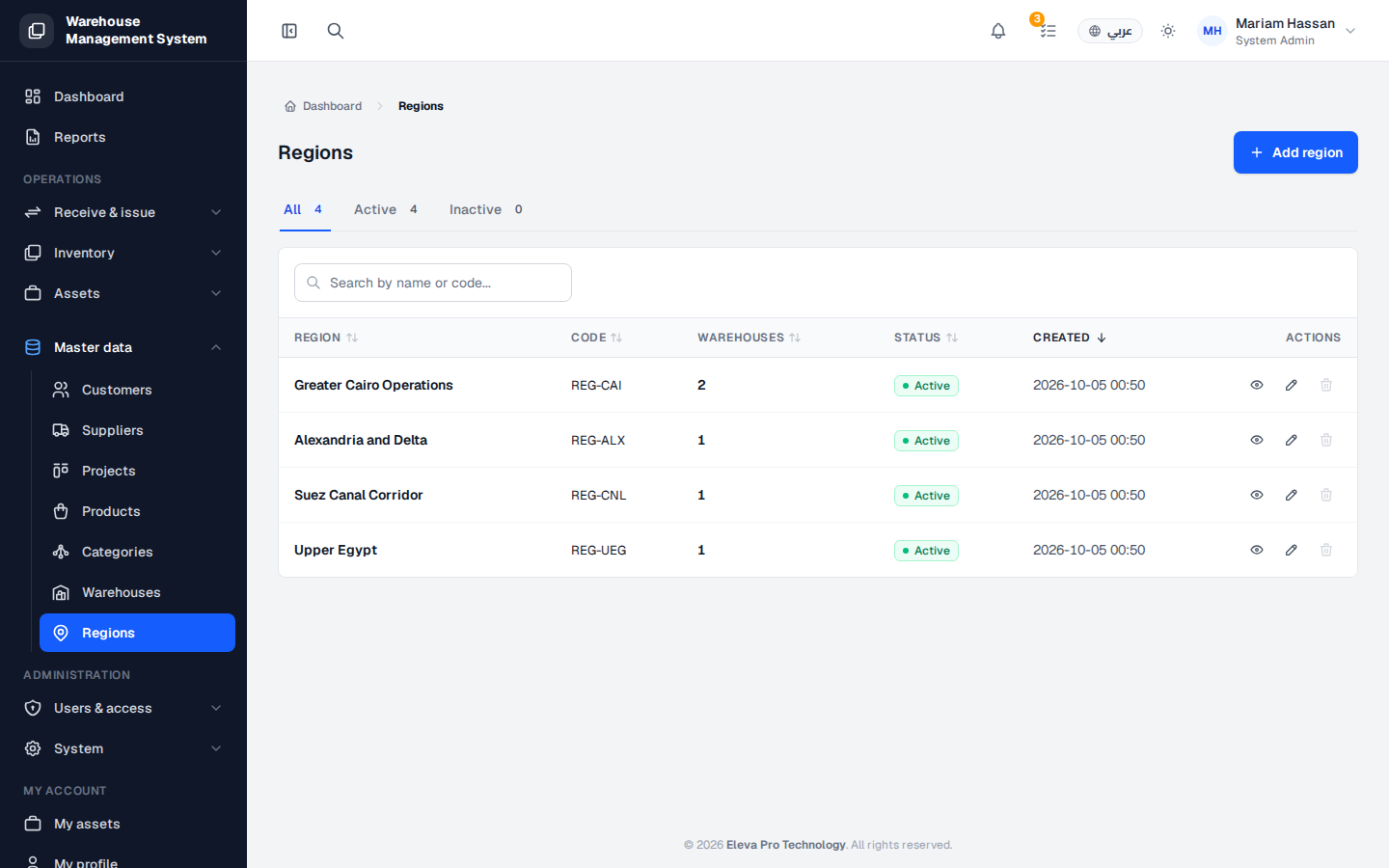
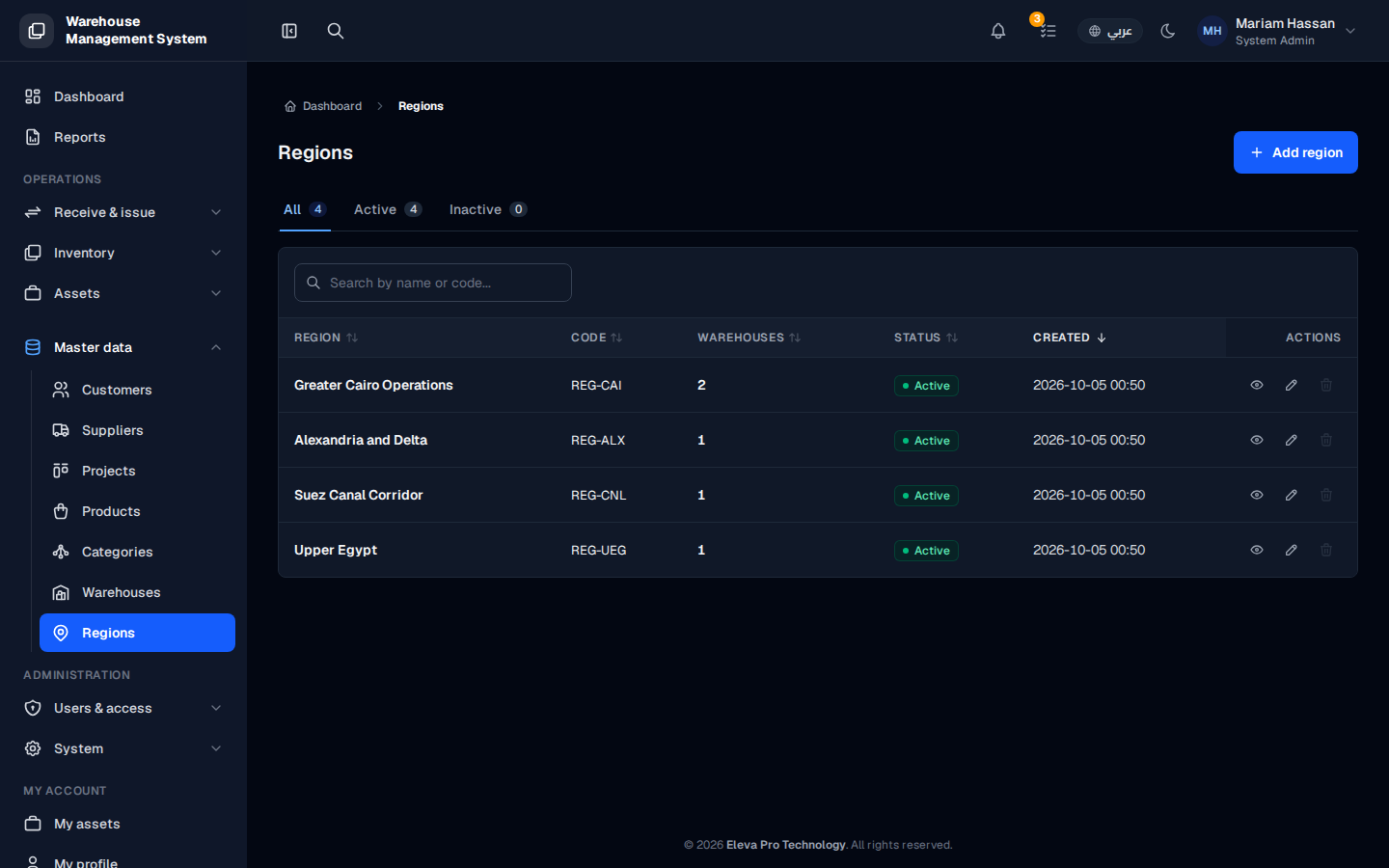
Regions are the geographic areas your warehouses belong to, such as a city or a group of governorates. Grouping warehouses by region helps you organize your locations and report on stock by area.
Use this screen when you set up the system, when you open warehouses in a new area, or when you want to see how many warehouses each region has.
What’s on this screen
Section titled “What’s on this screen”- All, Active and Inactive tabs, each with a count, to filter the list by status.
- A search box to find a region by name or code.
- A table with the columns Region, Code, Warehouses (number of warehouses), Status and Created.
- Actions for each row: view, edit (pencil icon) and delete (trash icon).
- The Add region button at the top right.
How to open the regions list
Section titled “How to open the regions list”- From the side menu, open Master data › Regions.
How to add a region
Section titled “How to add a region”- Click Add region at the top right.
- Fill in the region details and save.
How to view, edit or delete a region
Section titled “How to view, edit or delete a region”- Click a row, or the view icon, to see the warehouses in that region.
- Click the pencil icon in the Actions column to edit the region.
- Click the trash icon to delete it.