

Products
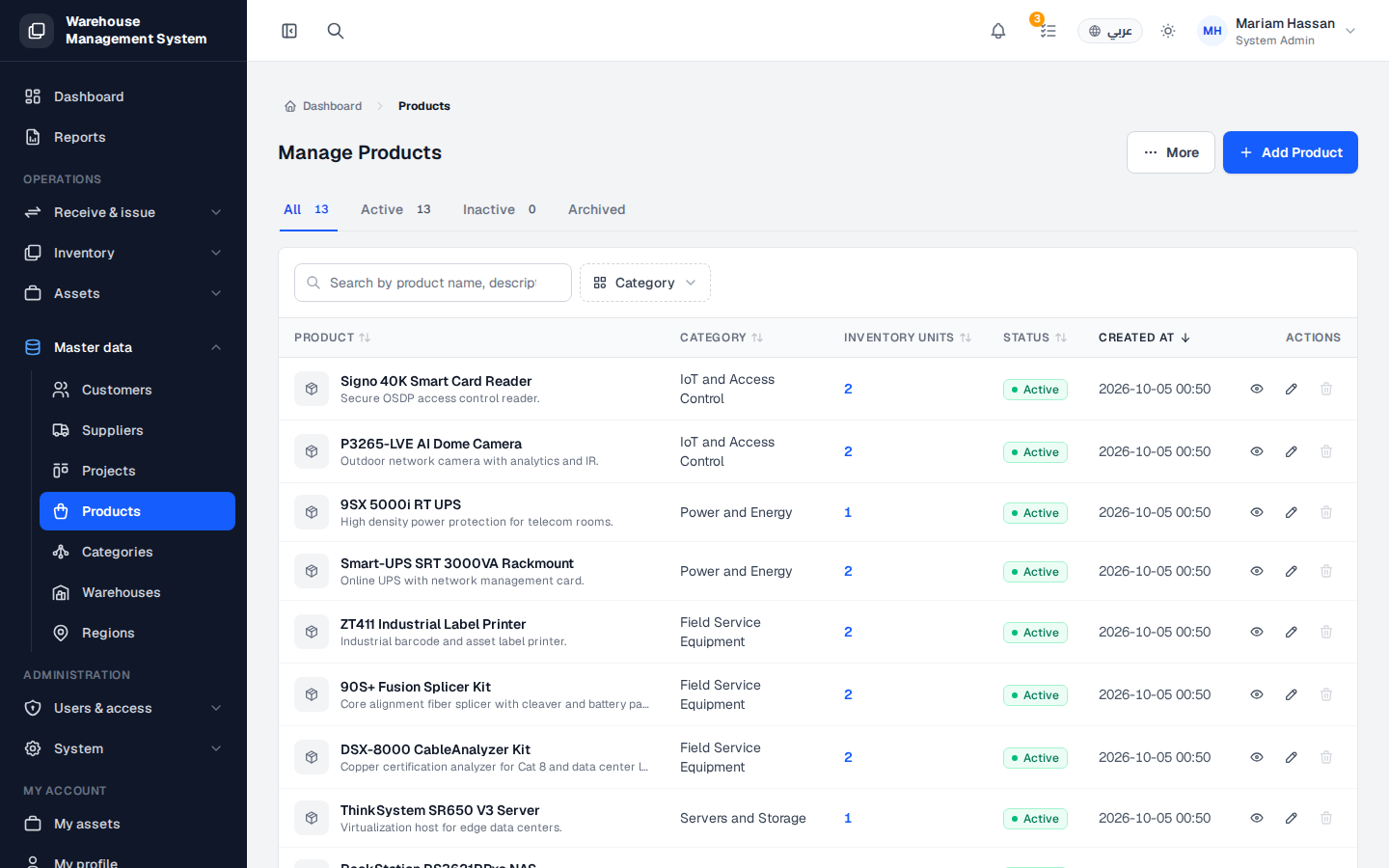
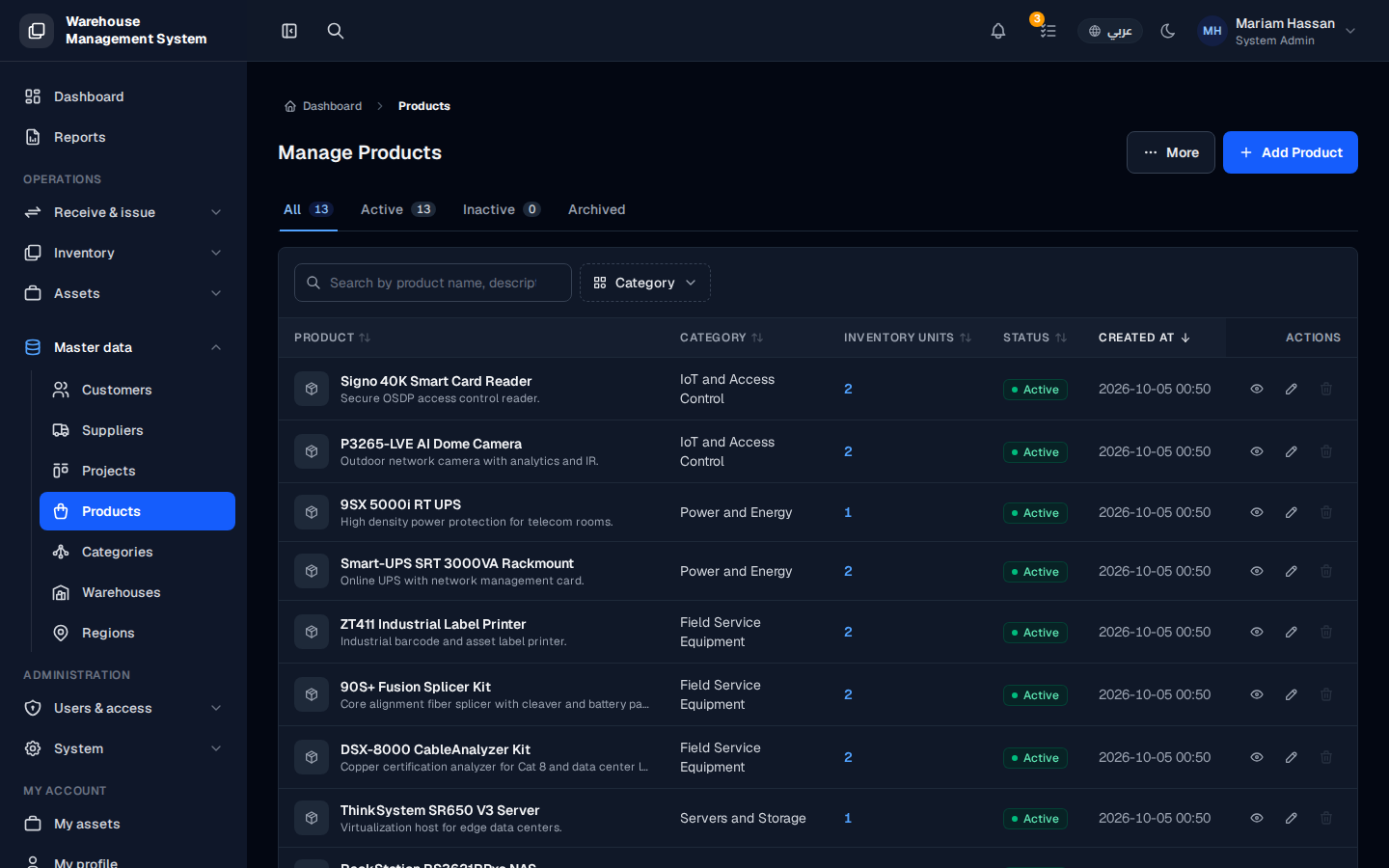
The Products screen is your catalog of item types. Every stock unit in the system belongs to a product, so the product defines what the item is, its category and its stock threshold.
Use this screen to find products, see how many units of each are in stock, and add, edit or archive products.
What’s on this screen
Section titled “What’s on this screen”- All, Active, Inactive and Archived tabs — show counts by status and filter the table.
- Category filter — limits the list to one category.
- Add product button — opens the form to create a new product.
- Table columns: name and short description, category, stock-unit count, status, creation date and Actions.
How to open the products list
Section titled “How to open the products list”- From the side menu, open Master data.
- Click Products.
How to work with a product
Section titled “How to work with a product”- Click a row to open the product details: specifications, units and movement history.
- Click the pencil icon to edit the product.
- Click the trash icon to archive it.