

Scan QR
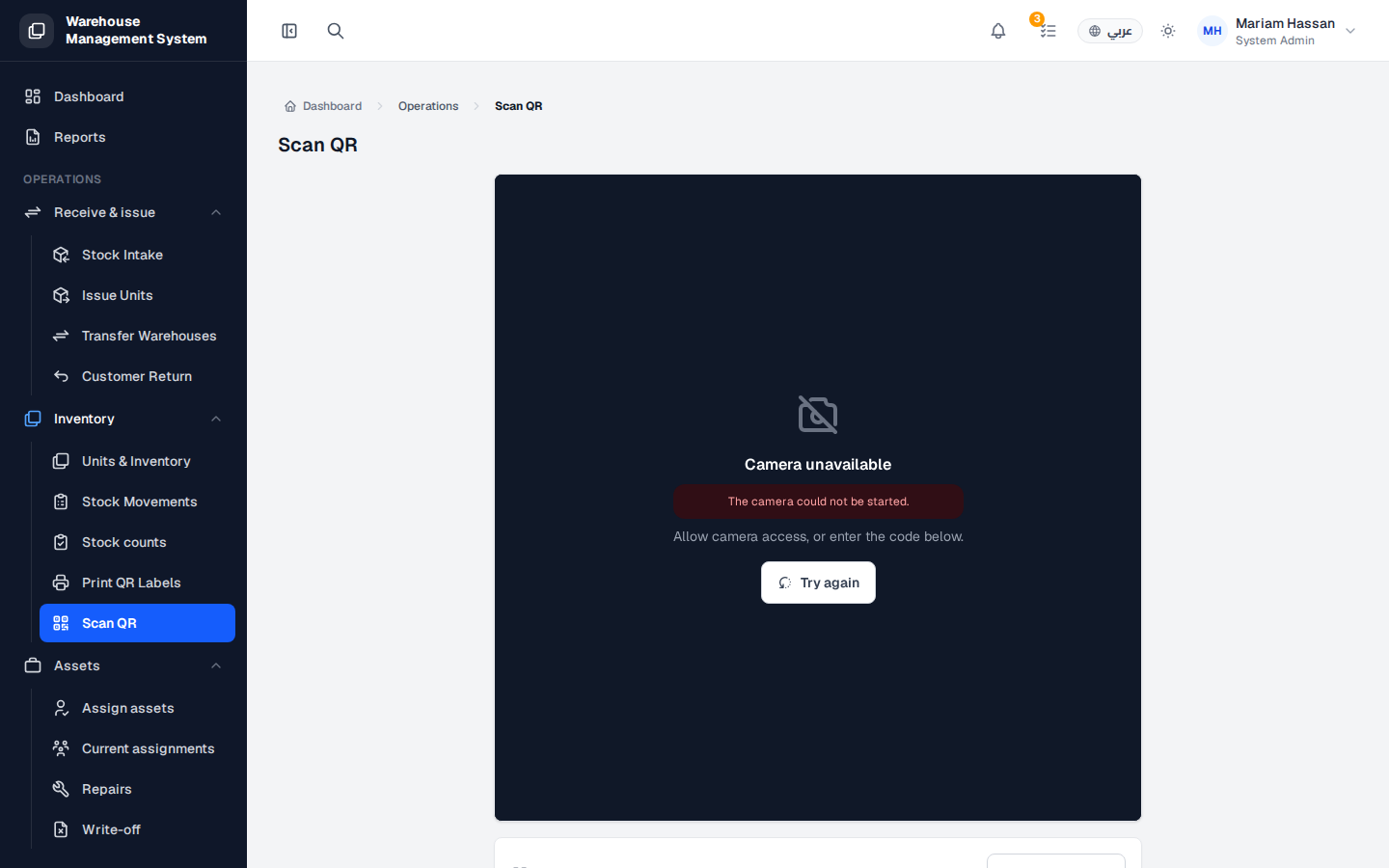
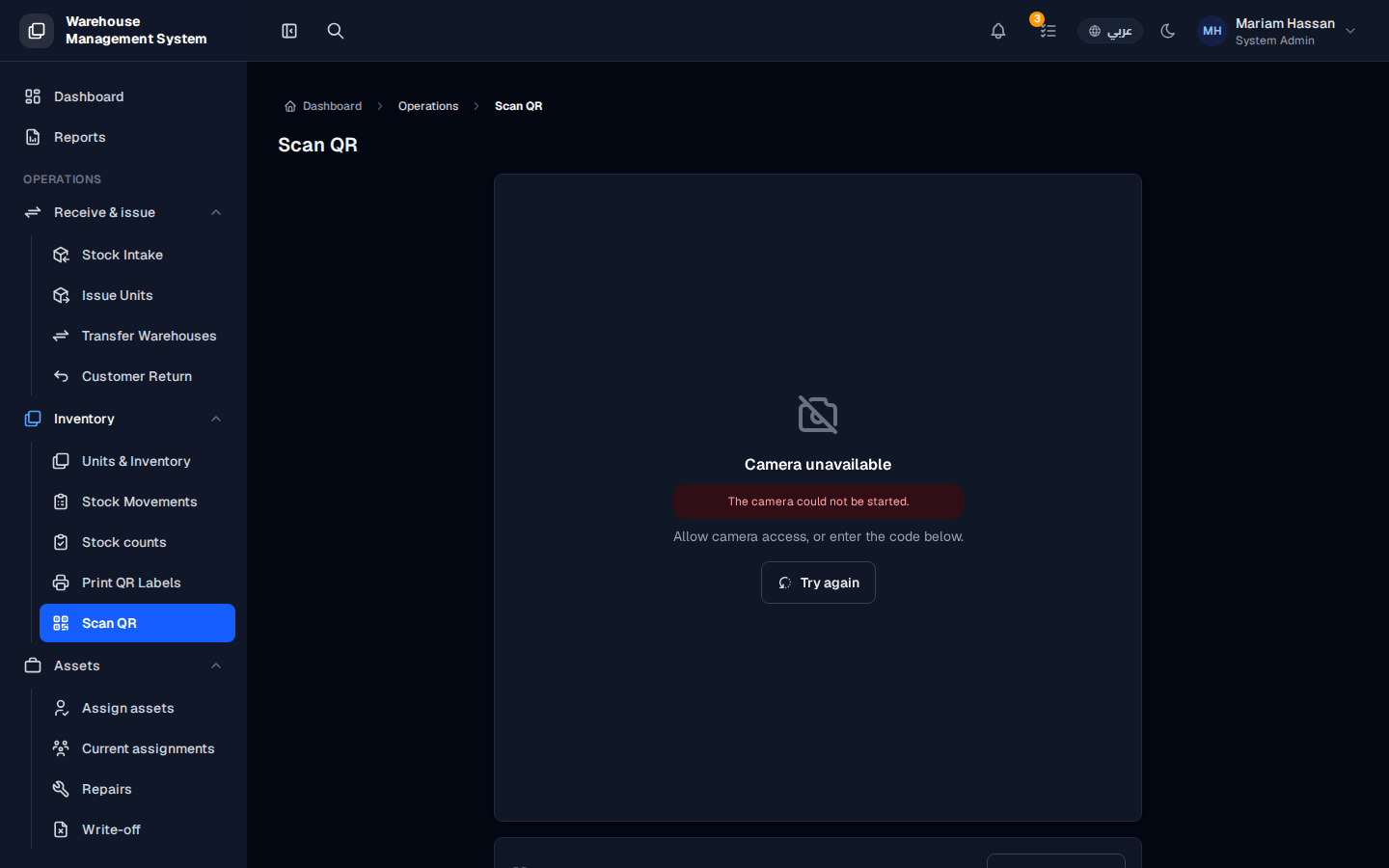
Scan QR lets you find a unit instantly by scanning the QR code or barcode on its label. It is the fastest way to check a unit’s details and history while you are on the warehouse floor.
What’s on this screen
Section titled “What’s on this screen”- Camera area — shows the camera view used to read the code.
- Try again — restarts the camera if it could not be started.
- Code field — below the camera, for typing or pasting a code manually.
How to scan a unit
Section titled “How to scan a unit”- From the side menu, open Inventory › Scan QR.
- Allow the browser to use the camera when asked.
- Point the camera at the QR code or barcode on the unit’s label. The unit’s details open automatically.
How to enter a code manually
Section titled “How to enter a code manually”- Type or paste the unit’s serial number or system code in the field below the camera.
- Confirm to open the unit. You can also use a USB handheld barcode scanner to enter the code.