

Assign assets
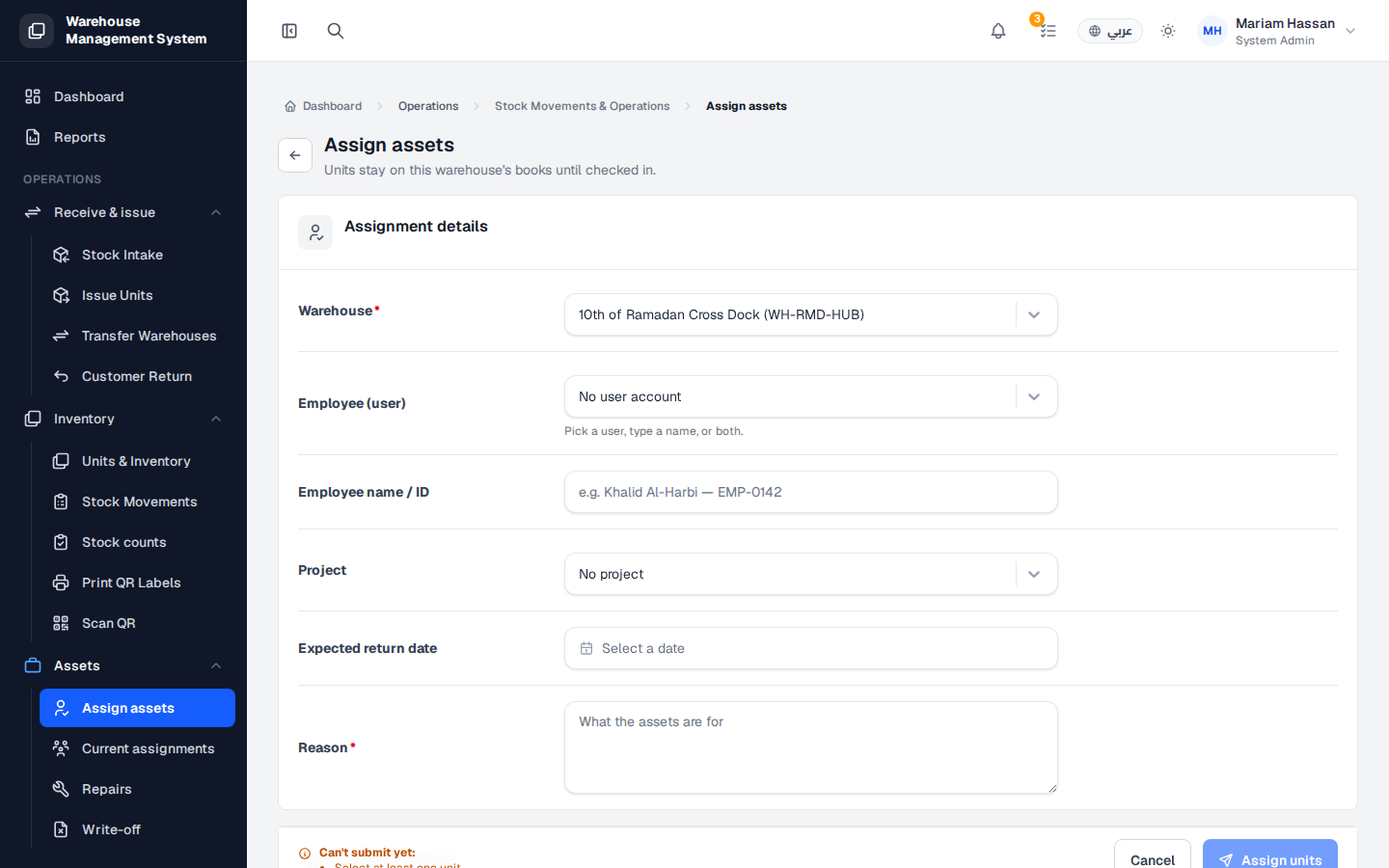
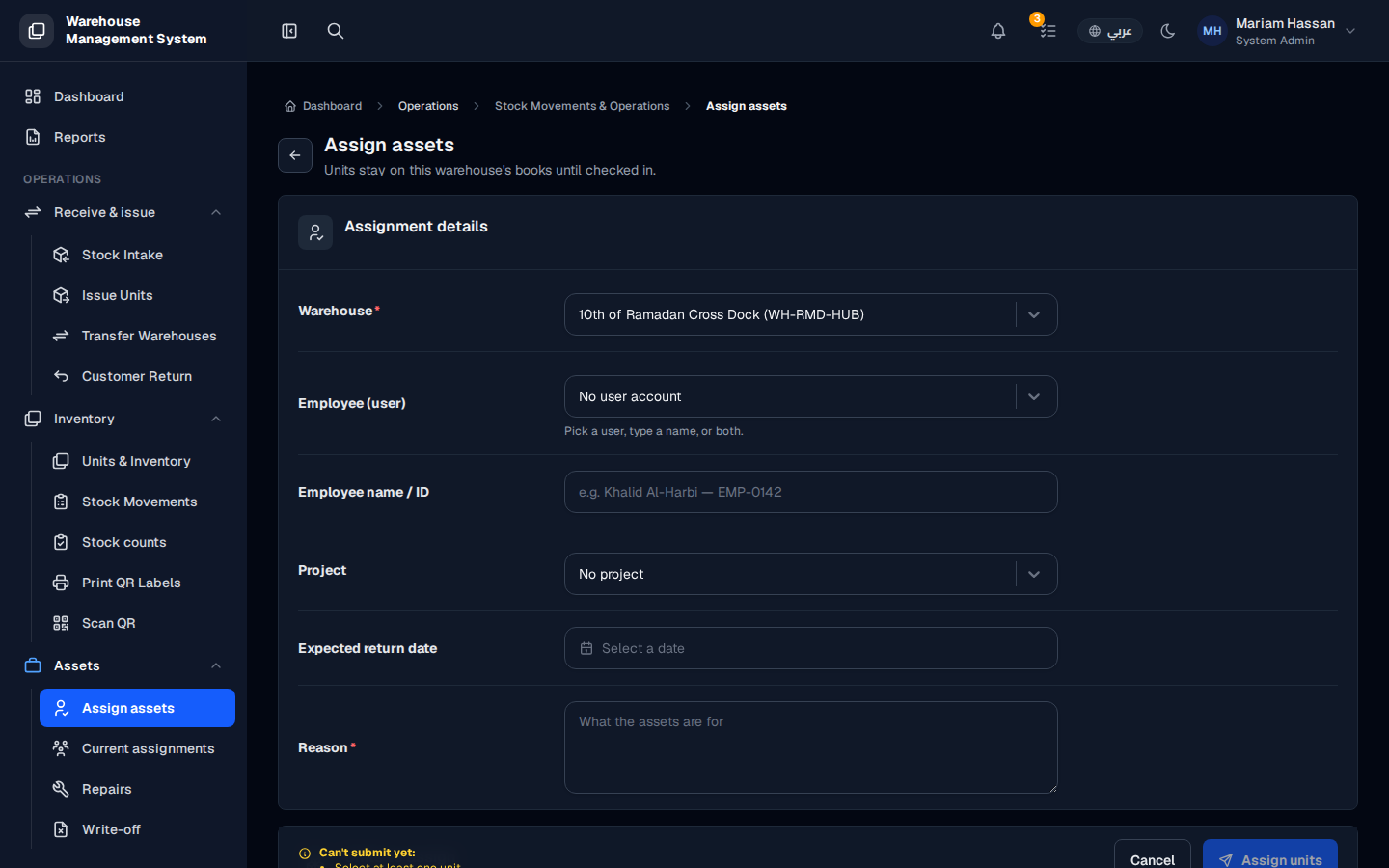
Use this form to hand units to an employee as a custody asset, for example tools or devices needed for a job. The units stay on the warehouse’s books until they are checked back in, and they appear in the employee’s My assets list.
Fields
Section titled “Fields”- Warehouse — the warehouse holding the units (required).
- Employee (user) — the employee’s user account, if they have one.
- Employee name / ID — the employee’s name or ID; you can pick a user, type a name, or both.
- Project — the project the assets are for, if any.
- Expected return date — when the units should be returned.
- Reason — what the assets are for (required).
How to assign assets
Section titled “How to assign assets”- From the side menu, open Assets › Assign assets.
- Fill in the Assignment details.
- In the units section, search for the units by code or scan them, and add them.
- Click Assign units. Click Cancel to leave without saving.