

Projects
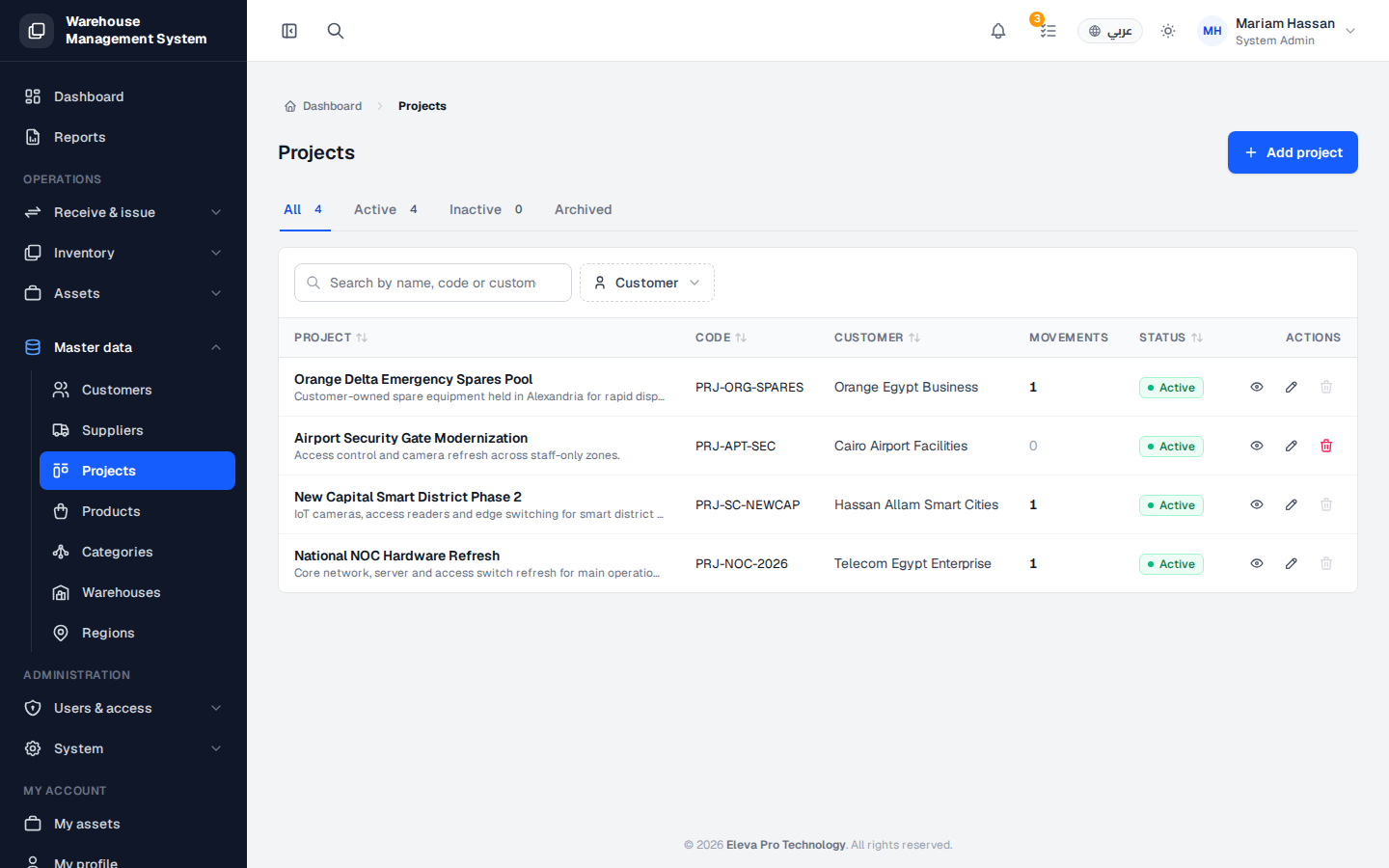
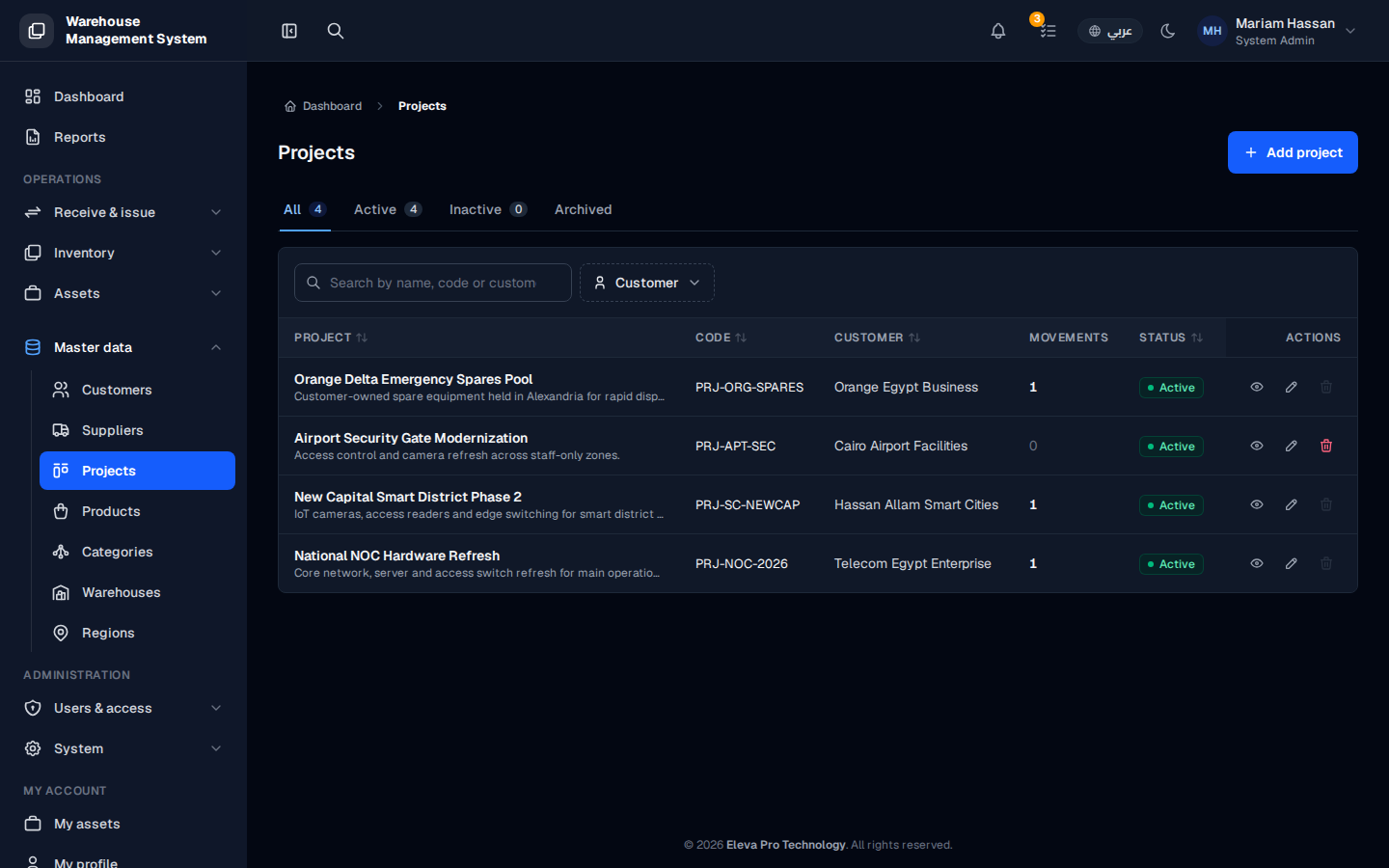
The Projects screen lists the projects your organization runs for its customers. Stock is issued against a project and its customer, so projects let you track where units went and why.
Use this screen to find projects, review their status, and add, edit or remove projects.
What’s on this screen
Section titled “What’s on this screen”- All, Active, Inactive and Closed tabs — show counts by status and filter the table.
- Customer filter — shows only one customer’s projects.
- Add project button — opens the form to create a new project.
- Table columns: name, code, customer, status, start and end dates, and Actions.
How to open the projects list
Section titled “How to open the projects list”- From the side menu, open Master data.
- Click Projects.
How to work with a project
Section titled “How to work with a project”- Click a row to open the project details: assigned units, movements and team.
- Click the pencil icon to edit the project.
- Click the trash icon to delete it.