

Issue stock
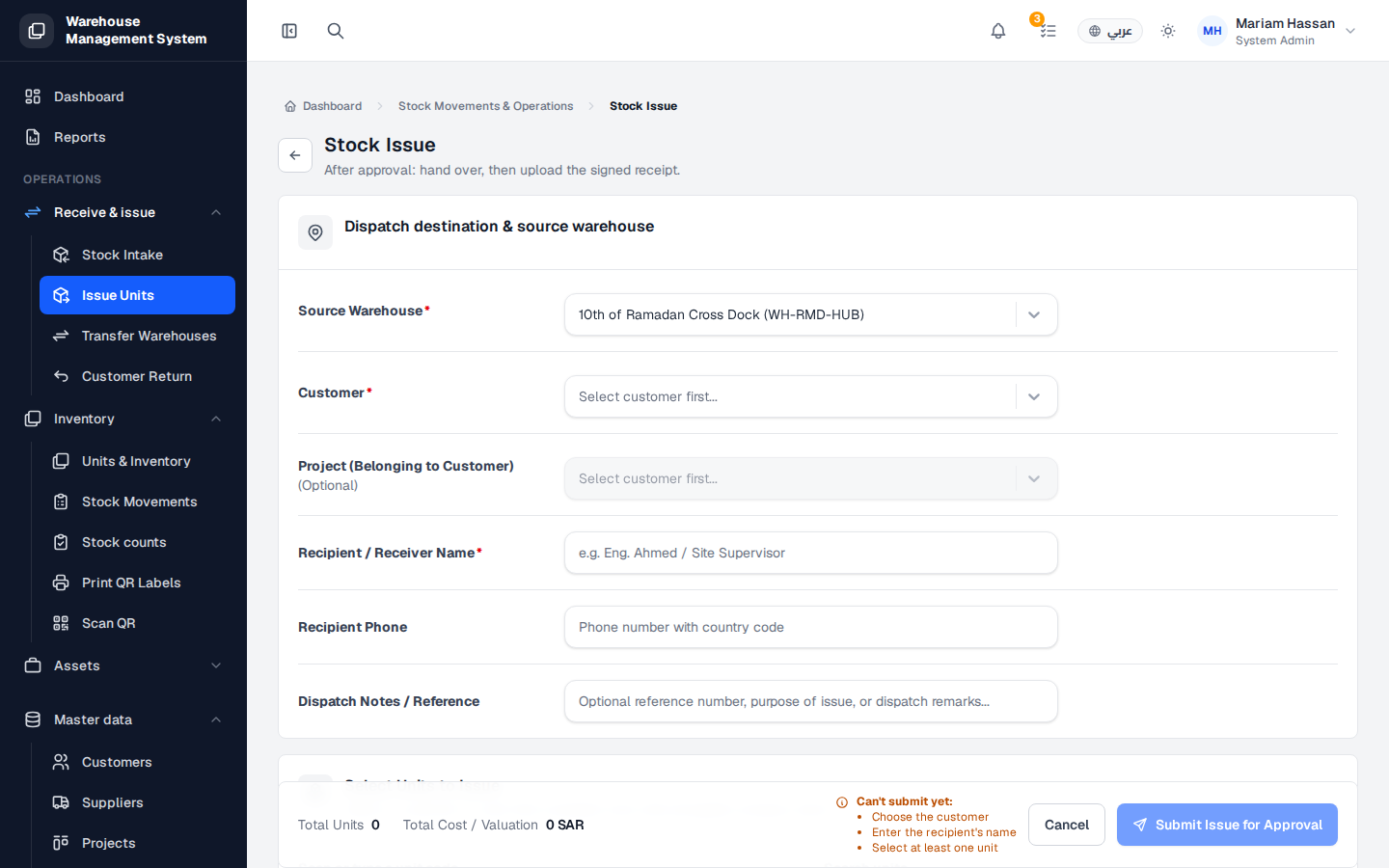
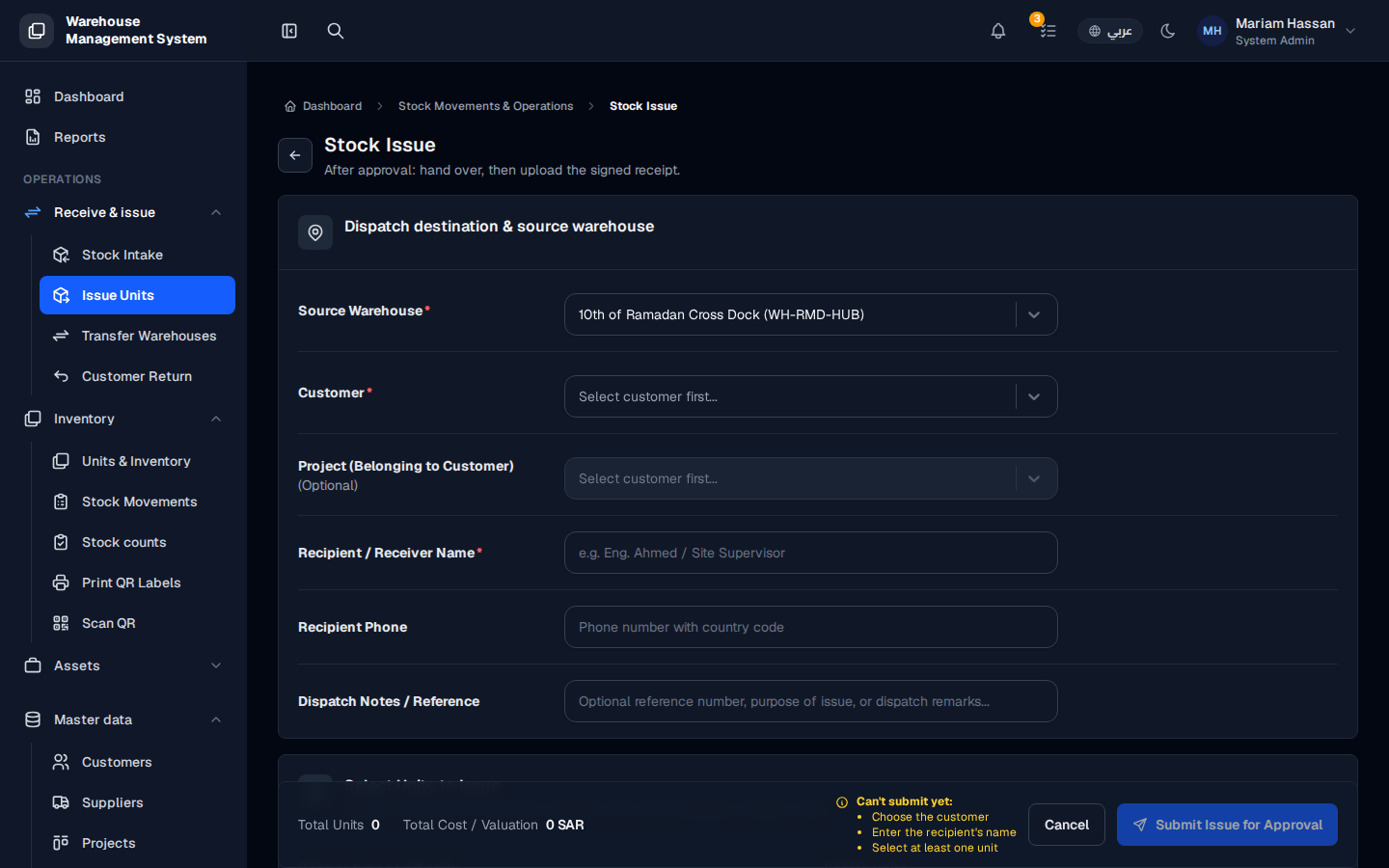
A stock issue moves units out of a warehouse to a customer, for example to deliver equipment to a customer site or a project. It records who received the units and why they were issued.
After approval, you hand the units over and then upload the signed receipt.
How to open this screen
Section titled “How to open this screen”- From the side menu, open Receive & issue › Issue Units, or click Issue Stock on the Stock Movements screen.
Fields
Section titled “Fields”- Source Warehouse — the warehouse the units are issued from (required).
- Customer — the customer receiving the units (required).
- Project (Belonging to Customer) — a project of that customer, if the issue is for a specific project (optional). Choose the customer first.
- Recipient / Receiver Name — the person who physically receives the units (required).
- Recipient Phone — the recipient’s phone number with country code.
- Dispatch Notes / Reference — a reference number, the purpose of the issue or other remarks.
How to issue stock
Section titled “How to issue stock”- Fill in the fields described above.
- In the units section, find the available units and add them to the issue. You can search by code or scan a unit’s QR code.
- Check Total Units and Total Cost / Valuation at the bottom.
- Click Submit Issue for Approval.
- If the issue needs approval, the approver reviews it from their approvals list.
- After approval, hand over the units and upload the signed receipt. The units then move from the warehouse to the customer.