

Stock intake
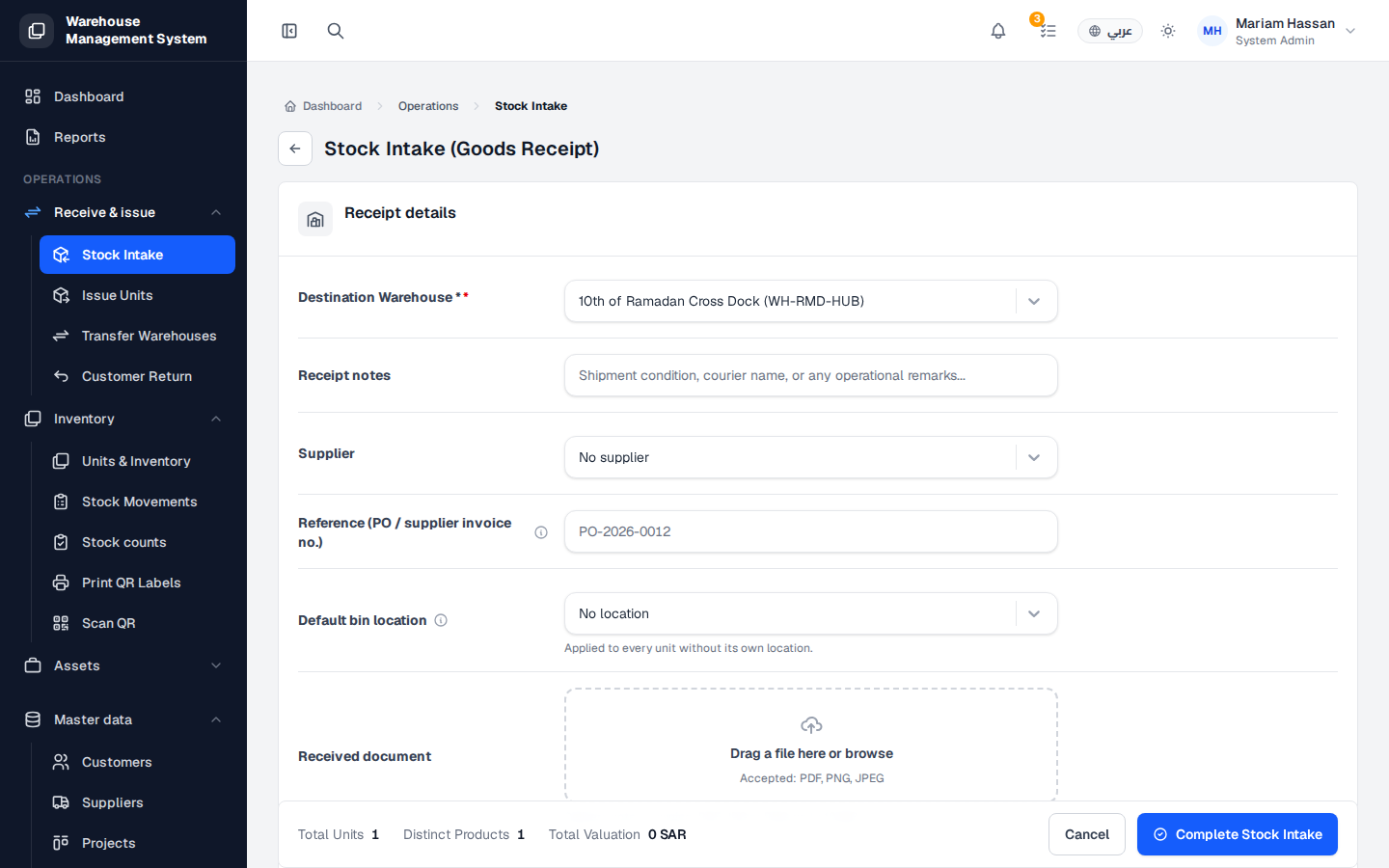
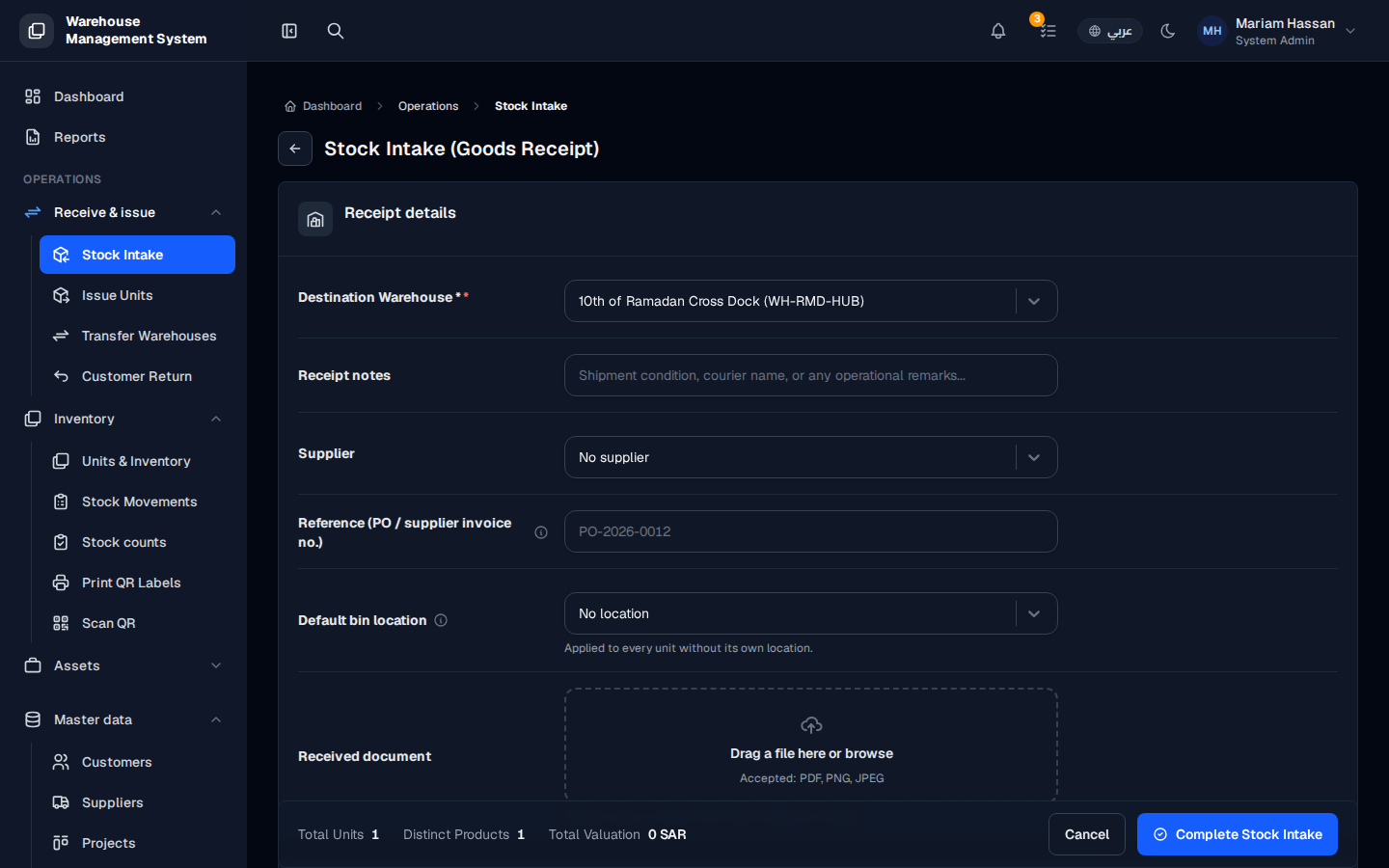
Stock intake (goods receipt) is how new units enter the system, usually when a delivery arrives from a supplier. Each received unit gets a unit code and appears in stock as Available.
The receipt is the first official movement for a unit. After it, you can issue the unit, transfer it, assign it to a customer or send it for repair.
How to open this screen
Section titled “How to open this screen”- From the side menu, open Receive & issue › Stock Intake, or click Receive stock on the Units & Inventory screen.
Fields
Section titled “Fields”- Destination Warehouse — the warehouse receiving the units (required).
- Receipt notes — shipment condition, courier name or any other remarks.
- Supplier — the supplier the goods came from.
- Reference (PO / supplier invoice no.) — the purchase order or invoice number (optional).
- Default bin location — applied to every unit that does not have its own location.
- Received document — upload the delivery note or invoice (PDF, PNG or JPEG).
How to receive stock
Section titled “How to receive stock”- Fill in the receipt details described above.
- In the units section, add rows for the units you received:
- Add one unit at a time when each unit has its own serial code.
- Or add a quantity to receive several pieces of the same product with automatically generated codes.
- For each row, pick the Product, enter the Unit code or leave it empty to generate it, choose the Ownership (company-owned or customer consignment), pick the Customer for consignment, and enter the Unit cost.
- Check Total Units, Distinct Products and Total Valuation at the bottom.
- Click Complete Stock Intake.
The units now appear in stock with status Available.