

Repairs
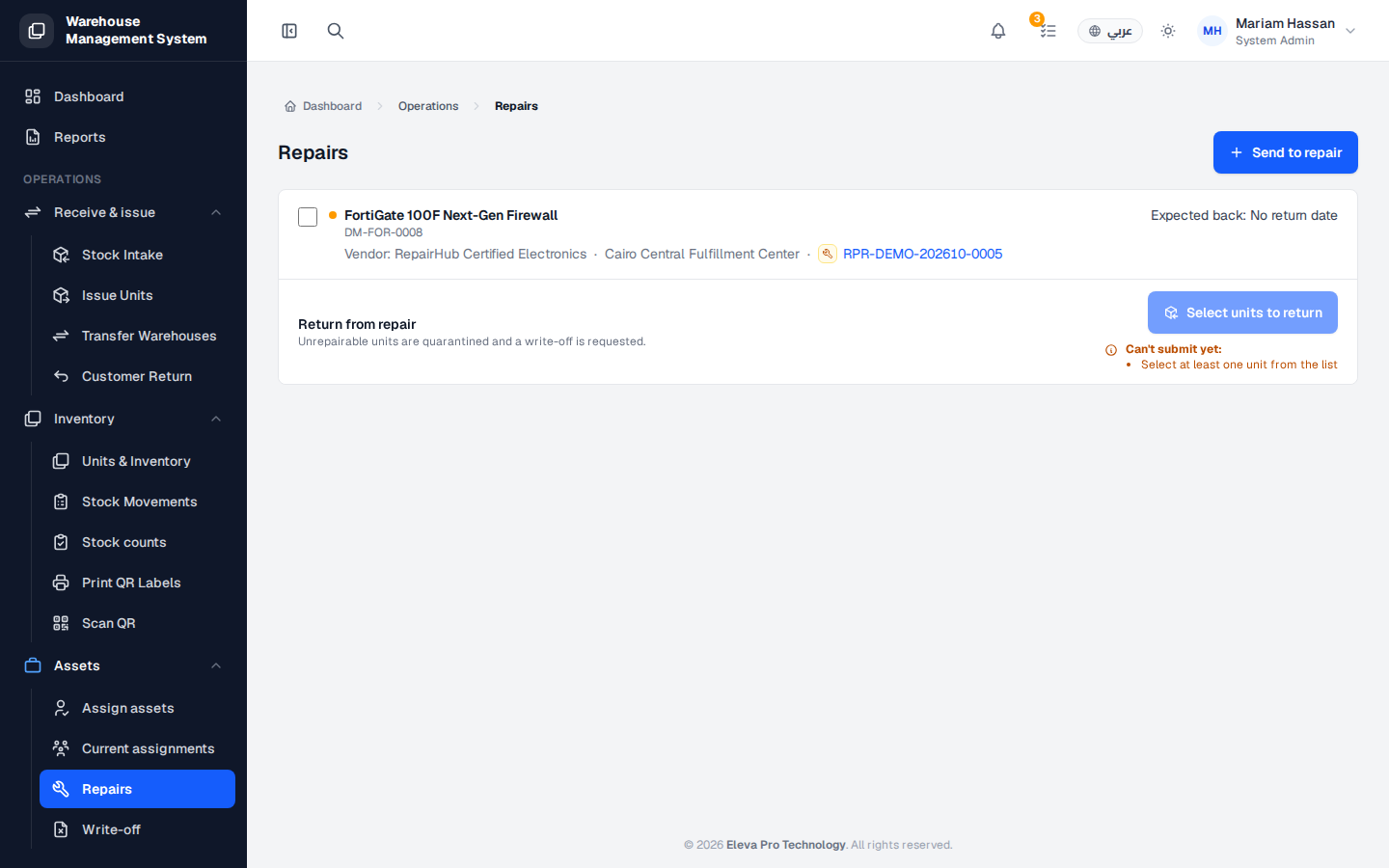
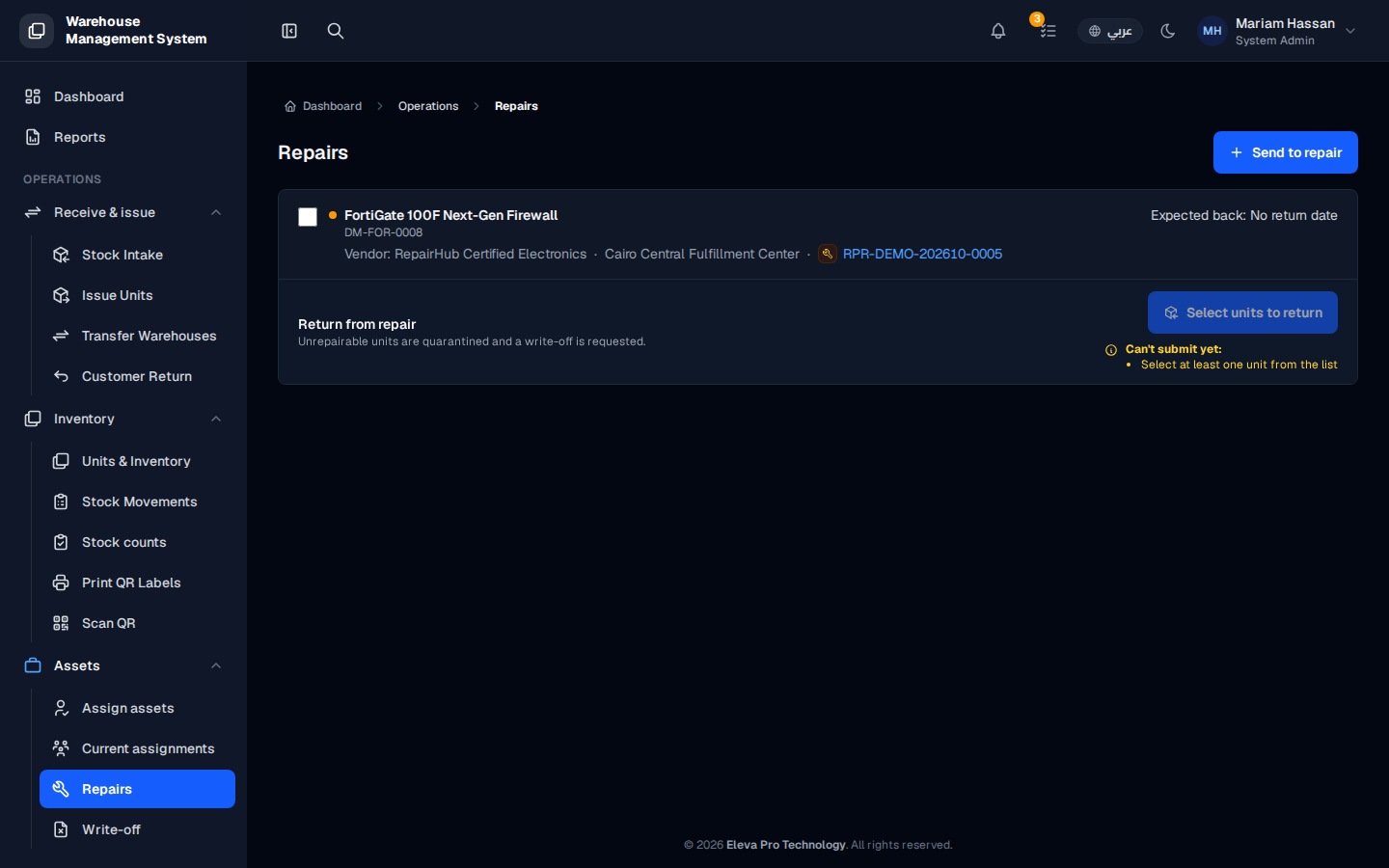
The Repairs screen shows the units that are currently at a repair vendor. Use it to keep track of what is out for repair, when it is expected back, and to record units coming back from the vendor.
Units at a repair vendor stay on your books but cannot be issued until they return.
What’s on this screen
Section titled “What’s on this screen”- Send to repair — button to send new units to a repair vendor.
- Units at the vendor — each entry shows the product, unit code, vendor, warehouse, repair reference and Expected back date.
- Return from repair — area for recording the return of the selected units.
How to send units to repair
Section titled “How to send units to repair”- From the side menu, open Assets › Repairs.
- Click Send to repair and complete the form.
How to record a return from repair
Section titled “How to record a return from repair”- Tick the units that came back from the vendor.
- Click Select units to return and record each unit’s result.