

Stock movements
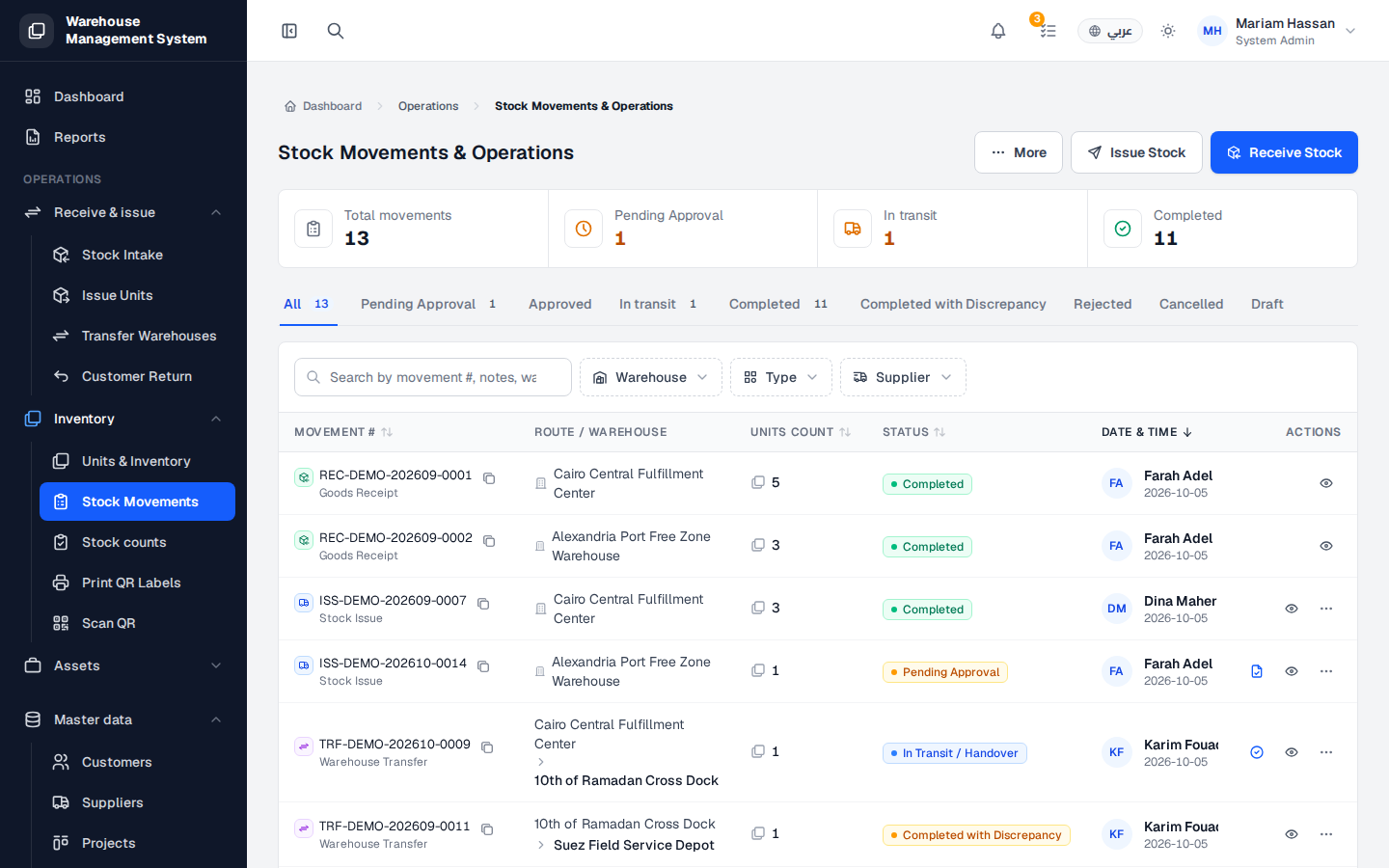
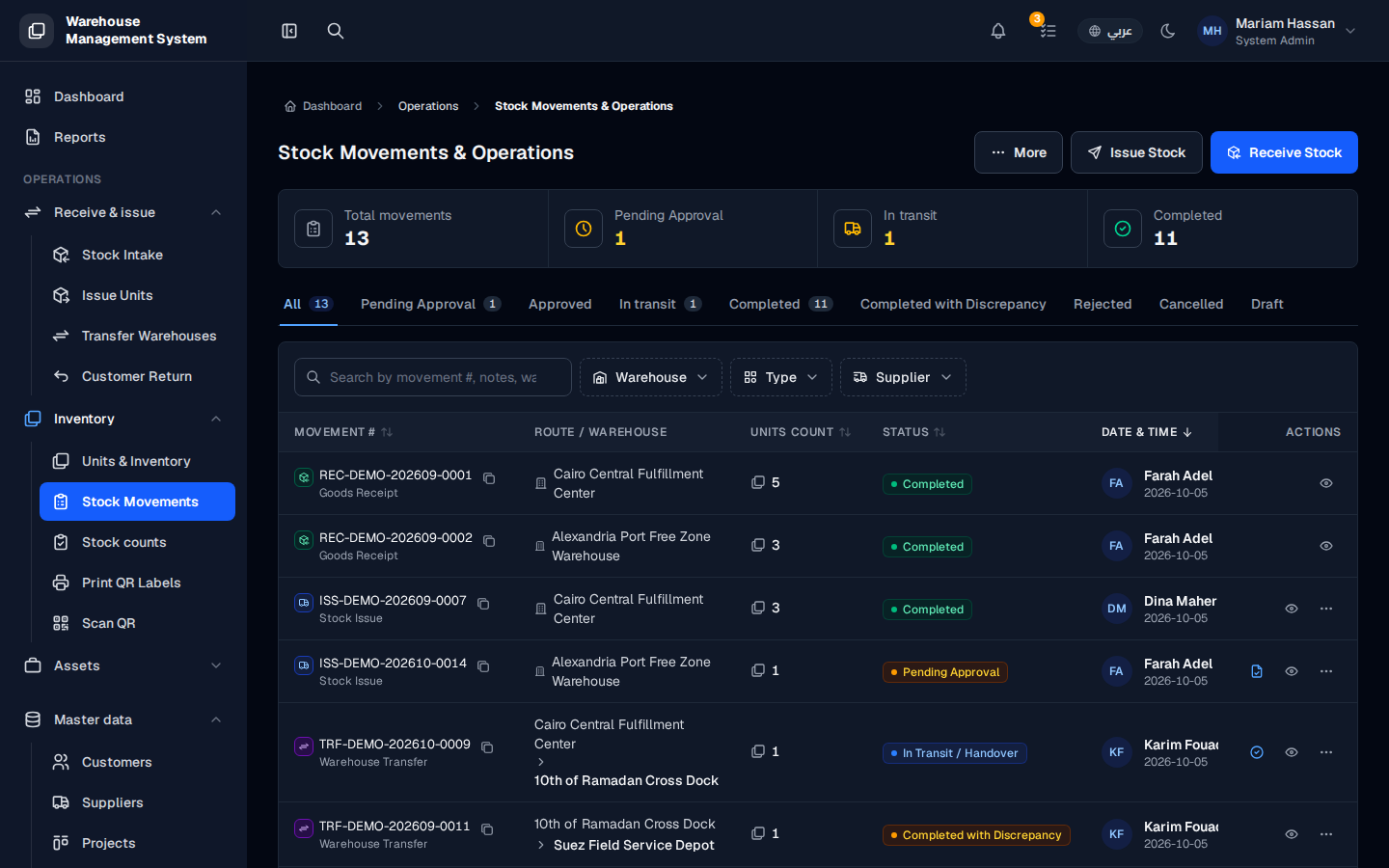
A stock movement is any operation that changes where a unit is or who holds it, such as a goods receipt, a stock issue or a warehouse transfer. This screen is the full history of those operations, with their status.
Use it to follow up on operations, find a specific movement, or review movements that are waiting for your approval.
What’s on this screen
Section titled “What’s on this screen”- Summary cards: Total movements, Pending Approval, In transit and Completed.
- Status tabs: All, Pending Approval, Approved, In transit, Completed, Completed with Discrepancy, Rejected, Cancelled and Draft.
- A search box to find a movement by number, notes or warehouse, plus the Warehouse, Type and Supplier filters.
- A table with the columns Movement # (with its type, such as Goods Receipt, Stock Issue or Warehouse Transfer), Route / Warehouse, Units count, Status, Date & time (with the user who made it) and Actions.
- The Issue Stock, Receive Stock and More buttons at the top right.
How to open stock movements
Section titled “How to open stock movements”- From the side menu, open Inventory › Stock Movements.
How to find a movement
Section titled “How to find a movement”- Pick a status tab to show only movements in that state.
- Search by movement number, or use the Warehouse, Type and Supplier filters.
- Click the view icon in the Actions column to see the movement’s details, such as its units, approvals and attachments.
How to review a pending movement
Section titled “How to review a pending movement”- Open the Pending Approval tab.
- Use the action in the movement’s row to open it and approve or reject it.