

Warehouses
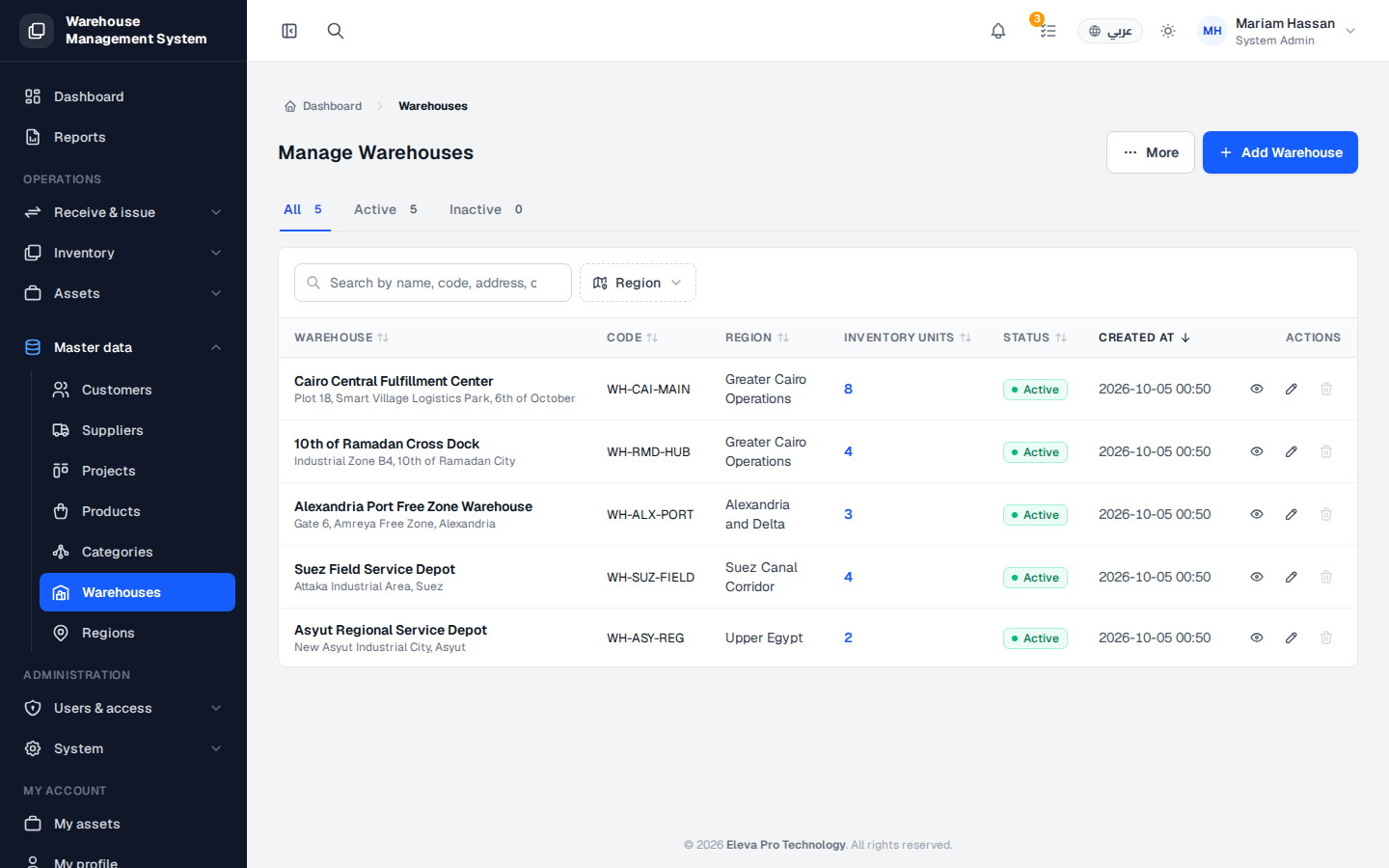
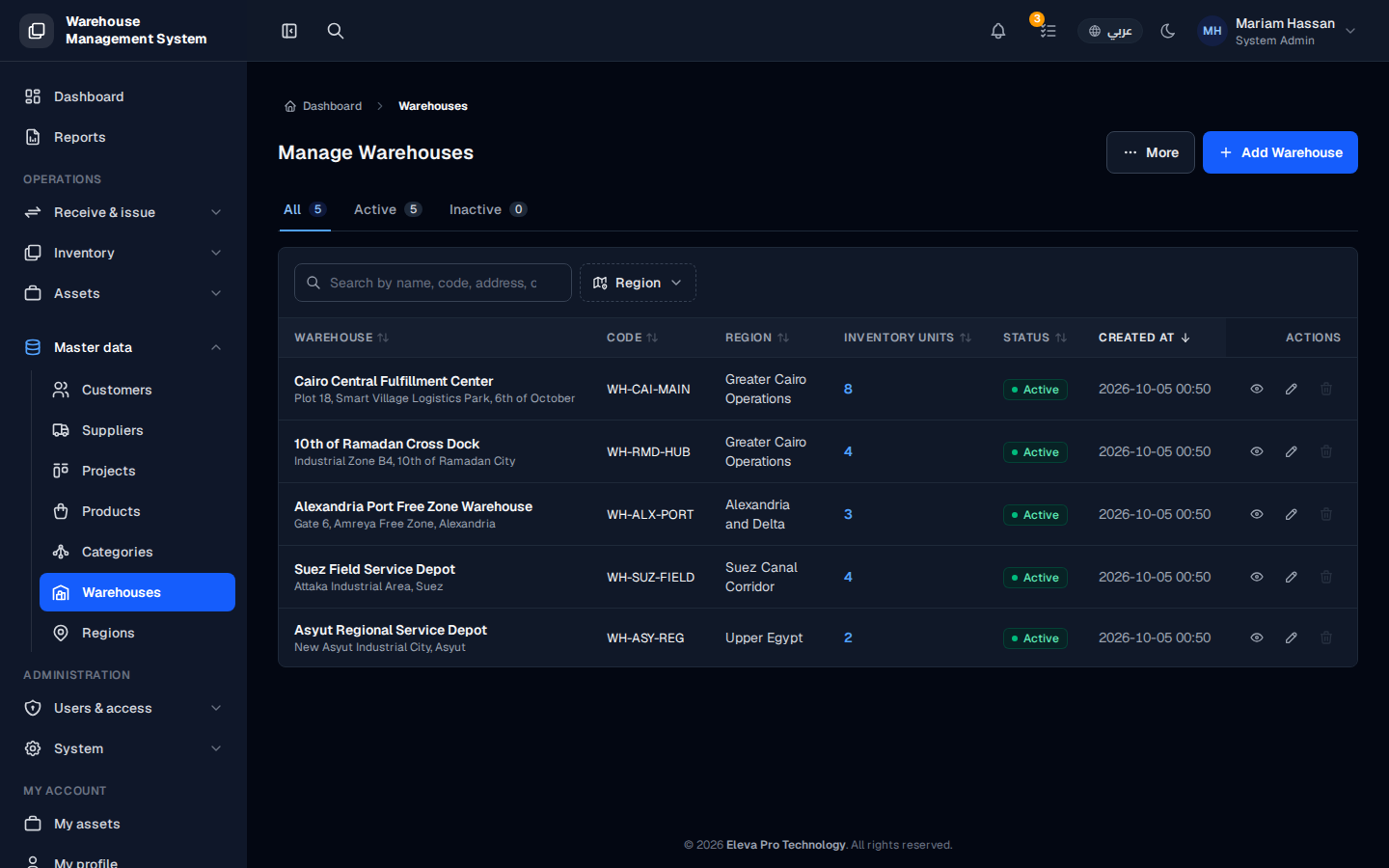
The Warehouses screen lists every physical site where your organization keeps stock. Each warehouse belongs to a region and holds inventory units that you receive, store and issue.
Use this screen to see how many warehouses you have, check how much stock each one holds, and add, edit or remove warehouses.
What’s on this screen
Section titled “What’s on this screen”- All, Active and Inactive tabs — show the count of warehouses in each status and filter the table.
- Search box — finds a warehouse by name, code or address.
- Region filter — limits the list to one region.
- Add Warehouse button — opens the form to create a new warehouse.
- Table columns: Warehouse (name and address), Code, Region, Inventory Units, Status, Created At and Actions.
How to open the warehouses list
Section titled “How to open the warehouses list”- From the side menu, open Master data.
- Click Warehouses.
How to work with a warehouse
Section titled “How to work with a warehouse”- Click a row, or the eye icon in Actions, to open the warehouse details and its internal locations.
- Click the pencil icon to edit the warehouse.
- Click the trash icon to delete it.