

Reports
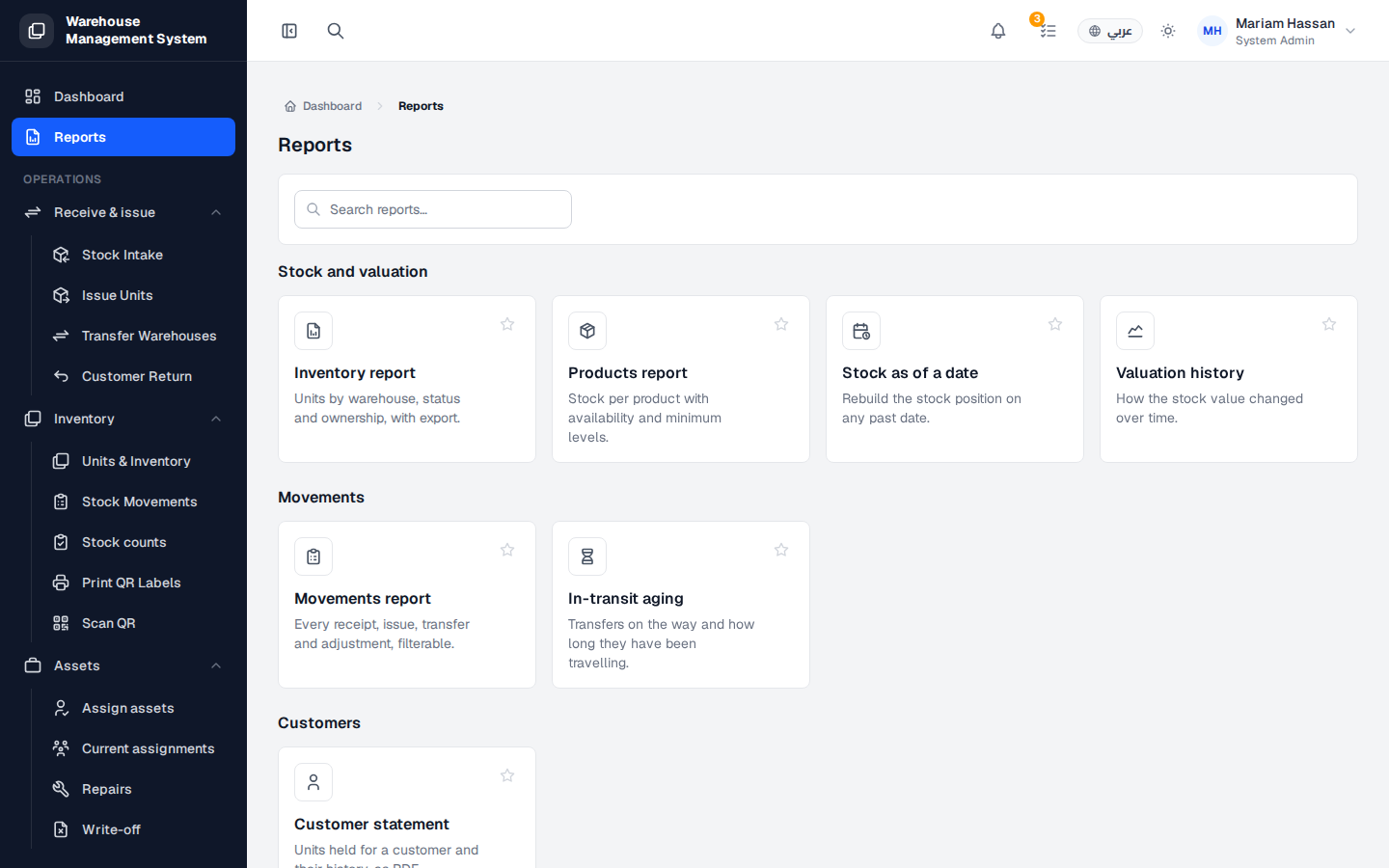
The reports page brings together every report in the system in one place. Use it when you need a picture of your stock, its value, the movements that happened, a customer’s holdings, or a record of who changed what.
What’s on this screen
Section titled “What’s on this screen”- Search reports — find a report by name.
- Report cards — click a card to open the report. Use the star on a card to mark it as a favourite.
- Sections — reports are grouped into Stock and valuation, Movements, Customers, report tools and audit.
Available reports
Section titled “Available reports”- Inventory report — units by warehouse, status and ownership, with export.
- Products report — stock per product with its availability breakdown.
- Stock as of a date — rebuilds the stock position on any past date, useful for audits.
- Valuation history — how the stock value changed over time.
- Movements report — every receipt, issue, transfer and adjustment, with filters by type, warehouse and date.
- In-transit aging — transfers on the way and how long they have been travelling; overdue transfers are highlighted.
- Customer statement — the units held for a customer and their history, as a PDF.
- Custom reports — build a report with your own columns, filters and groupings.
- Scheduled reports — reports emailed automatically on a daily, weekly or monthly schedule.
- Activity log — every change in the system: who did what and when.
How to open a report
Section titled “How to open a report”- From the side menu, open Reports.
- Find the report by browsing the sections or typing in Search reports.
- Click the report card.