

Current assignments
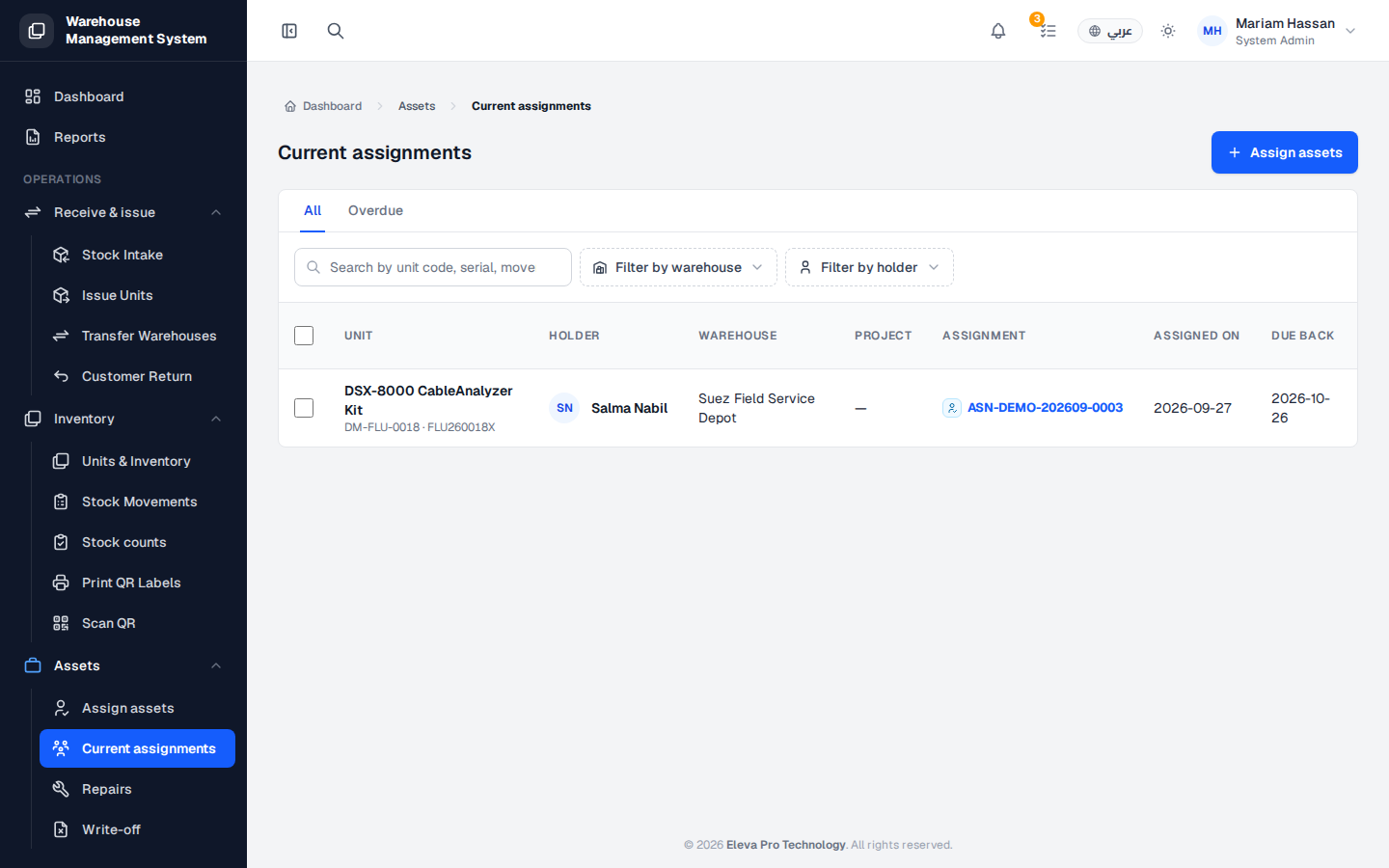
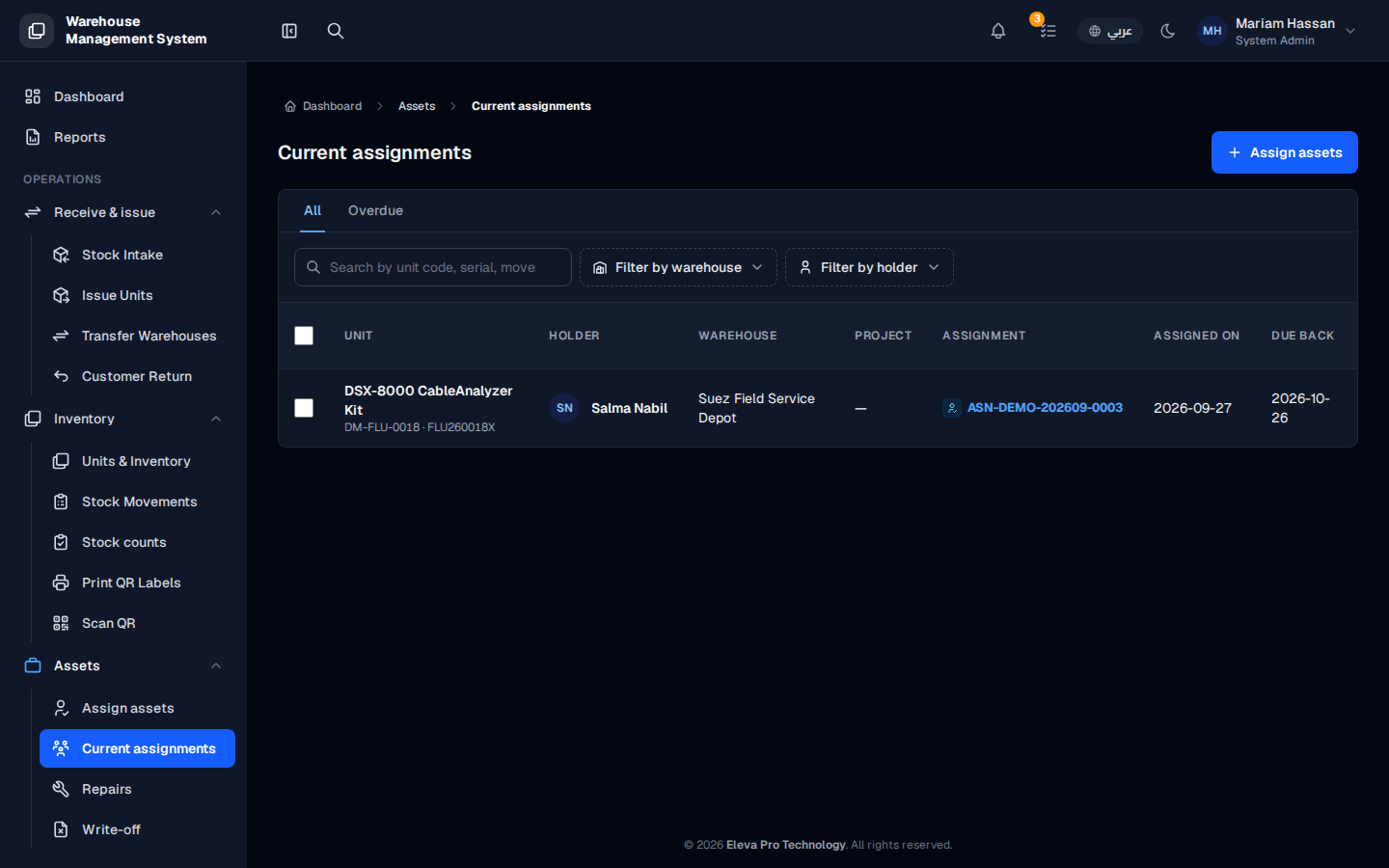
This screen lists every unit currently handed over to an employee as a custody asset. Use it to see who holds what, from which warehouse, and when each unit is due back.
What’s on this screen
Section titled “What’s on this screen”- All and Overdue tabs — show every assignment, or only those past their due date.
- Search — find an assignment by unit code, serial or movement number.
- Filter by warehouse and Filter by holder — narrow the list.
- Table columns: Unit, Holder, Warehouse, Project, Assignment, Assigned on and Due back.
- Assign assets — button to hand new units to an employee.
How to find an assignment
Section titled “How to find an assignment”- From the side menu, open Assets › Current assignments.
- Type in the search box or use the filters.
- Open the Overdue tab to see units not returned on time.
How to assign new units
Section titled “How to assign new units”- Click Assign assets.
- Complete the form and confirm.