

Add a supplier
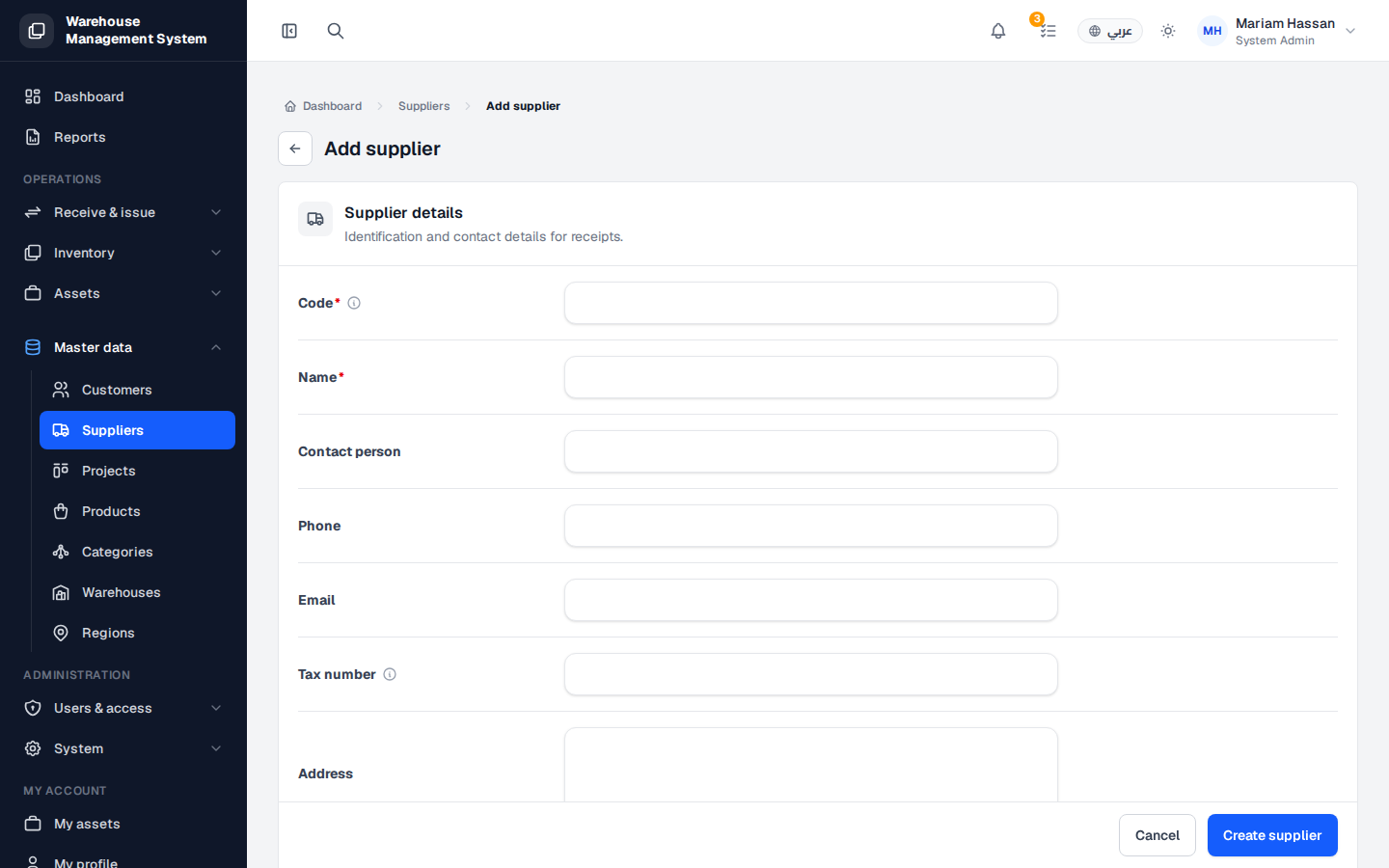
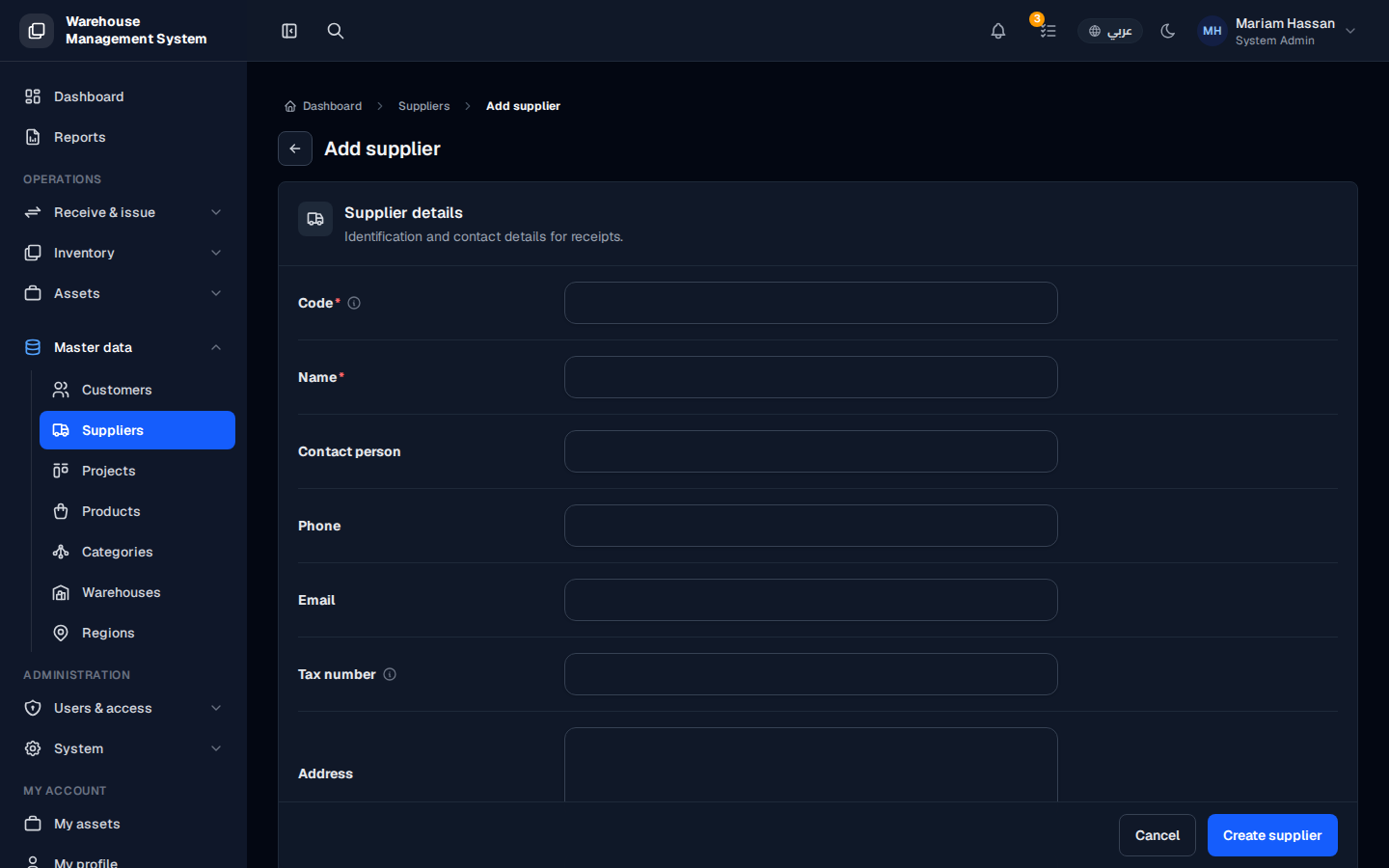
Add a supplier before you record the first receipt of goods from them. Once saved, the supplier can be selected when you create a new receipt.
How to add a supplier
Section titled “How to add a supplier”- From the side menu, open Master data and click Suppliers.
- Click Add supplier.
- Fill in the fields described below.
- Click Create supplier.
Fields
Section titled “Fields”- Code — a short, unique code, for example SUP-NCR-01.
- Name — the official company name.
- Contact person — the sales representative or contact name.
- Phone, Email, Tax ID and Address — fill in whatever is available.
- Notes — any relevant details, such as warranty terms or delivery time.
- Supplier active — on by default. Keep it on if you are ready to receive goods from this supplier.