

Suppliers
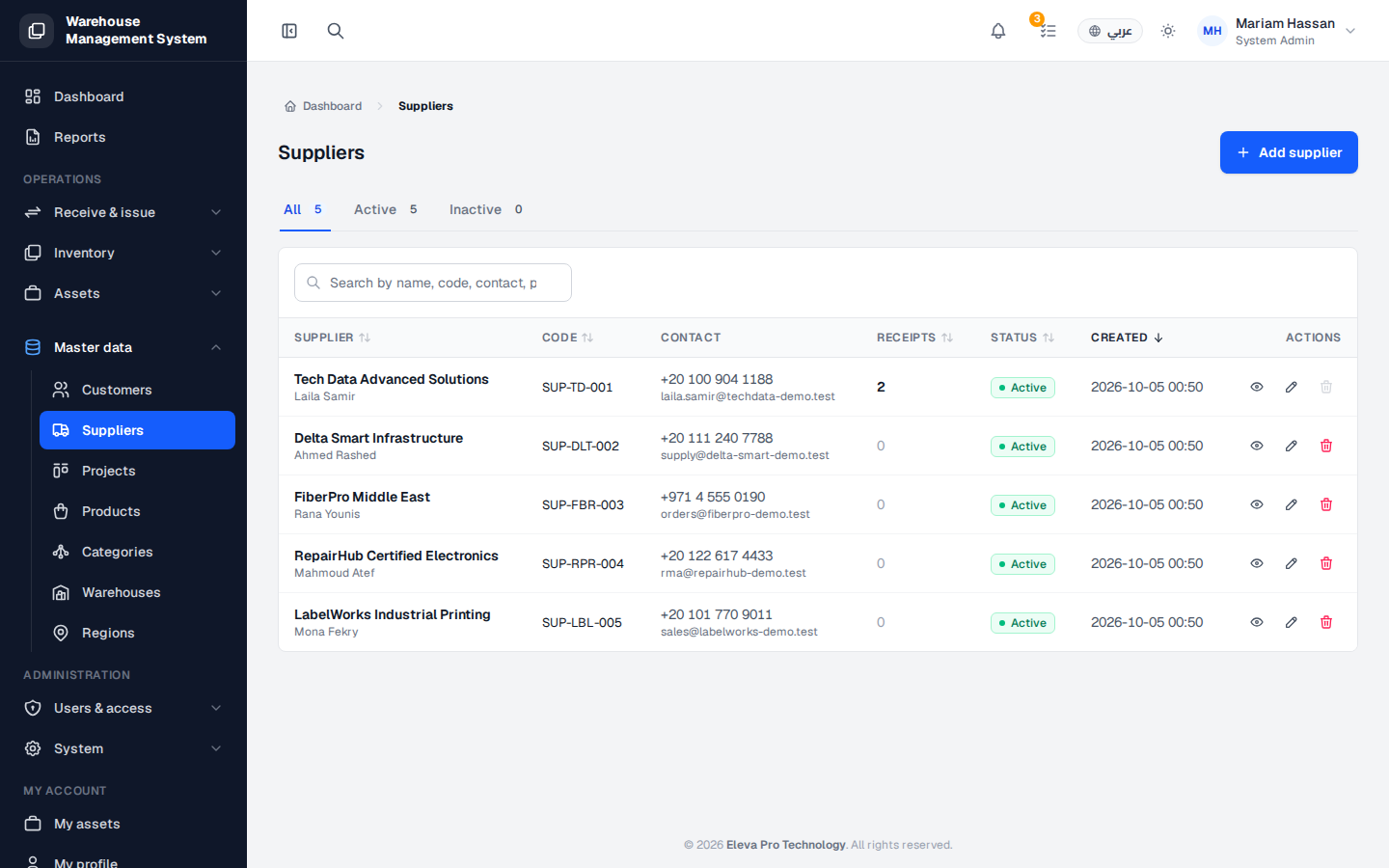
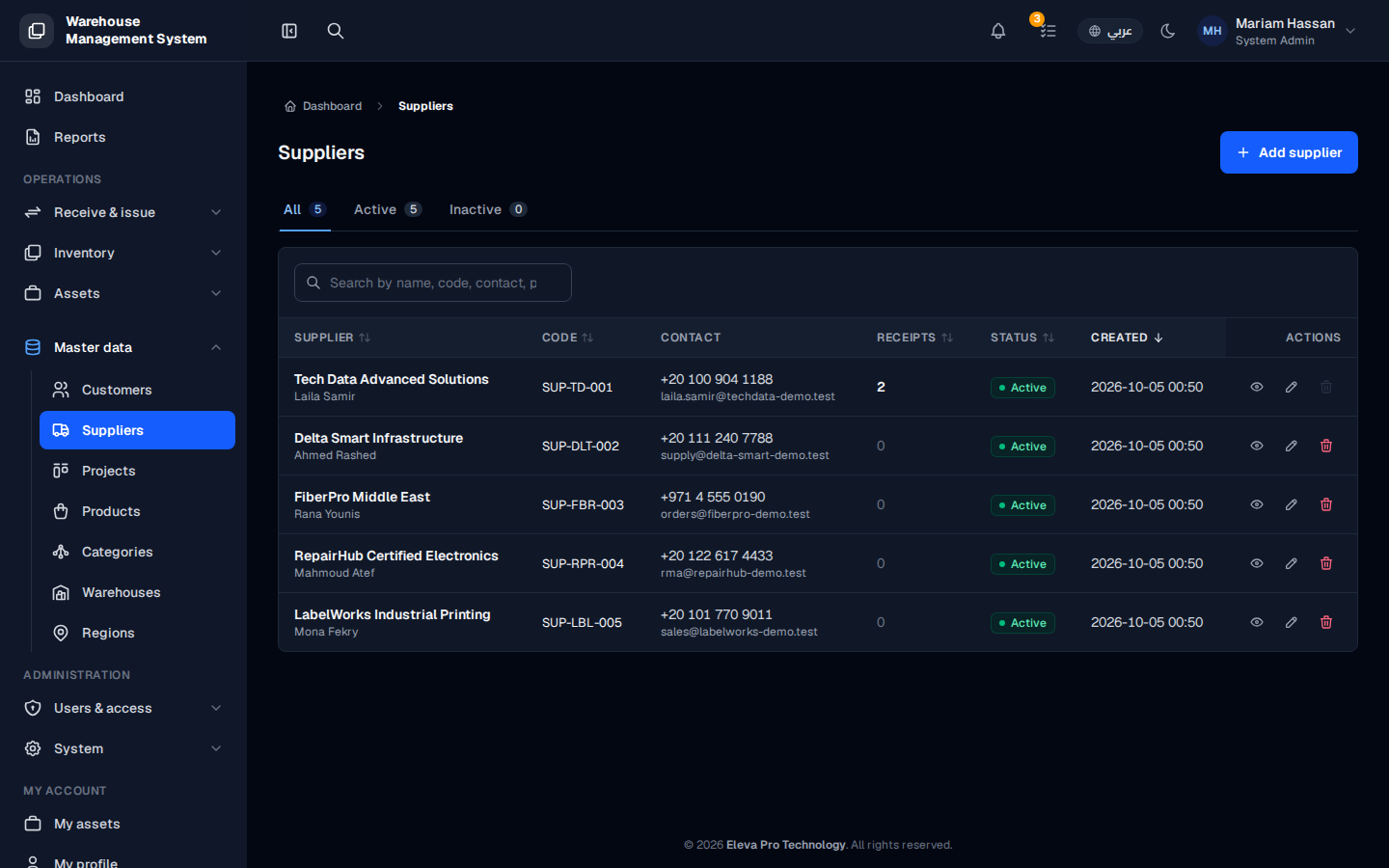
The Suppliers screen lists the vendors you buy stock from. Each receipt of goods is recorded against a supplier, so keeping this list accurate makes your receiving history reliable.
Use this screen to find a supplier, review their status, and add, edit or remove suppliers.
What’s on this screen
Section titled “What’s on this screen”- All, Active and Inactive tabs — show counts by status and filter the table.
- Add supplier button — opens the form to create a new supplier.
- Table columns: name, code, contact, status, creation date and Actions.
How to open the suppliers list
Section titled “How to open the suppliers list”- From the side menu, open Master data.
- Click Suppliers.
How to work with a supplier
Section titled “How to work with a supplier”- Click a row to open the supplier details: past receipts and history.
- Click the pencil icon to edit the supplier.
- Click the trash icon to delete it.