

Reset your password
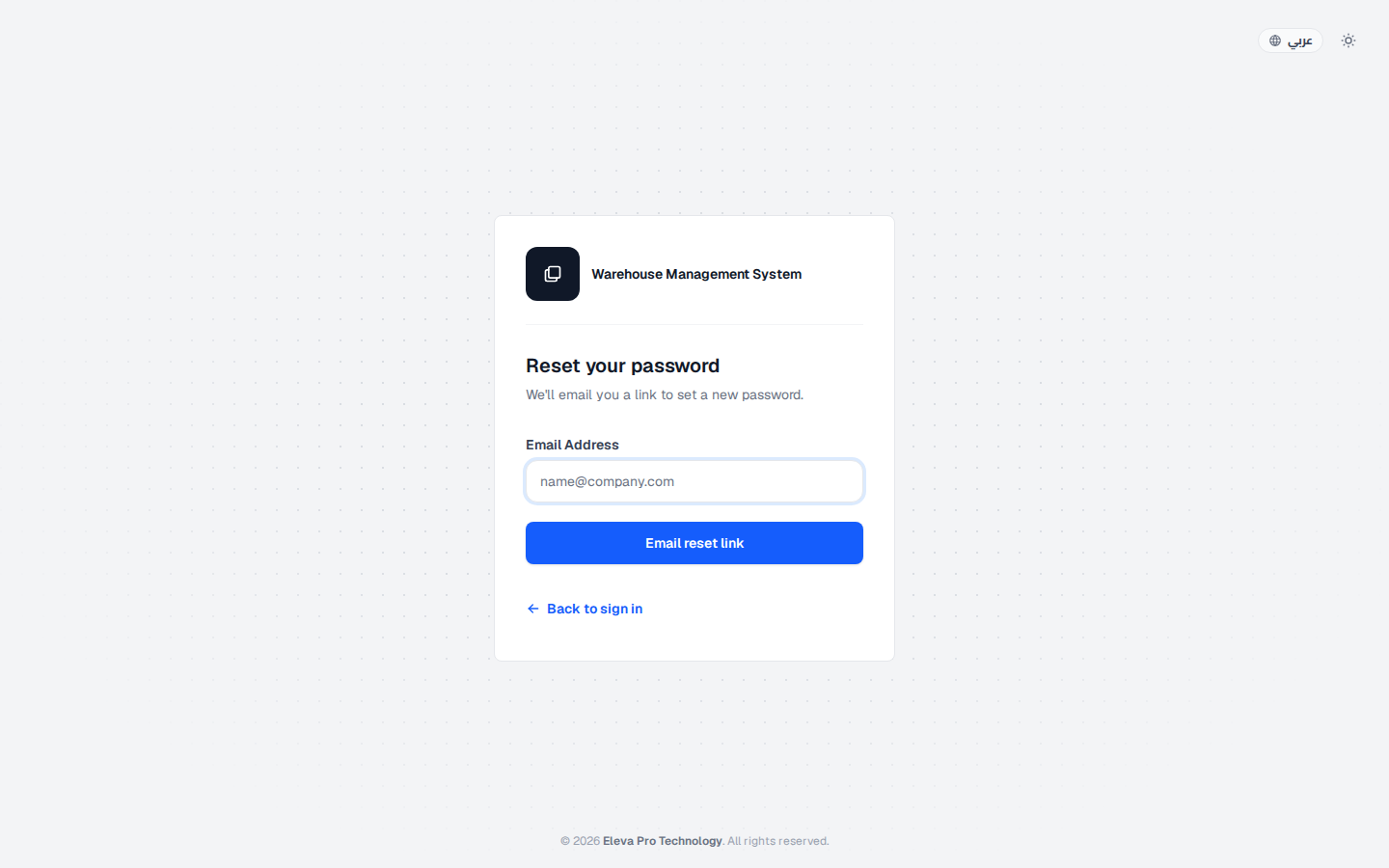
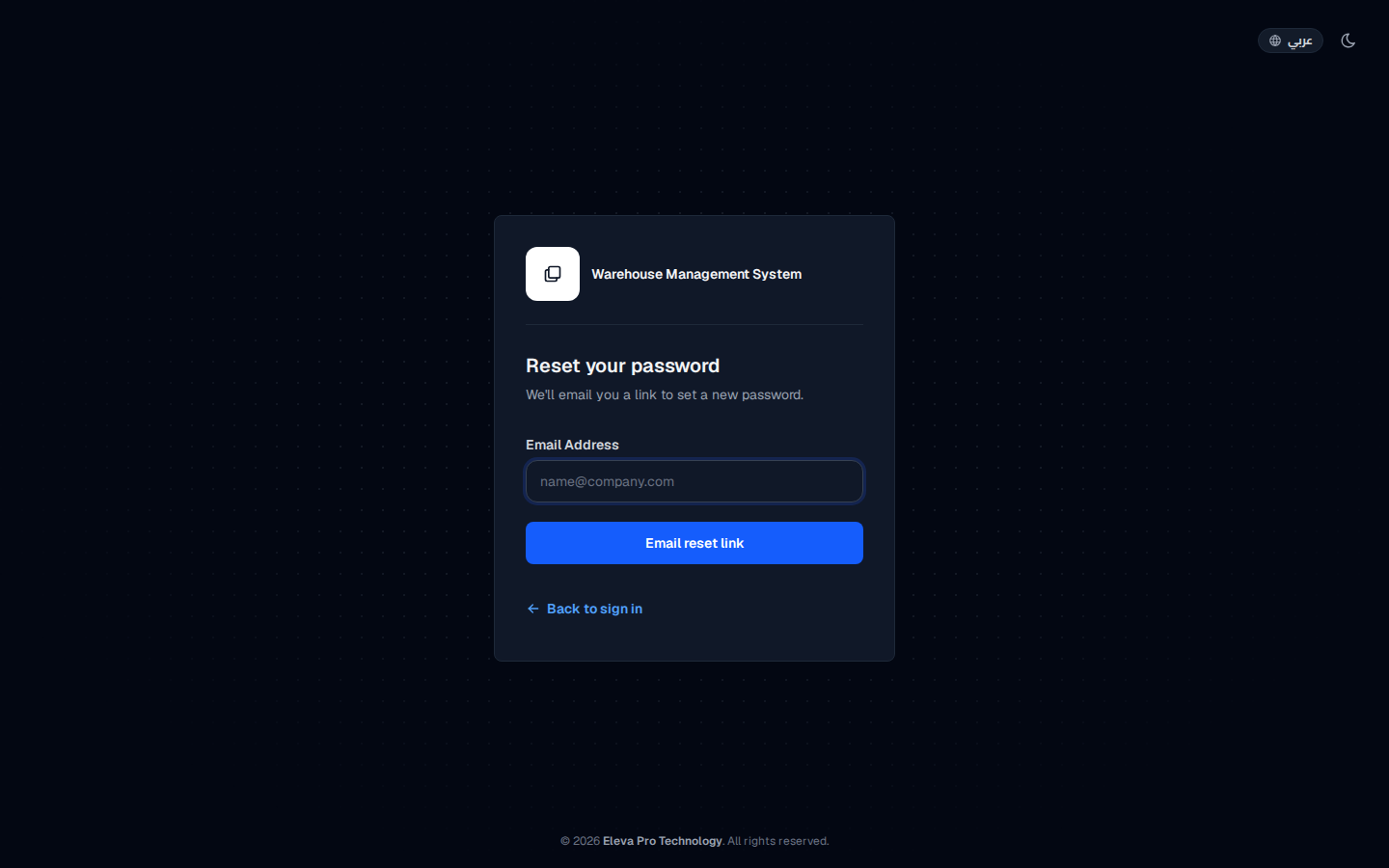
If you forget your password, you can set a new one yourself without contacting an administrator. The system emails you a reset link to the address registered on your account.
How to request a reset link
Section titled “How to request a reset link”- On the sign-in screen, click Forgot password?.
- In Email Address, type the email registered on your account.
- Click Email reset link.
How to set a new password
Section titled “How to set a new password”- Open your inbox and find the message titled Reset Password Notification.
- Click the Reset Password button in the email.
- Enter your new password in both password fields.
- Click Reset Password.
- Return to the sign-in screen and sign in with your new password.
If the email does not arrive
Section titled “If the email does not arrive”- Make sure you typed the email registered on your account, not another personal address.
- Check your Spam or Promotions folder.
- Ask your system administrator to confirm that your account is active.