

Users
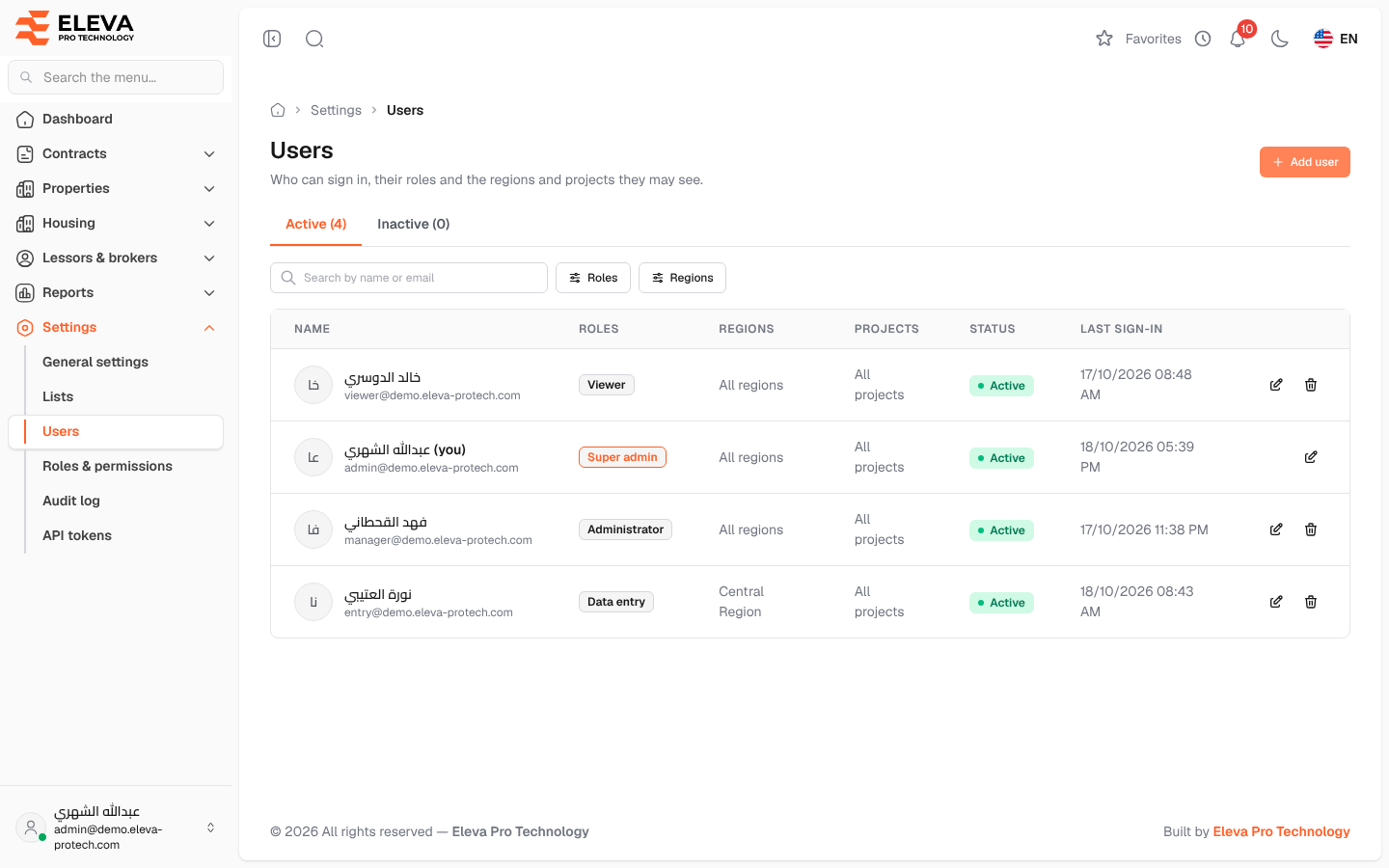
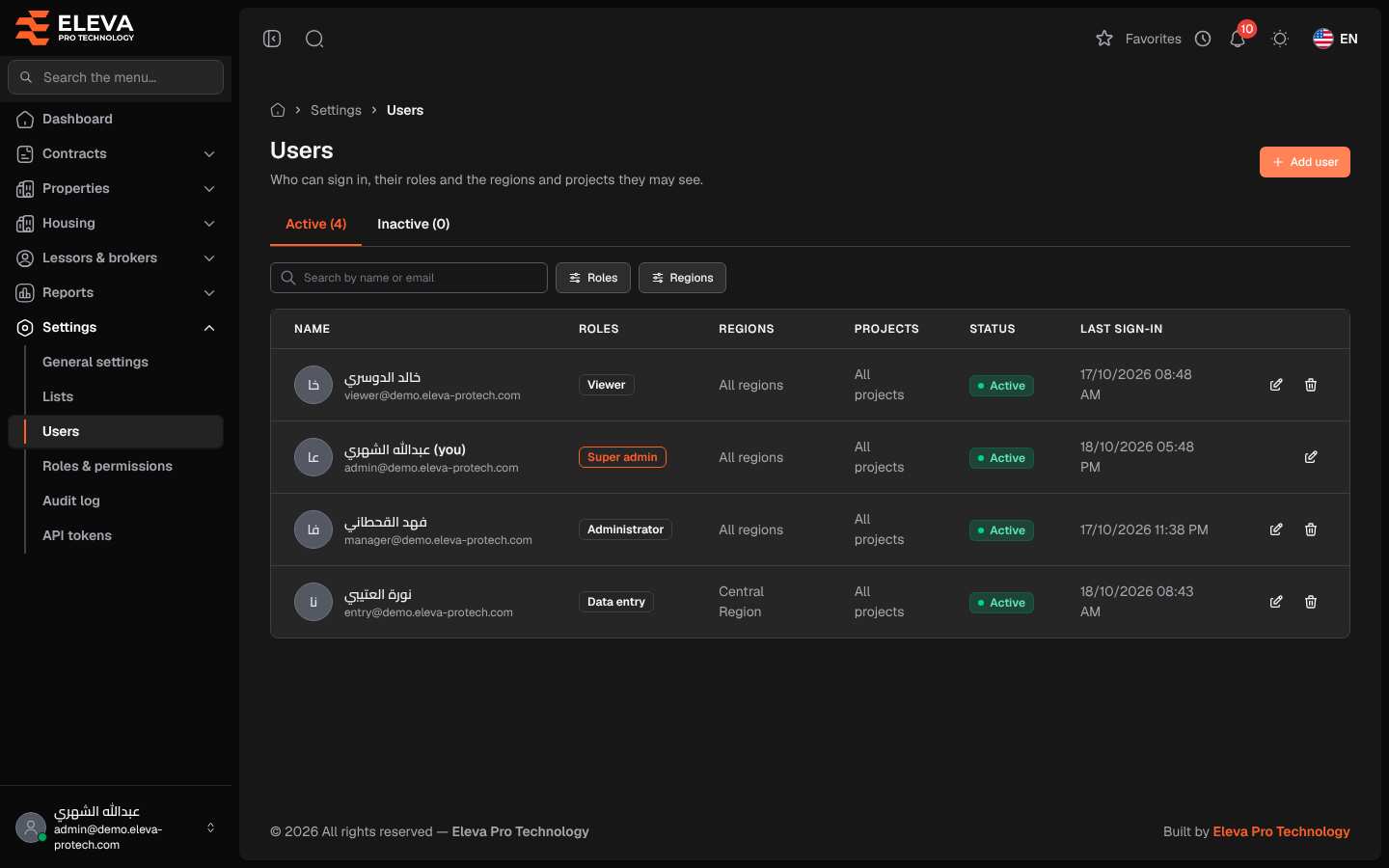
The Users screen lists who can sign in to the system, with their roles and the regions and projects they may see. Use it to add a user, change their access, deactivate them or delete them.
From the side menu, open Settings › Users.
What’s on this screen
Section titled “What’s on this screen”- Active (N) and Inactive (N): tabs with the number of users in each.
- Search by name or email
- Filters: Roles and Regions.
- Add user: opens the user form. See Add or edit a user.
Columns
Section titled “Columns”- Name: with the e-mail underneath; your own account is marked (you).
- Roles: Super admin, Administrator, Data entry, Viewer or the roles your organisation created.
- Regions and Projects: the user’s limits, or All regions / All projects.
- Status: Active or Inactive.
- Last sign-in: or Never.
- Actions: Edit and Delete.
How to deactivate a user
Section titled “How to deactivate a user”- Click the pencil icon on the user’s row.
- Switch Status to Inactive and click Save user.
An inactive user cannot sign in (Your account is inactive. Contact your administrator.) but stays in the list and in the history.
How to delete a user
Section titled “How to delete a user”- Click the bin icon on the user’s row.
- Confirm with Delete. Their entries in the audit log are kept.
Required permissions
Section titled “Required permissions”Users › View to open the screen; Users › Add, Edit and Delete for the buttons.